|
VOOZH | about |
|
VOOZH | about |
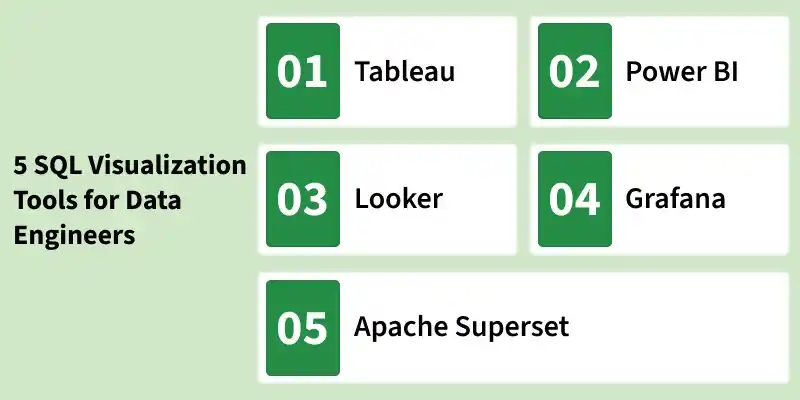
SQL Visualization Tools help data engineers convert raw database data into clear, actionable insights. By transforming SQL query results into charts, dashboards and reports, these tools make it easier to identify trends, patterns and performance issues.
Below are five widely used SQL visualization tools in the industry.
Tableau is widely used for interactive and shareable dashboards, suitable for complex data analysis. Its user-friendly, drag-and-drop interface makes it accessible to users of all skill levels, while its extensive range of visualization options caters to diverse analytical needs. Tableau supports a wide array of data sources, making it highly versatile for various business environments.
Use Cases:
Pros:
Cons:
Power BI helps to Integrates seamlessly with Microsoft products, enhancing real-time analytics and reporting.It offers robust data connectors, AI-powered insights and interactive dashboards, making it suitable for organizations of all sizes seeking a unified view of business metrics.
Use Cases:
Suitable for organizations of all sizes seeking a unified view of business metrics.
Pros:
Cons:
Looker helps to connects directly to databases for real-time data access, ideal for data-driven decisions. Looker is particularly suitable for detailed reporting and comprehensive analytics across various industries, promoting a data-driven culture within organizations.
Use Cases:
Pros:
Cons:
Grafana is primarily used for system monitoring and real-time visualization, perfect for IT operations. It offers real-time monitoring, alerting and support for multiple data sources, making it an excellent tool for tracking system and application performance metrics.
Use Cases: Ideal for continuous system and application monitoring.
Pros:
Cons:
Apache Superset is an open-source business intelligence platform built for modern data exploration and interactive visualization. It enables data engineers and analysts to query databases directly and create dynamic dashboards with minimal setup.
Use Cases:
Pros:
Cons:
| Feature | Tableau | Power BI | Looker | Grafana | Apache Superset |
|---|---|---|---|---|---|
| Ease of Use | High | Medium | Medium | High | Medium |
| Integration | Extensive | Extensive | Good | Good | Good |
| Customization | High | High | High | Medium | High |
| Cost | High | Medium | High | Free/Paid | Free (Open-source) |
| Support | Extensive | Extensive | Extensive | Good | Community-based |
| Real-time Analytics | Yes | Yes | Yes | Yes | Yes |
| Community Support | Strong | Strong | Strong | Moderate | Strong (Open-source) |
| Learning Curve | Low | Medium | High | Low | Medium |
| Data Modeling | Advanced | Basic | Advanced | Basic | Moderate |
| Ideal Use Case | Business Intelligence | General Reporting | In-depth Analysis | Real-time Monitoring | Open-source BI & SQL-based dashboards |