How to Fix the Xbox App Not Opening Issue on Windows 11
Last Updated : 18 Mar, 2026
The Xbox app on Windows 11 acts as a central hub for gaming, social features, and access to Xbox Game Pass titles. However, many users encounter issues where the app crashes, fails to launch, or does not load properly. These problems can interrupt gaming sessions and restrict access to games and services.
Steps to Fix the Xbox App Not Opening Issue on Windows 11
If the Xbox app crashes at launch or refuses to open, it is often caused by outdated Windows files, disabled services, corrupted app data, or driver incompatibility. Follow the steps below in order to resolve the issue permanently.
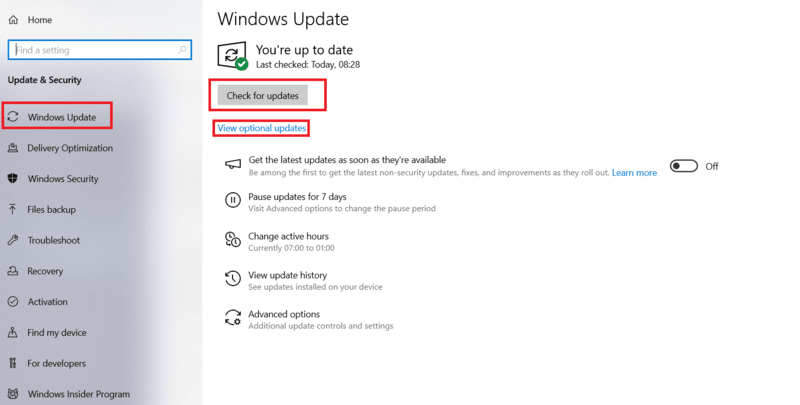
Step 1: Check for Windows Updates in the system
Outdated Windows versions can cause compatibility issues with built-in apps like Xbox.
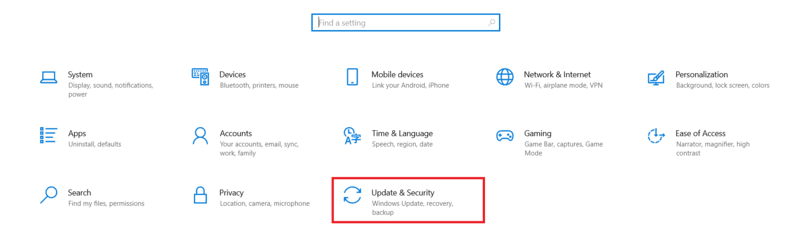
Press Windows + I to open Settings > Go to Windows Update option