|
VOOZH | about |
|
VOOZH | about |
Tool Search: Feeder
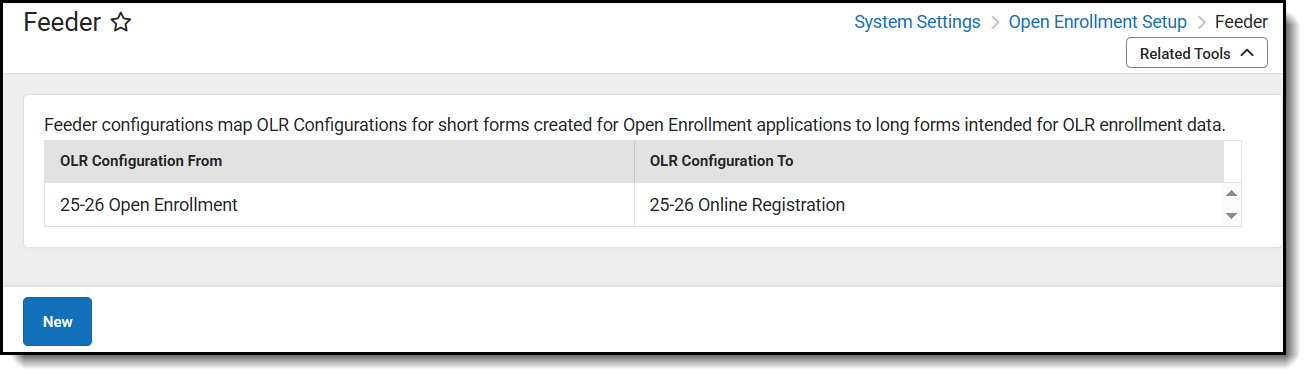
Feeder configurations map short form OLR Configurations (meant to collect basic information and Open Enrollment information) to long form OLR Configurations (meant to collect typical OLR data). This allows districts to have new parents apply for open enrollment and then, once approved by the district, complete OLR without having to re-enter data they have already filled out.
This tool is intended to work with new students only.
👁 Screenshot of open enrollment feeder
This tool will map shortened Open Enrollment Applications submitted via OLR to regular OLR Applications once approved. Only new households will be included in the feeder process. Not all data will be transferred; the data transfer will be similar to the OLR Portal data pulls.