|
VOOZH | about |
|
VOOZH | about |
Choosing the right colors in data visualization is essential for making charts clear, engaging and easy to understand. Good color choices highlight key insights, group related data and guide the viewer’s attention. Whether it's a simple bar chart or a complex heatmap, using right color palette can greatly improve readability and impact. It's not just about aesthetics, it's about communication.
A color palette is a set of colors chosen to create a consistent and appealing look in design, art or branding. It includes:
Colors have different features that affect how they look and work together. Knowing these features helps create better color palettes and designs. Let's understand it better.
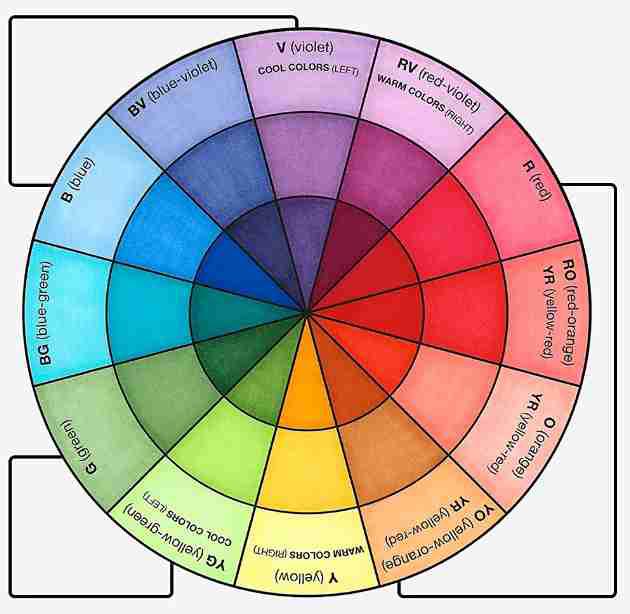
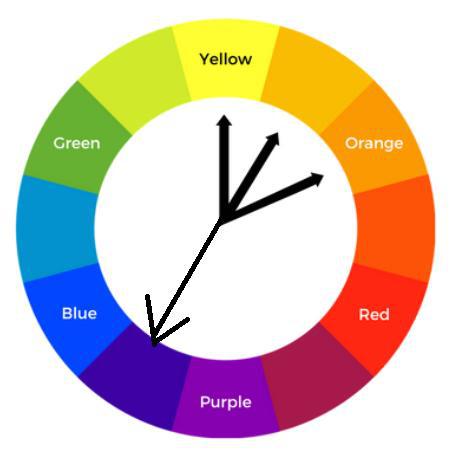
Hue is a property of color based on its position on the color wheel. There's no color hierarchy just different characteristics. For example, using red and orange hues can create a warm, energetic feel, while blue hues bring a cool, calm vibe. Choosing the right hues adds visual interest and helps set the mood in design and data visualization.
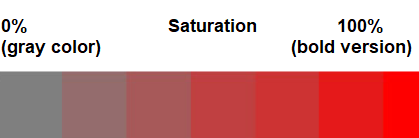
Saturation defines the intensity or purity of a color. On color wheel, it lies along radius. A saturation of 0% makes color look gray and dull, while 100% gives a bold, vibrant look. High saturation is often used to add energy and highlight key data.
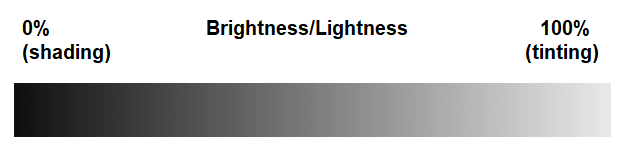
Brightness refers to how much light a color reflects. Adding white increases brightness (tinting), while adding black decreases it (shading). On color wheel, brightness ranges from 0% (dark) to 100% (light). It's useful for making visuals clearer, especially for younger or visually-aware users.
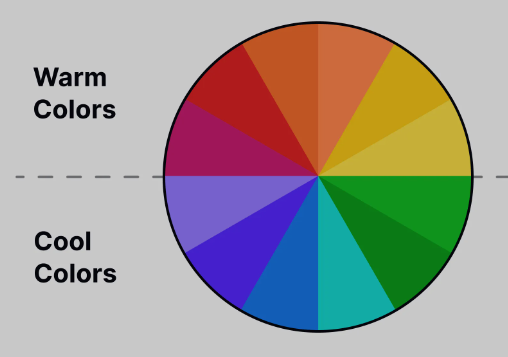
Colors are often linked to temperature based on how they make us feel. They're usually grouped as:
Warm Colors:
Cool Colors:
How to select color temperature for better visualization?
When both warm and cool colors are used, warm color naturally draws more attention. If colors are close on color wheel, it's better to use either all warm or all cool tones. If the colors are far apart, using a mix of warm and cool tones creates stronger contrast and improves visual clarity.
There are three different types of color palette and it all depends upon the role of colors.
Some of the popular color palettes which are widely used by analysts for their visualization are:
1. Virdis: It is a range of color which consists of deep blue to vibrant yellow for continuous data.
2. Spectral: It comes under diverging color palette where we can easily flow from one color to another over the range of mid tone shades.
After building a palette, a key color is chosen to highlight important data and grab attention. This color could be a brand color or one used in past presentations.
Colors have three properties: hue, saturation and brightness. To create variations in palette:
This keeps the palette clear and focused.
When comparing two items, use the key color for the more important one and gray for the lesser. If both are distinct but equal, use two different colors based on color harmony, which includes three main types.
1.1. Analogous Harmony
It is generally used for comparing two series without an evaluation of value. This process consists of selecting our key color and then searching for its one-step neighbor colors on the color wheel.
1.2 Complementary Harmony
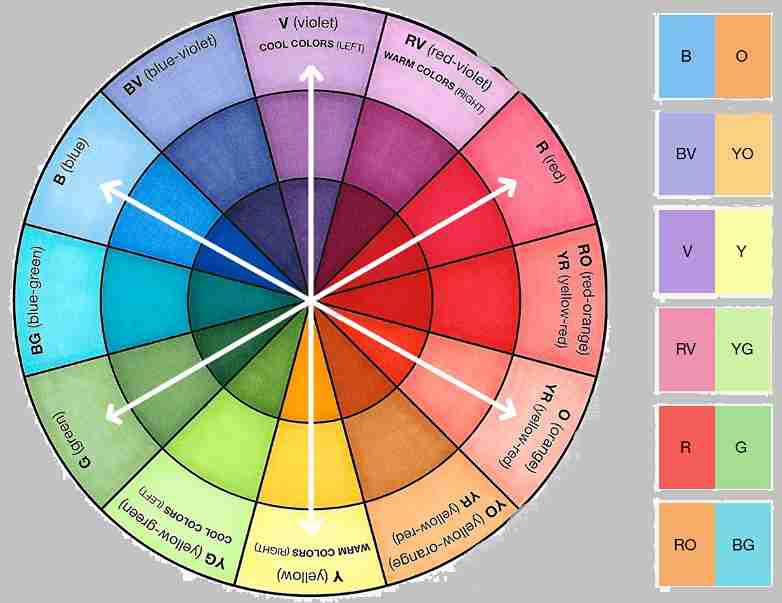
Complementary harmony uses colors that are opposite each other on the color wheel, creating strong contrast. The key color is shown as positive, and its opposite is used as a negative. Avoid using your brand color as negative, even if it's common.
1.3 Near Complementary
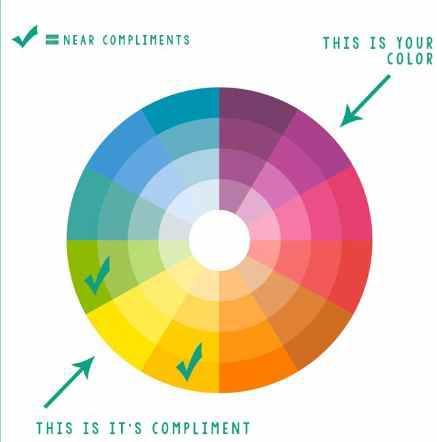
Near complementary is used to compare two items with one as the main focus. Instead of using exact opposites on the color wheel, it uses colors slightly off from the direct opposite (about 33% apart).
If the key color is warm, near complementary is usually cool. If not, reduce saturation or brightness of the second color for better balance.
As we have seen comparison of two objects goes smoothly but the comparison of three objects is a little tough. But we can do it with the help of two types of color harmony which support tricolor representation:
2.1 Analogous or Triadic
This method compares three items without judging their value. It picks a key color, then two others spaced evenly around color wheel. To keep balance, use one as the main color and the other two as supporting accents.
2.2 Split Complementary
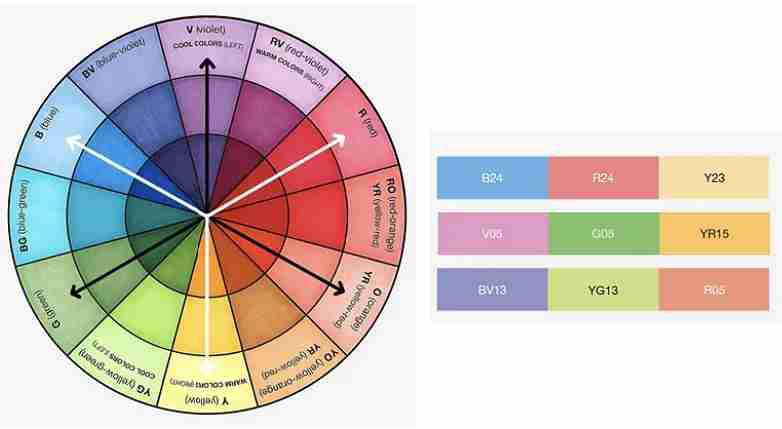
Split complementary uses a key color and two others placed near its opposite on the color wheel (one step away from the exact complement). It shows that two items are related but different from the one linked to the key color.
Using four different colors in a comparison is rare, as it can be hard for audience to follow. However, when needed, certain color harmony techniques can help keep the visuals clear and easy to understand, such as:
3.1. Analogous Complementary
This palette is used to compare one main item with three related components. It includes the key color, its direct complement and split complement colors for balance. The standout (pop-out) color is usually the average, while key color highlights most important item.
3.2. Double Complementary
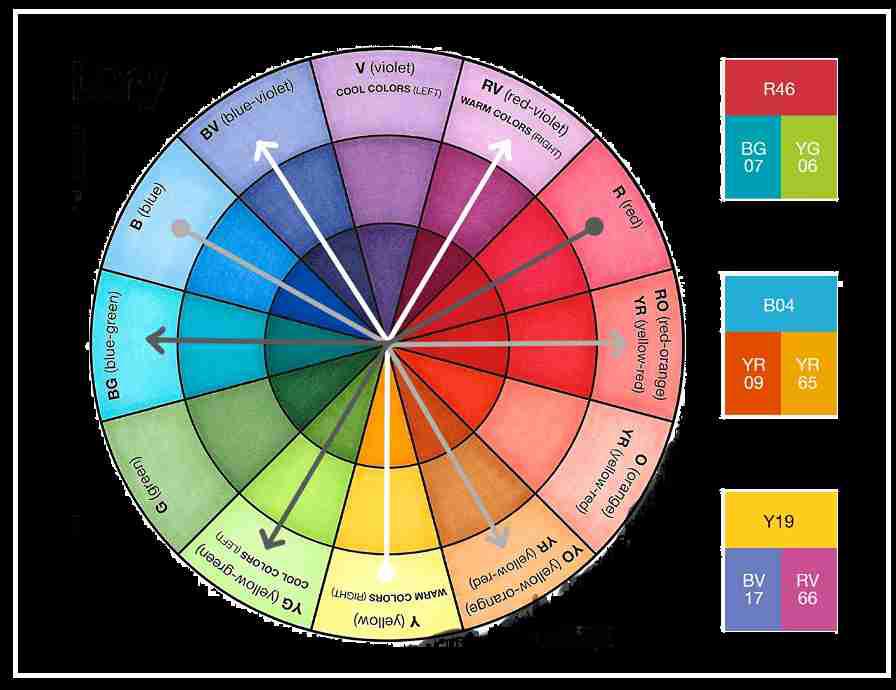
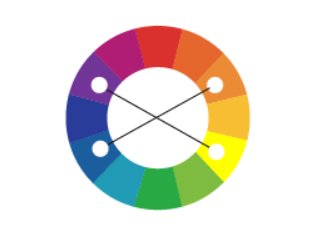
Double complementary is used to compare four items by grouping them into two related pairs. Start with a key color, add its two analogs and then include their direct complements. To keep balance, key group (analogs) should be either warm or cool and complements should be opposite.
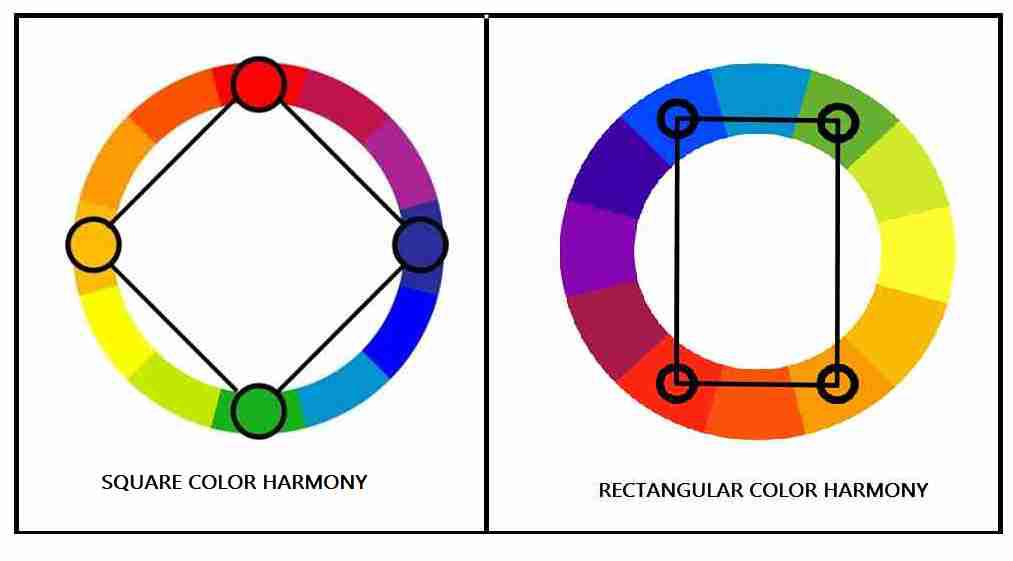
3.3 Square or Rectangular
This is used to compare four equally important items.
Square treats all colors equally, while rectangular forms two related pairs.
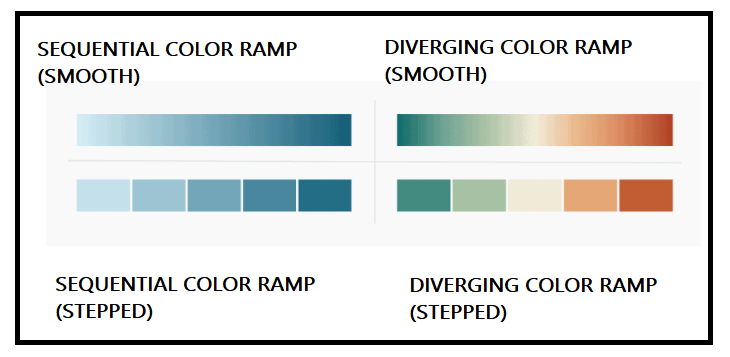
To show quantitative data clearly, colors should vary in saturation or lightness. Two common palette types are:
Related Articles: