|
VOOZH | about |
|
VOOZH | about |
Creating the histogram provides the visual representation of data distribution. By using a histogram we can represent a large amount of data and its frequency as one continuous plot.
For creating the Histogram in Matplotlib we use hist() function which belongs to pyplot module. For plotting two histograms together, we have to use hist() function separately with two datasets by giving some settings.
matplotlib.pyplot.hist(x, bins, edgecolor color, label)
Example 1:
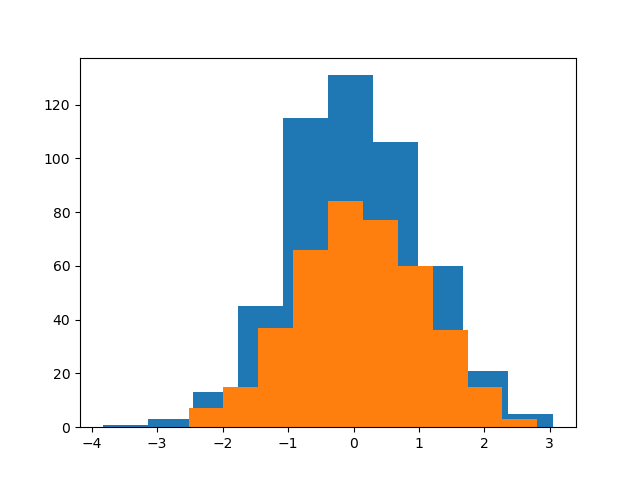
Here, we are simply taking two series using the Numpy random and passing both series to the hist()function, and we're using the same plot to plot two histograms together.
Output:
Example 2:
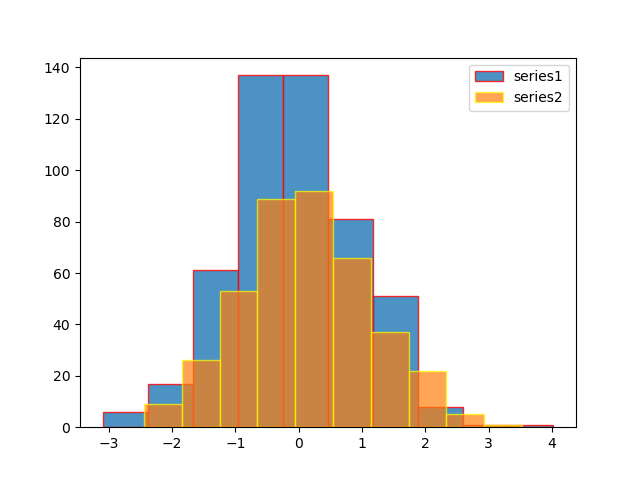
Here, we are using label, edgecolor, and opacity.
Output:
Example 3:
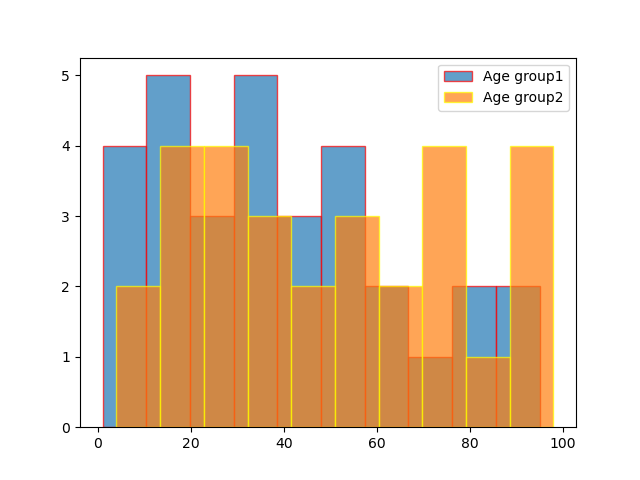
Histograms represent two age groups using given data.
Output:
Example 4:
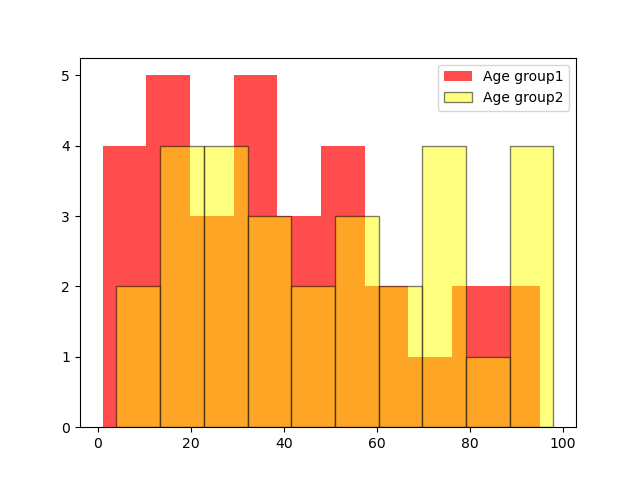
Changing bar color from the default
Output: