Python is a great language for doing data analysis, primarily because of the fantastic ecosystem of data-centric python packages.
Pandas is one of those packages and makes importing and analyzing data much easier.
dataframe.rename_axis() is used to
rename the axes of the index or columns in dataframe.
Syntax: DataFrame.rename_axis(mapper, axis=0, copy=True, inplace=False)
Parameters:
mapper : [scalar, list-like, optional] Value to set the axis name attribute.
axis : int or string, default 0
copy : [iboolean, default True] Also copy underlying data
inplace :boolean, default False
Returns: renamed : type of caller or None if inplace=True
For link to CSV file Used in Code, click
here
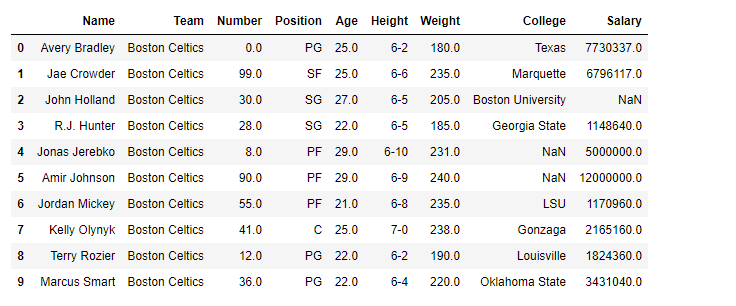
Example #1: Replace team "Boston Celtics" with "Omega Warrior" in the nba.csv file
Output:
👁 Image
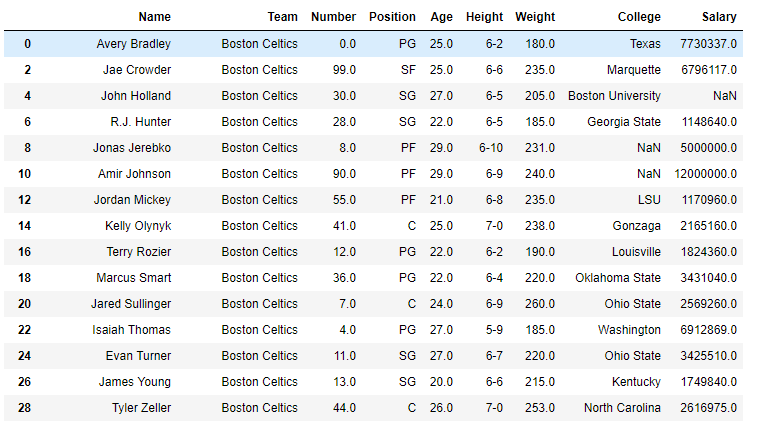
We are going to change the row indexes and increase the value by twice.
Output:
👁 Image
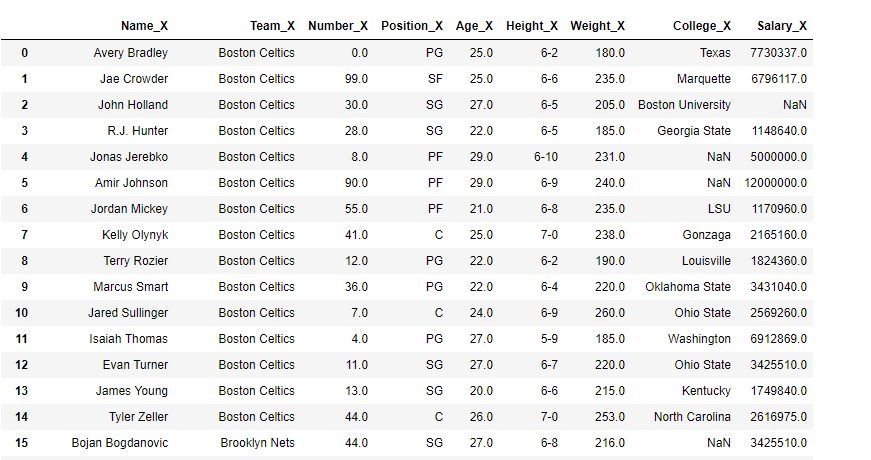
Example #2: Changing the column name
Output:
👁 Image