|
VOOZH | about |
|
VOOZH | about |
Publishing posts on WordPress is a fundamental skill for anyone looking to share content on their blog or website. Whether you are new to WordPress or need a refresher, this guide will walk you through the steps to publish posts easily and effectively.
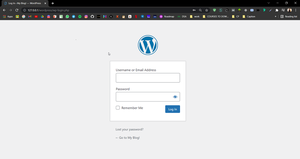
Go to the WordPress login page and enter the username and password to log in to the WordPress Dashboard.
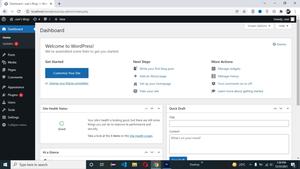
👁 ImageAfter successfully login into your WordPress, your screen looks like this.
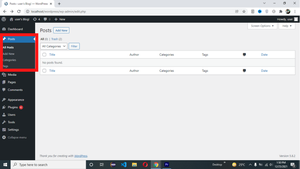
👁 ImageNow you need to click on the Post tab -> Add New.
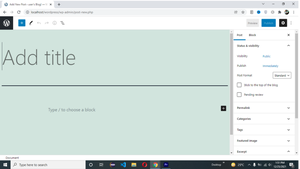
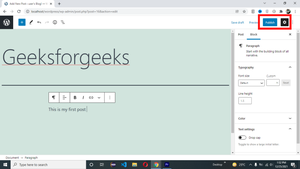
👁 ImageOnce you are satisfied with your post, it's time to publish:
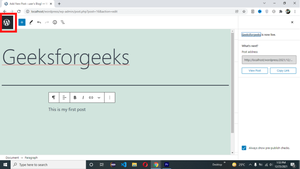
After publishing your wordpress post you need to click on the Wordpress icon to go back to the Wordpress dashboard.
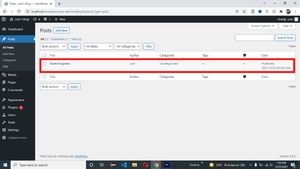
👁 ImageNow you can see your published post in wordpress Post tab.
👁 ImagePublishing posts on WordPress is a straightforward process that becomes even more effective with attention to SEO best practices. By following this article, you can create and publish posts that are not only engaging for your readers but also optimized for search engines.