|
VOOZH | about |
|
VOOZH | about |
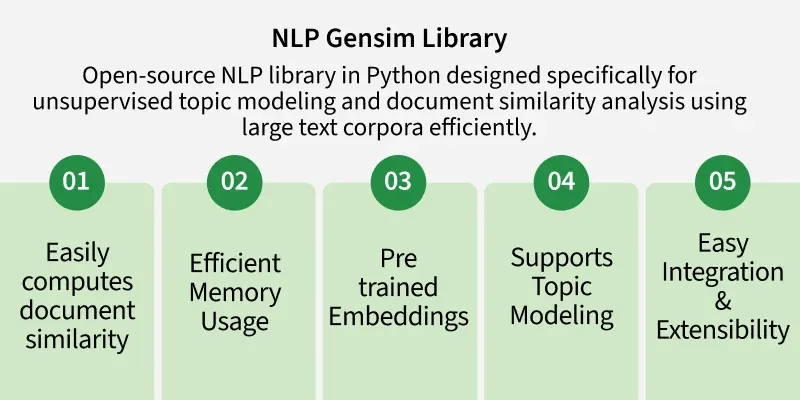
Gensim is an open-source Python library used for efficient text processing, topic modeling and vector-space modeling in NLP. It is designed for speed and memory efficiency, making it suitable for handling large text datasets.
Let us understand what some of the below mentioned terms mean before moving forward.
First Install the library using the following command
pip install gensim
Now, import the library and check the version to verify installation.
You need to follow these steps to create your corpus:
You can have a .txt file as your dataset or you can also load datasets using the Gensim Downloader API. Here, we have loaded a text file.
Gensim Downloader API: This is a module available in the Gensim library which is an API for downloading, getting information and loading datasets/models.
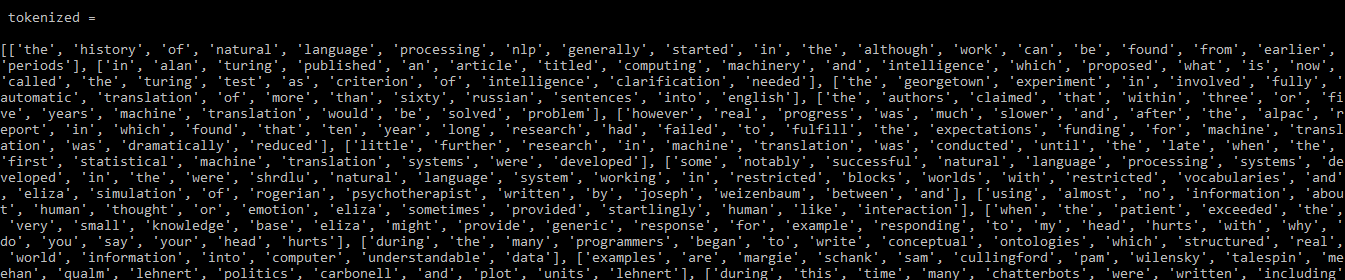
Text preprocessing is used to clean and prepare text data for NLP tasks. The simple_preprocess() function tokenizes and normalizes the text by converting it into lowercase tokens and removing unwanted characters.
Output
Now we have our preprocessed data which can be converted into a dictionary by using the corpora.Dictionary( ) function. This dictionary is a map for unique tokens.
Output
Saving Dictionary on Disk or as Text File: You can save/load your dictionary on the disk as well as a text file as mentioned below.
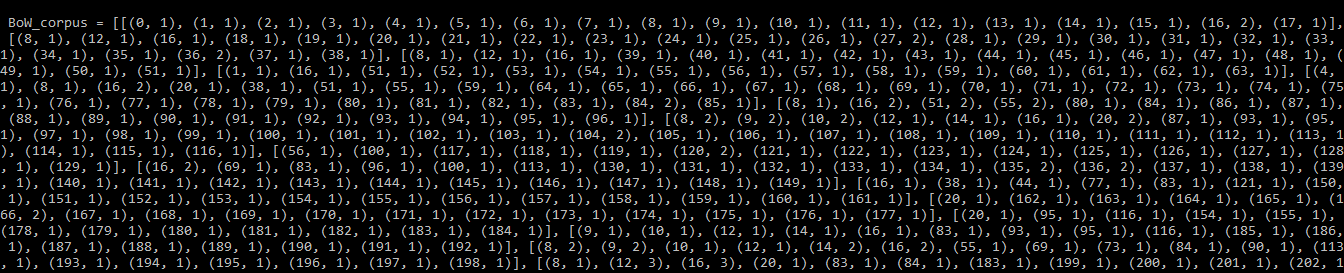
After creating the dictionary, the doc2bow() function is used to create a Bag of Words corpus. It converts words into IDs and counts how many times each word appears in a document.
Output
Saving Corpus on Disk: Now, save/load the corpus
TF-IDF stands for Term Frequency – Inverse Document Frequency. It is used to identify important words in documents by reducing the importance of commonly occurring words across the corpus.
You can build a TFIDF model using Gensim and the corpus you developed previously as:
Output
Output
Some words frequently appear together and form a different meaning compared to their individual words. Gensim can identify these word combinations using bigrams and trigrams.
We will be building bigrams and trigrams using the text8 dataset here which can be downloaded using the Gensim downloader API.
Here, we are building a bigram using Phraser Model.
To create a Trigram we simply pass the above obtained bigram model to the same function.
Output
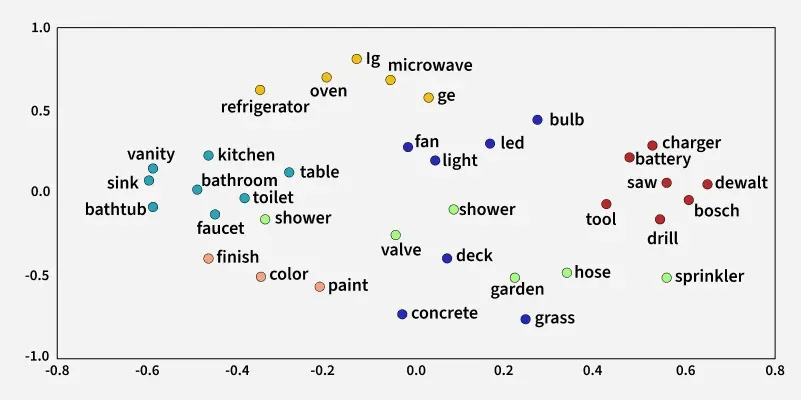
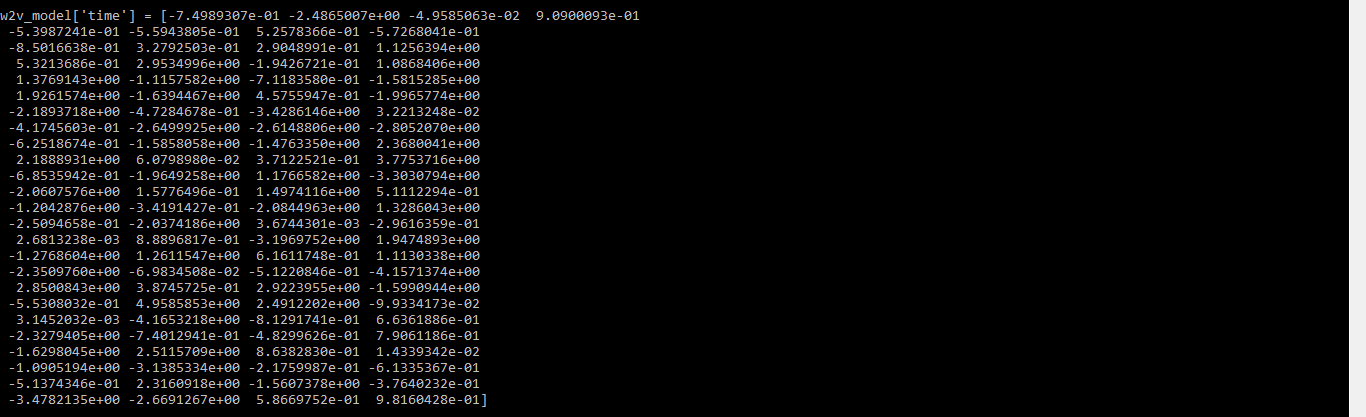
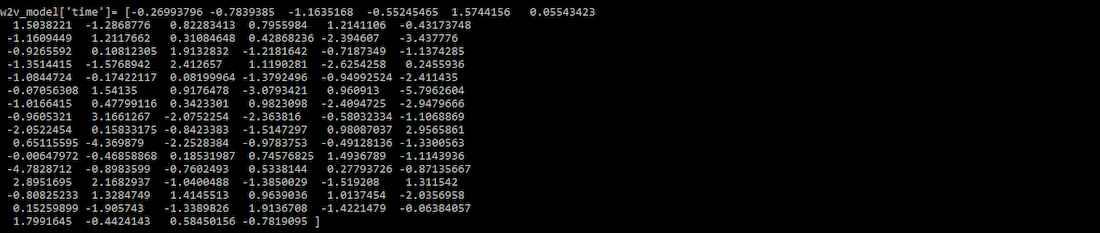
Machine learning models cannot process text directly, so words must be converted into numerical representations called word embeddings. Unlike CountVectorizer and TF-IDF, Word2Vec preserves relationships between words by mapping them into a vector space.
Output
You can also use the most_similar( ) function to find similar words to a given word.
Output
Output
Doc2Vec extends Word2Vec by generating vector representations for entire documents instead of individual words. It helps identify relationships and similarities between documents based on their content.
Load the dataset, Define a function to list the tagged documents, and train the dataset.
Output
Initialize the model, build the vocabulary, Train the Doc2Vec model and Analyze the output.
Output
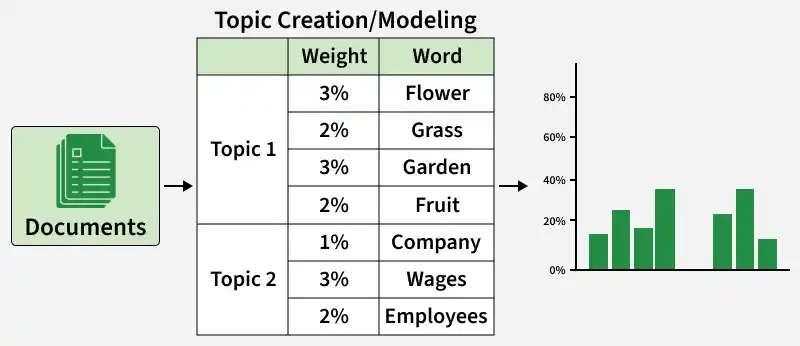
Topic modeling groups related words into meaningful topics based on their occurrence patterns in documents.
| Topic 1 | Topic 2 | Topic 3 |
|---|---|---|
| glass | bat | car |
| cup | racquet | drive |
| water | score | keys |
| liquid | game | steering |
Some of the Topic Modelling Techniques are:
Latent Dirichlet Allocation (LDA) is a topic modeling technique that treats each document as a mixture of multiple topics. The quality of generated topics depends on text preprocessing, selecting the optimal number of topics and tuning model parameters.
8.2.1 Prepare the Data
Data preparation includes removing stopwords and performing lemmatization before training the LDA model.
pip install pattern
Now, we will import nltk and key components.
Here, we have pre-processed the data by removing stopwords and lemmatization.
Output
8.2.2 Create Dictionary and Corpus
The processed data will now be used to create the dictionary and corpus.
8.2.3 Train LDA model
We will be training the LDA model with 5 topics using the dictionary and corpus created previously. Here the LdaModel( ) function is used but you can also use the LdaMulticore( ) function as it allows parallel processing.
Output
8.2.4 Interpret the Output
The LDA model majorly gives us information regarding 3 things:
To create the model with LSI just follow the steps same as with LDA. The only difference will be while training the model. Use the LsiModel( ) function instead of the LdaMulticore( ) or LdaModel( ). We trained the model using LSI and then printed the topics.
Similarity matrices are used in NLP to measure how closely related two text documents or vectors are. Cosine similarity compares vectors based on the angle between them, while soft cosine similarity also considers relationships between similar words using word embeddings.
Output
100%|██████████| 14/14 [00:11<00:00, 1.23it/s]Similarity between s1 and document 1: 1.0000
Similarity between s1 and document 2: 0.8372
Similarity between s1 and document 3: 0.7568
Some of the similarity and distance metrics which can be calculated for this word embedding model are mentioned below:
Gensim provides the summarize() function for automatic text summarization using the TextRank algorithm. It extracts the most important sentences from a document to generate a shorter summary.
Output
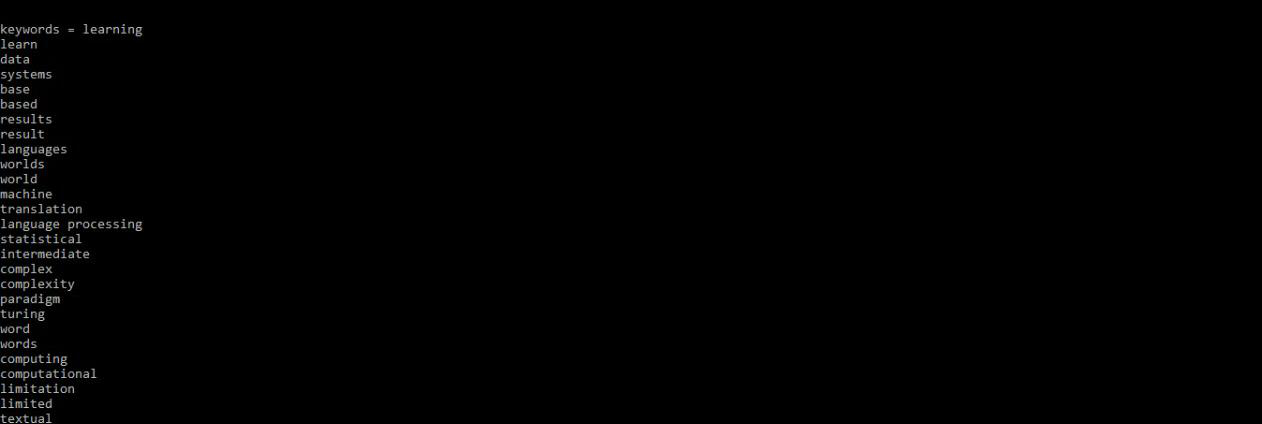
You can get the Important keywords from the paragraph.
Output
Gensim library comes most handy while working on language processing.