|
VOOZH | about |
|
VOOZH | about |
If a DataFrame has rows that don’t meet certain conditions, you can remove them while keeping all other rows unchanged. For example, suppose a DataFrame has player ages [22, 27, 19, 30] and you want to keep only rows where age ≥ 25, resulting DataFrame will have ages [27, 30].
Boolean indexing allows dropping rows by creating a boolean mask that identifies rows to keep. Rows not satisfying the condition are automatically dropped.
In this article, we have used nba.csv dataset to download CSV used click here.
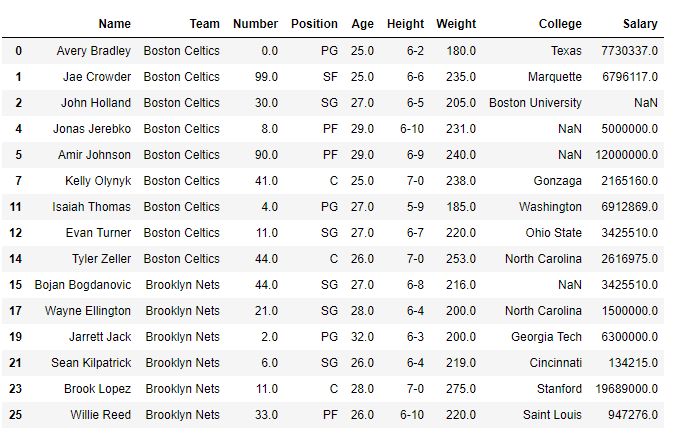
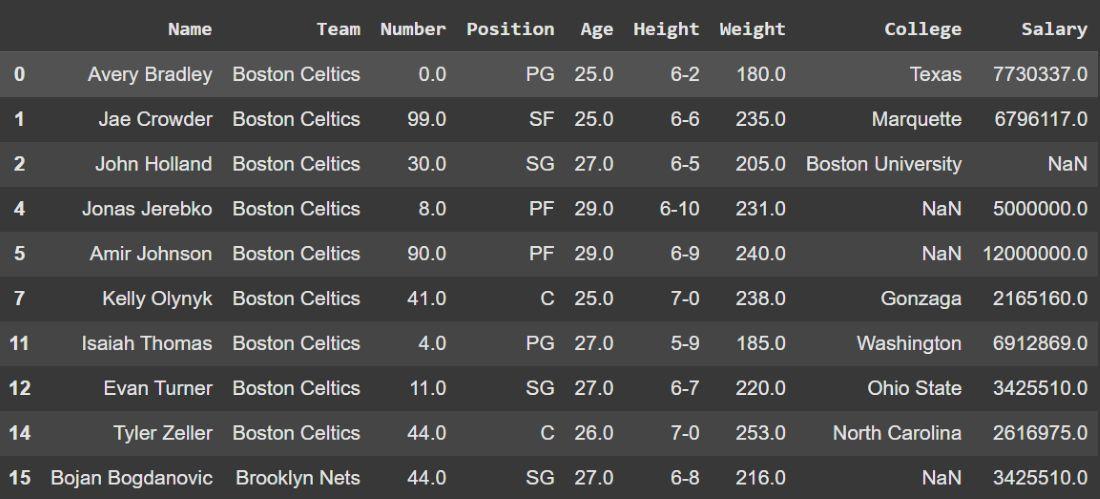
Example: This code drops all NBA players whose Age is greater than and equal to 25.
Output
👁 ImageExplanation:
The query() method lets you drop rows using a string-based expression. It supports logical operators and is ideal for complex conditions.
Example: In this example, we drop players whose Age is not between 25 and 30.
Output
Explanation:
loc[] can filter rows based on a condition, dropping all rows not meeting the criteria. It works similarly to boolean indexing but allows selecting specific columns at the same time if needed.
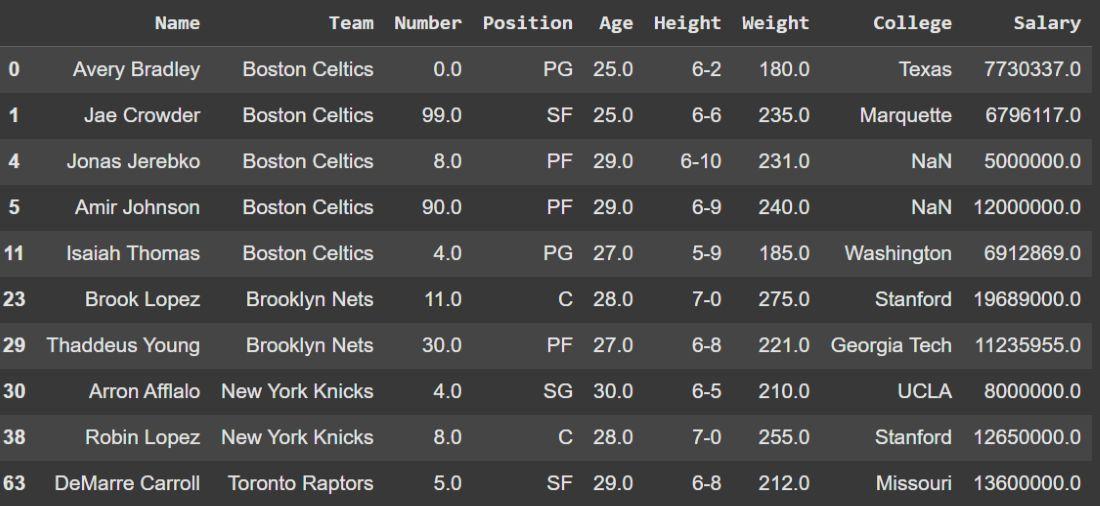
Example: Here we, drop players whose Salary is below 5,000,000.
Output
Explanation:
drop() can remove rows by index. First, identify the rows to drop using a condition, then delete them permanently.
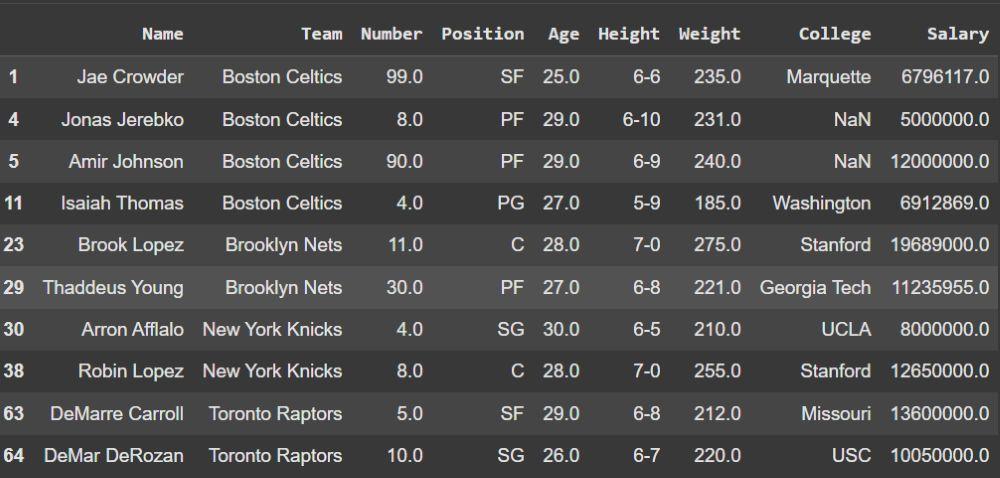
Example: This programs drop all players whose Weight is less than 185.
Output
Explanation:
For more, you can refer to: How to drop rows or columns based on their labels