|
VOOZH | about |
|
VOOZH | about |
Power BI Dashboard is a single-page view that displays key insights using interactive visualizations. It provides a high-level overview of important metrics and is designed for quick monitoring and decision-making.
To explore Dashboard Actions, we will first create a Super Store Sales Dashboard .
Dataset Used: Superstore Orders.
The report contains the following visuals:
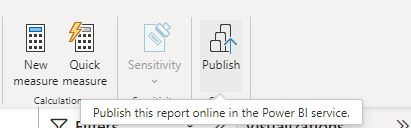
And then Publish the Report.
A dashboard can be created from a report, dataset, or an existing dashboard. In this example, we will create a dashboard by pinning report visuals.
Step 1: Open the Report
Open the report in Edit mode from the Power BI Service.
Step 2: Pin a Visual
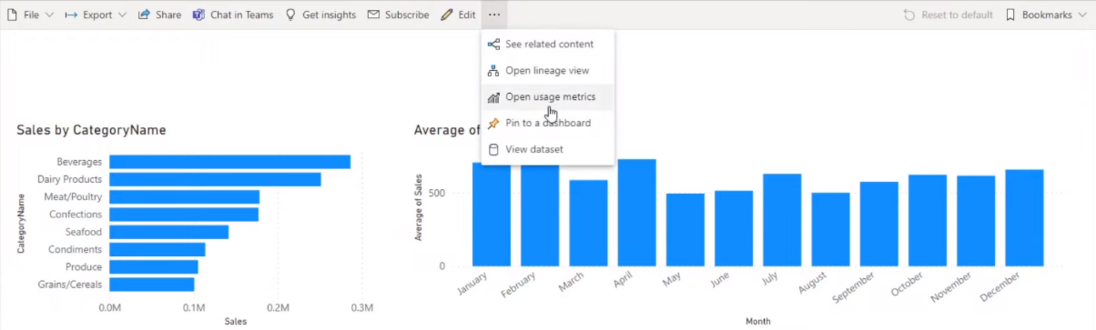
Hover over a visual and click the Pin icon to add it to a dashboard.
Step 3: Create a New Dashboard
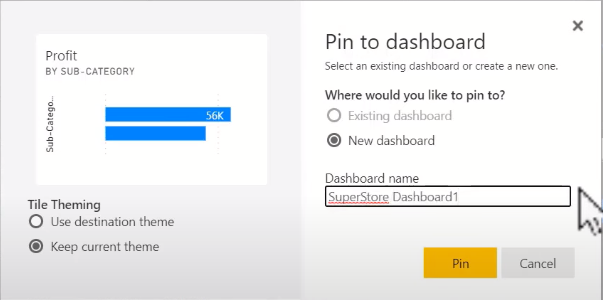
Select New Dashboard, enter a dashboard name, and click Pin.
Step 4: View the Dashboard
Power BI creates a new dashboard containing the pinned visual.
Step 5: Add More Visuals
Return to the report and pin additional visuals to the same dashboard by selecting Existing Dashboard.
Power BI provides several dashboard actions that help users monitor usage, share insights, manage settings, and maintain dashboards efficiently.
Usage Metrics provide insights into how users interact with a dashboard.
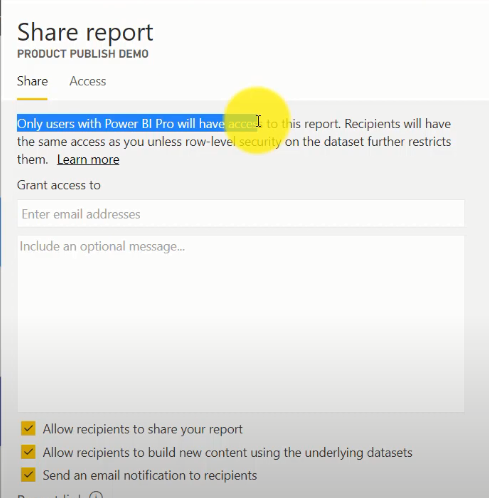
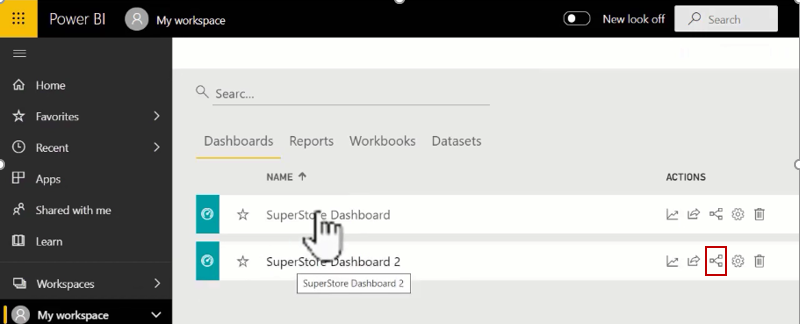
The Share feature allows dashboards to be distributed across an organization.
Step 1: Open the Share Option
Open the dashboard and click Share.
Step 2: Share with Users
Enter the required users and share the dashboard. Users typically need the appropriate Power BI license to access shared content.
You can use this feature to see the items that are connected to the dashboard that we utilized to develop it. Click on the below-shown icon and view the related items.
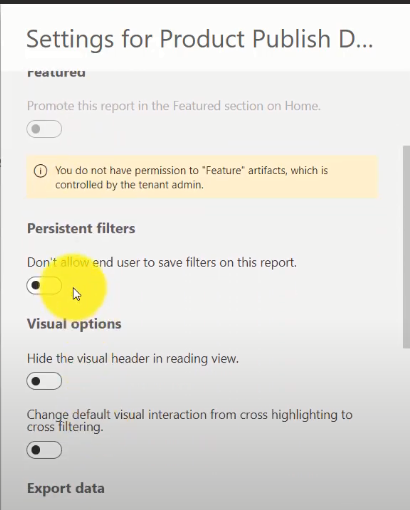
Dashboard Settings allow customization of dashboard behavior and appearance.
Step 1: Open Dashboard Settings
Click the Settings (Gear) icon.
Step 2: Configure Dashboard Options
You can customize:
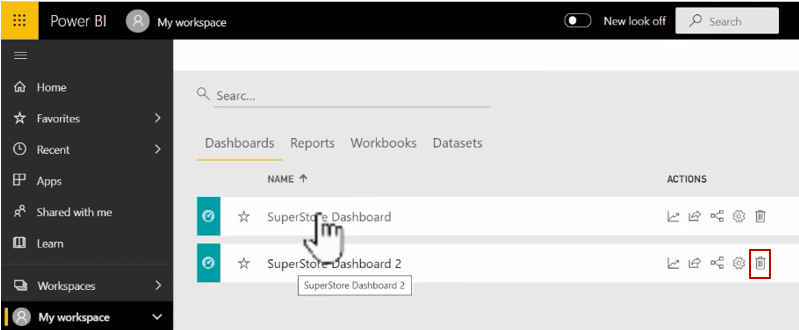
Step 1: Open Dashboard Options
Click More Options (...) on the dashboard.
Step 2: Delete the Dashboard
Select Delete Dashboard and confirm the action.


.png)


.png)