|
VOOZH | about |
|
VOOZH | about |
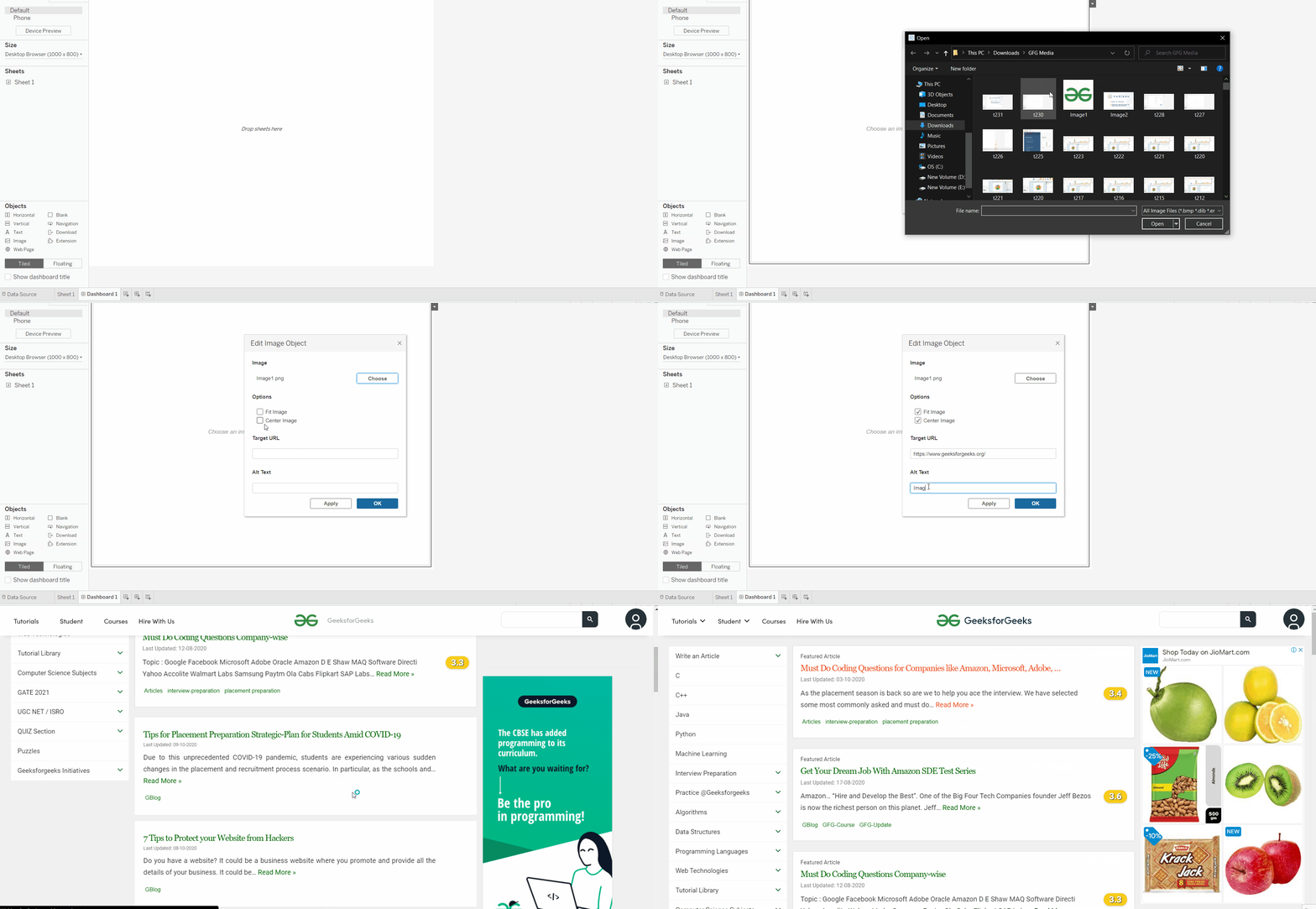
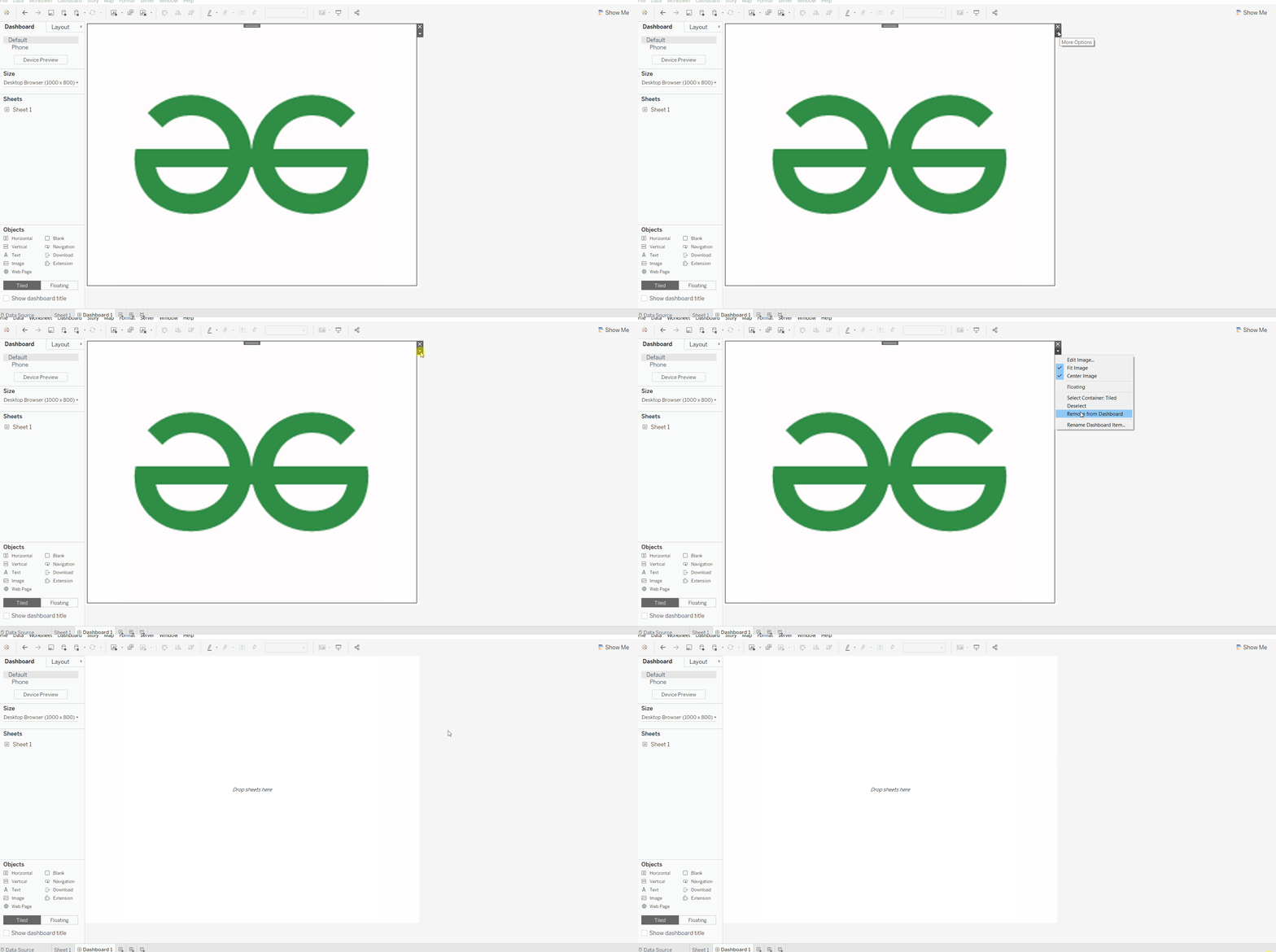
In Tableau dashboards, an Image Object is used to insert static images such as logos, icons or illustrations that help improve branding, design and user experience. It can also be linked to a URL making the image clickable and interactive. By using image objects, we can make dashboards more professional, informative and visually engaging.
Let's see the steps to add an image object:
Step 1: Open the Tableau and connect to a database.
Step 2: Select the New Dashboard option from the bottom menu or from the dashboard menu.
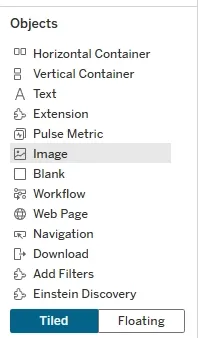
Step 3: On the left pane of dashboard page, locate Dashboard Objects.
Step 4: Select and Drag the Image Object into the Dashboard.
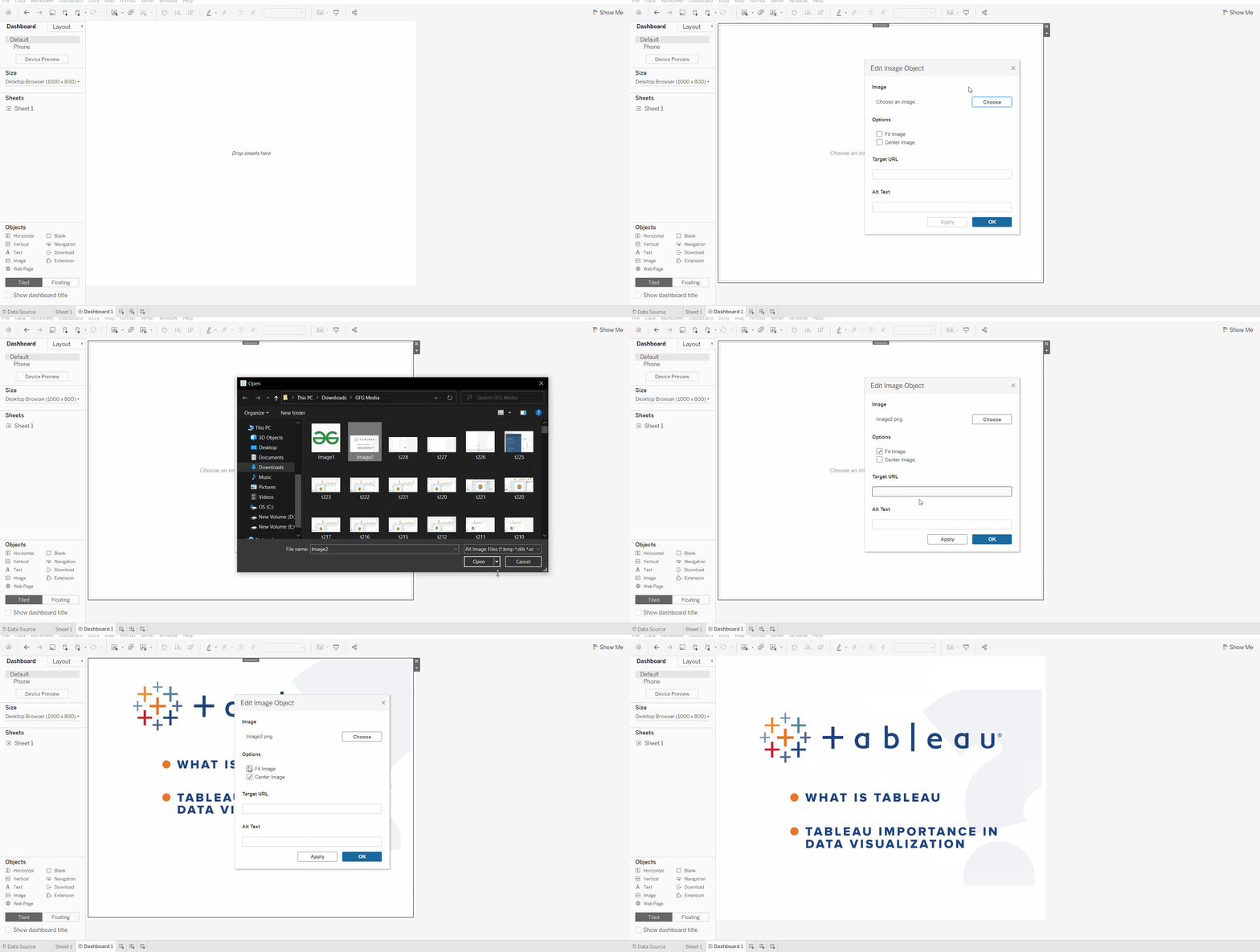
Step 5: Browse and upload the desired image from the system or from any URL and adjust placements according to need.
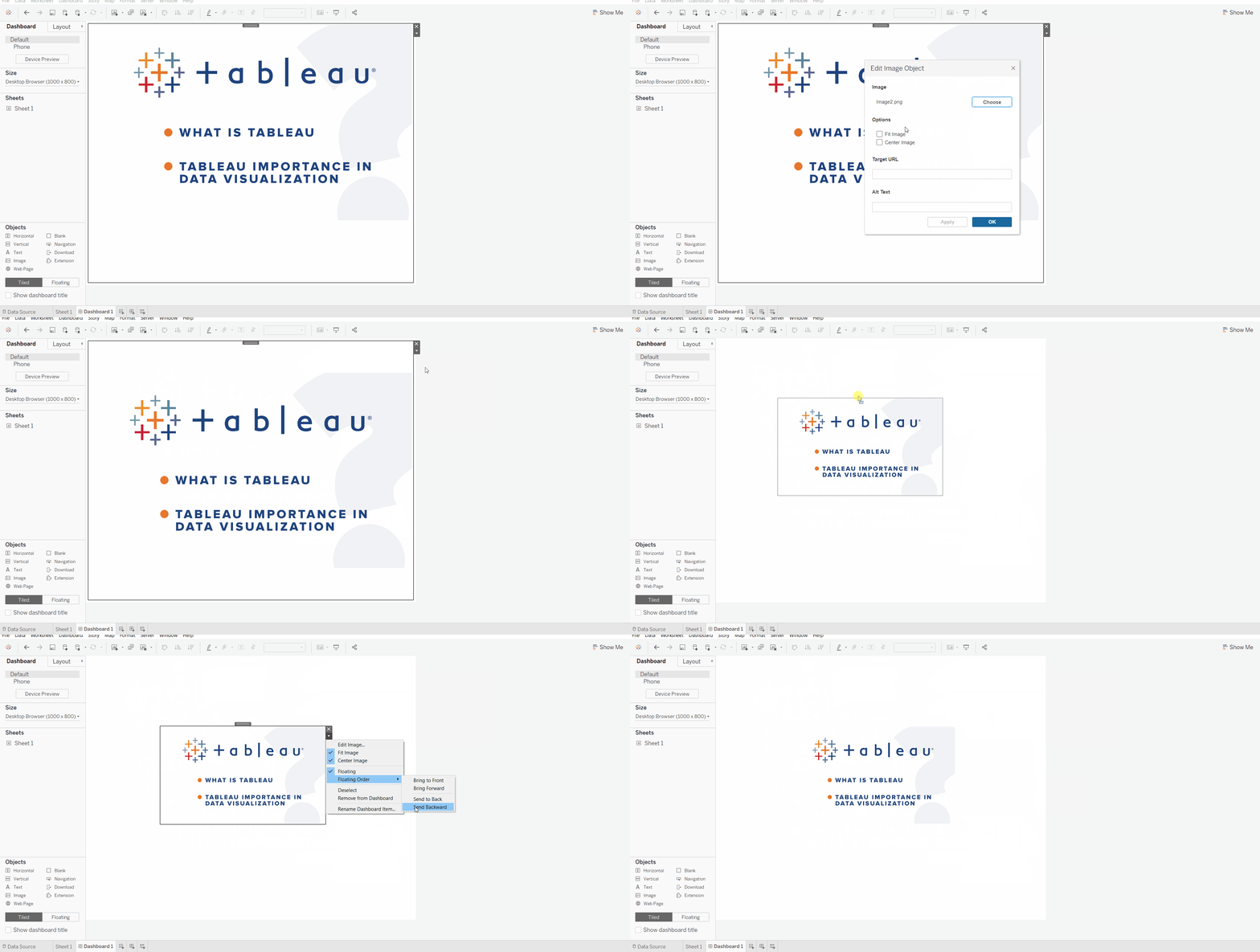
Let's see some examples to see the working of image object,
The Image Object provides several customization features: