|
VOOZH | about |
|
VOOZH | about |
In this article we will learn how to Objects on dashboard in tableau.
Steps to create objects on Dashboard:
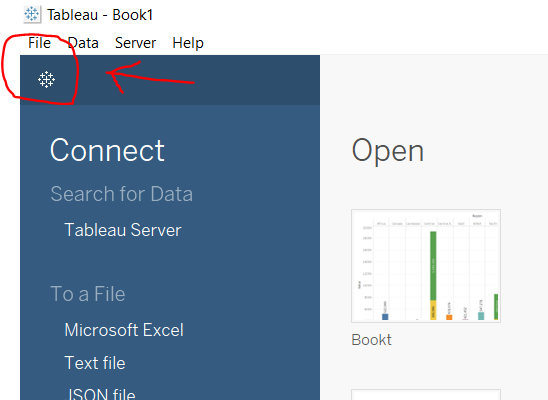
1. Open Tableau tool and click on Show start Page.
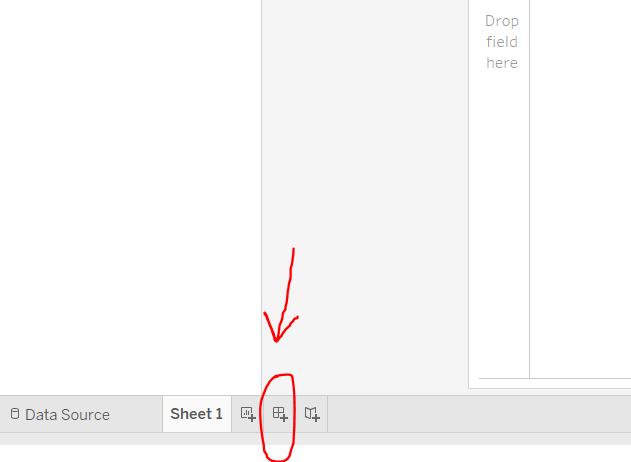
👁 Image2. Click on square+ sign to open a new dashboard.
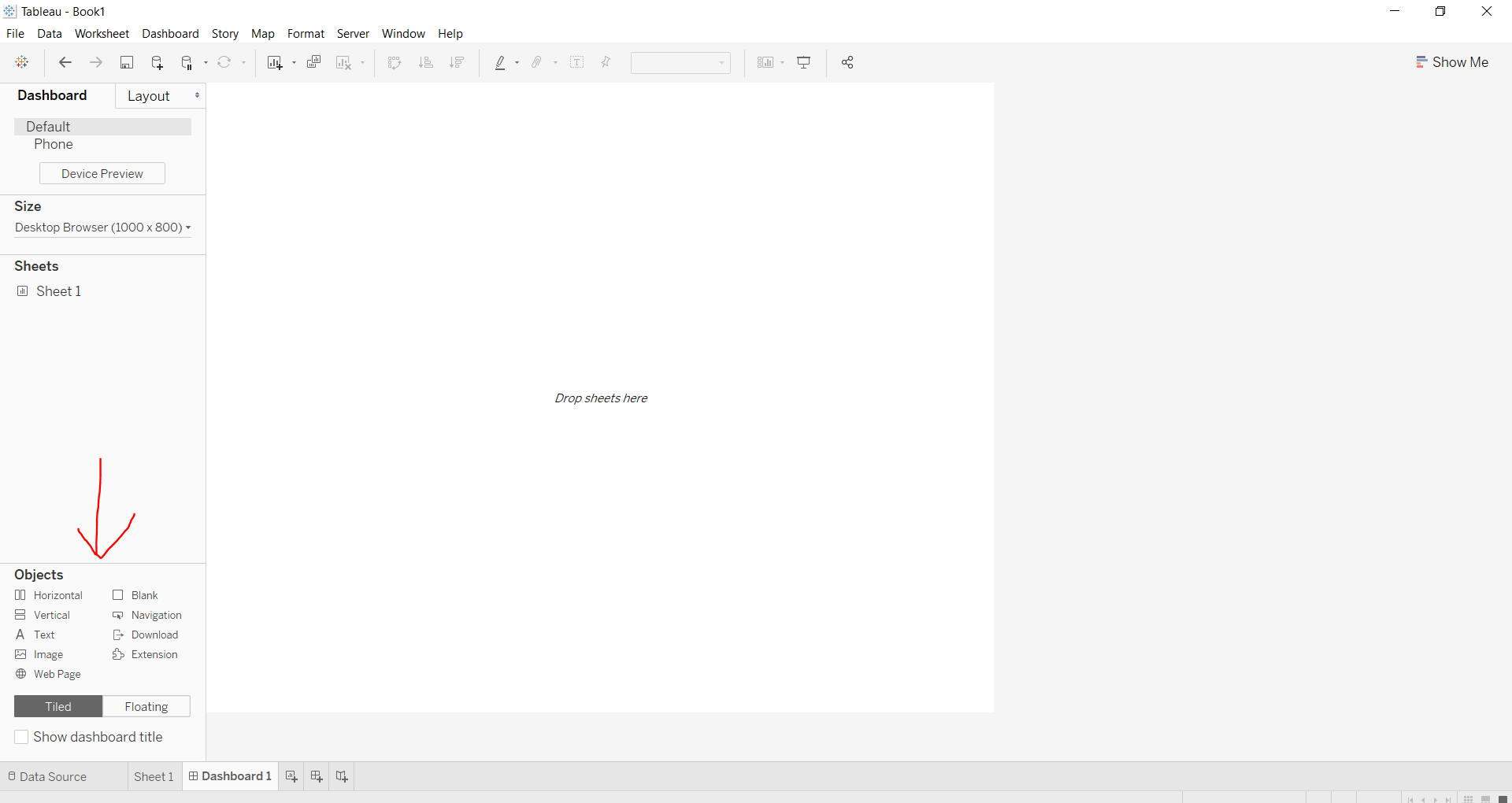
👁 Image3. You will find some dashboard objects as given :
👁 Image4. To use an object, click on the available objects.
Example 1:
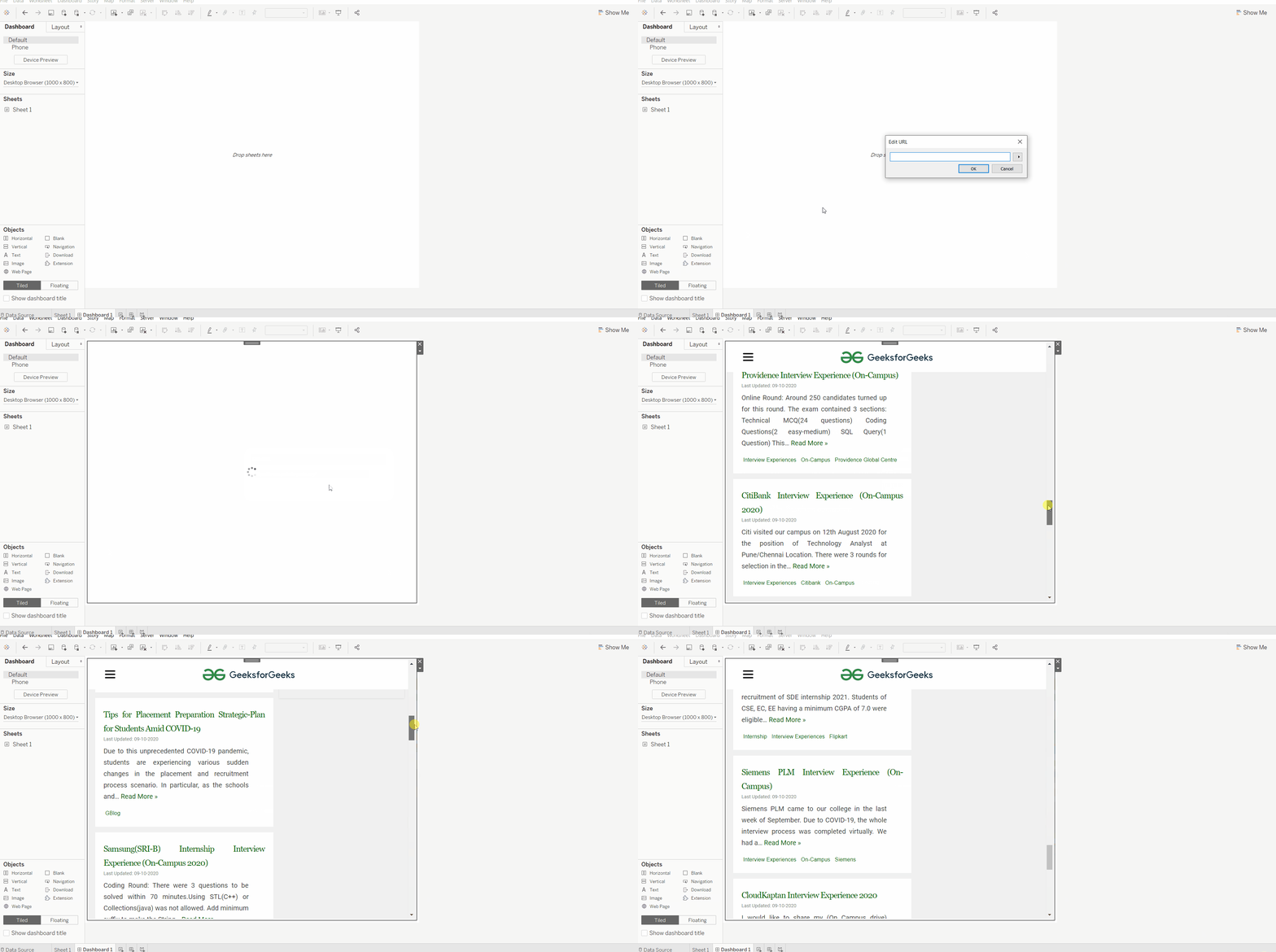
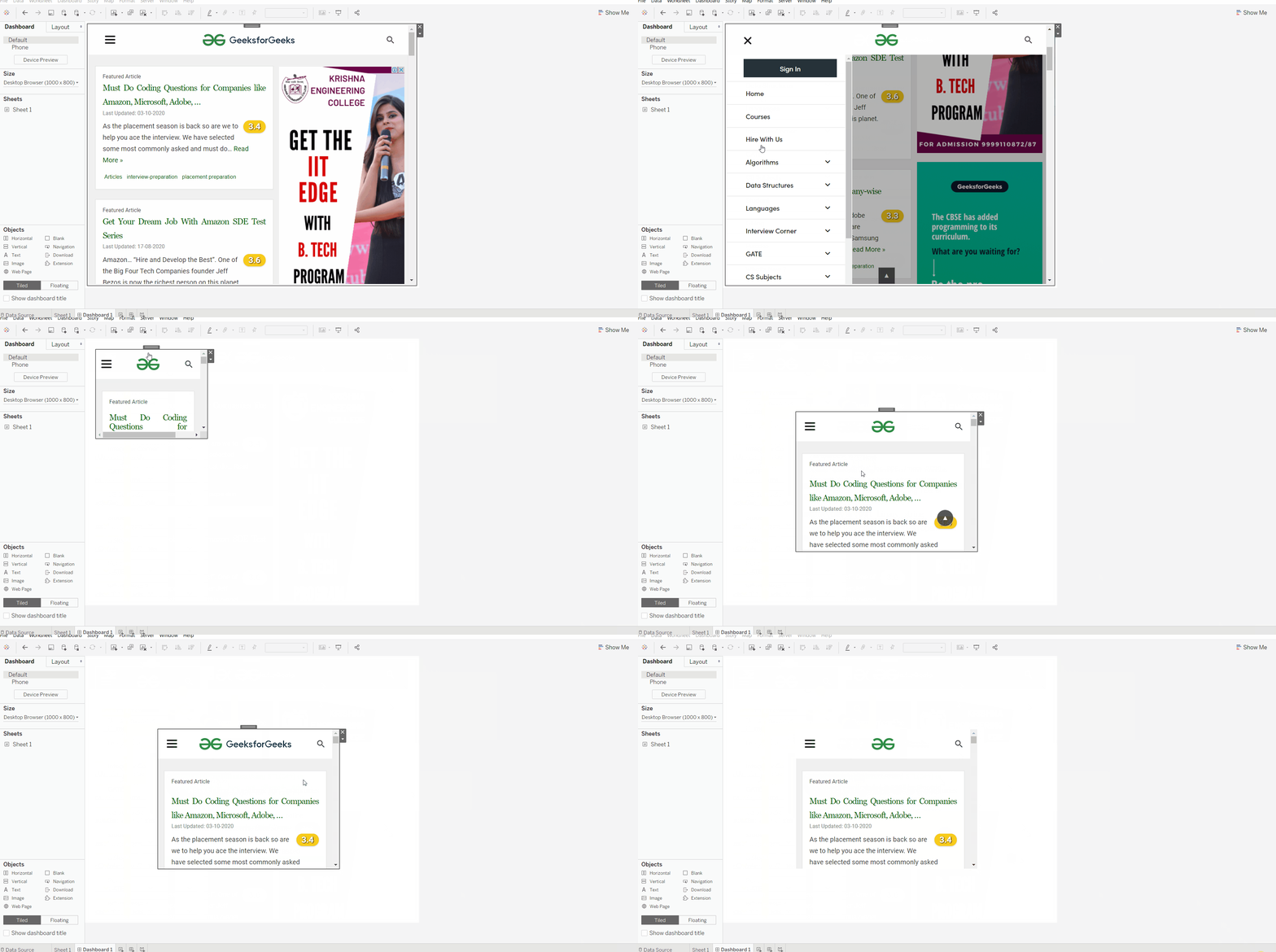
In this example we will show how to add a web page to dashboard.
👁 ImageExample 2:
In this example we will show how to use different features (edit url, and specially the floating nature) given for a web page object in a dashboard.
👁 ImageExample 3:
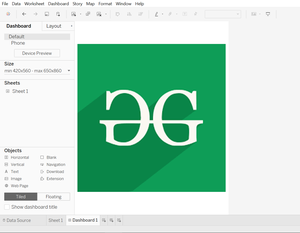
Similarly, here we can illustrate the use of image object in dashboard.
👁 ImageExample 4:
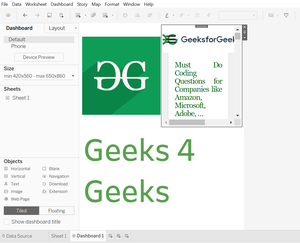
Below is an example which illustrates the use of multiple objects (here image, webpage and text) in a single dashboard.
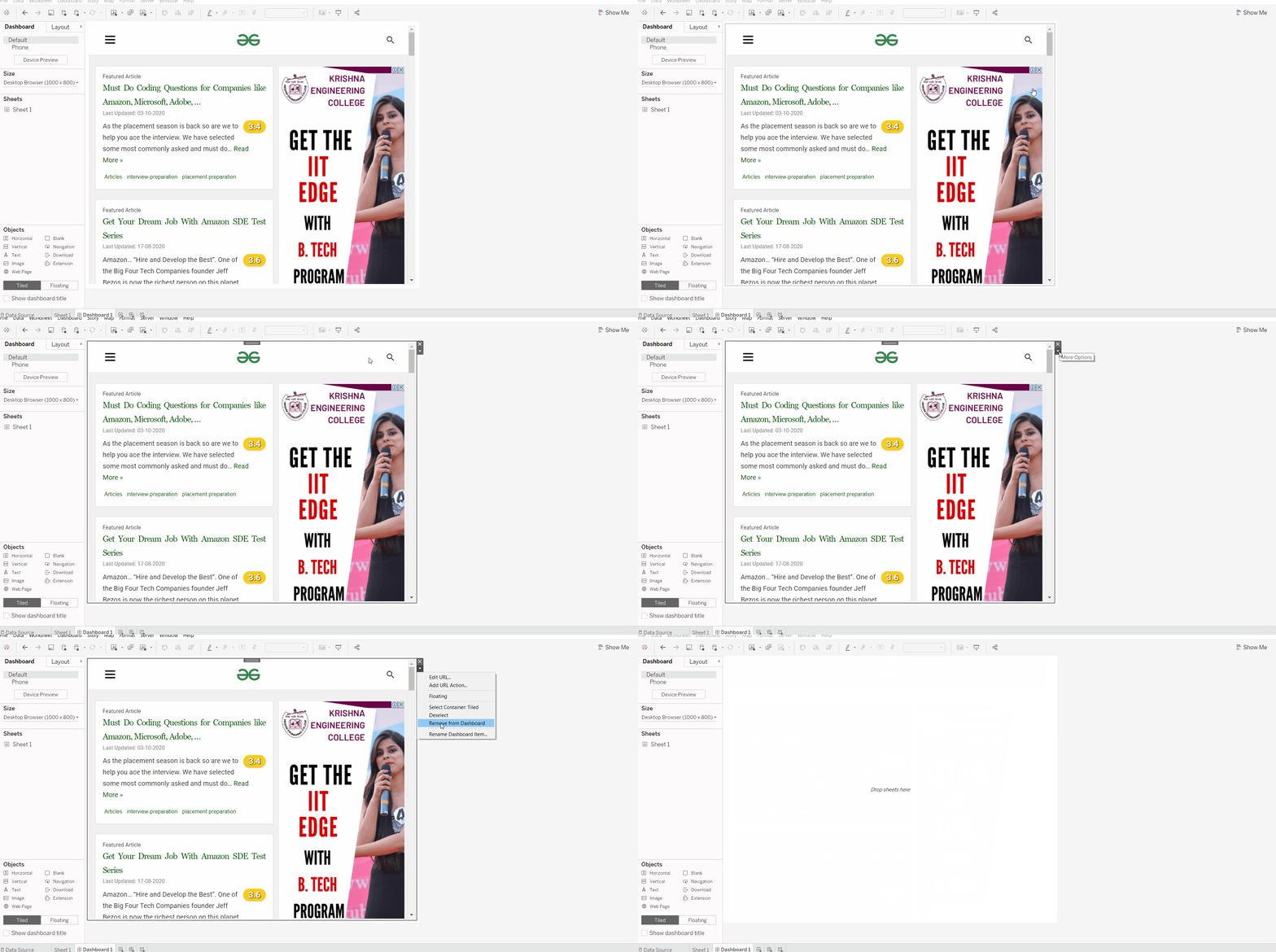
👁 ImageOne can remove the object by clicking on cross sign or click on remove from dashboard followed by clicking down arrow.
👁 Image