|
VOOZH | about |
|
VOOZH | about |
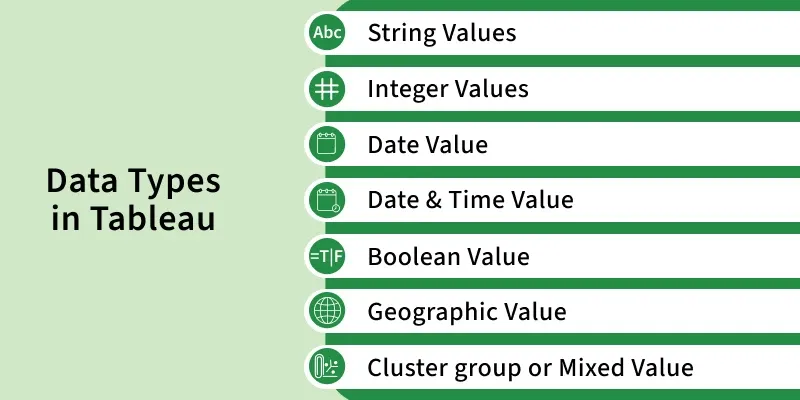
Tableau is an easy-to-use Business Intelligence tool widely used for data visualization. One of it’s important features is how it classifies data into specific types. Every value in a dataset belongs to a data type.
For example, characters ("Hello"), integers (108) or floating-point numbers (1.854). Tableau automatically detects the data type of each field when data is uploaded and assigns it accordingly.
A string is a collection of characters enclosed in single or double quotes. String data types can be divided into two categories:
The numeric type includes both integers and floating-point numbers. While people often prefer integers for calculations, the system also supports floating-point numbers. Tableau provides functions such as ROUND() to handle decimal precision and simplify floating-point values.
Tableau supports a wide range of date and time formats, such as:
Time values can represent decades, years, quarters, months, days, hours, minutes or seconds. When a date or time value is entered, Tableau automatically categorizes it as either Date or Date & Time depending on the format.
The Boolean type stores logical values:
Boolean fields are often the result of relational calculations. If the outcome of a calculation is unknown, Tableau assigns a NULL value.
Geographic data is used in map visualizations. Examples include:
When Tableau recognizes a field as geographic, it enables us to create maps automatically.
Sometimes datasets contain values with a mixture of data types. For example, a field may have both numeric and text values. In such cases, Tableau generally assigns the field a String (Text) data type.
In such situations, we can either: