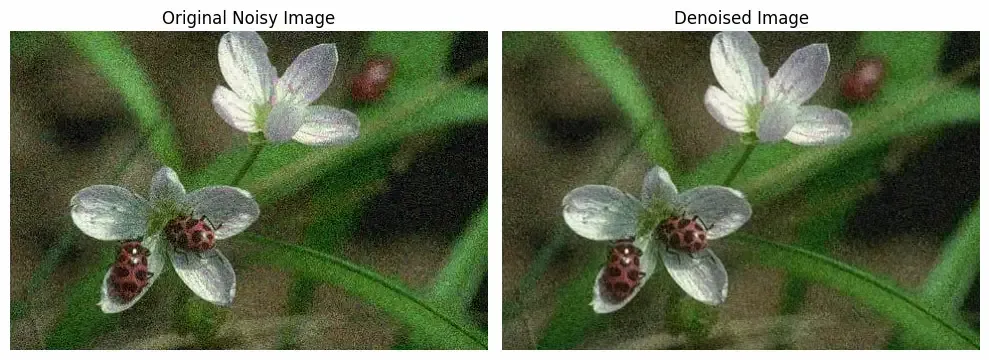
Image Denoising using Dictionary Learning in Scikit Learn
Last Updated : 1 Aug, 2025
Image denoising is the process of removing unwanted noise from images to improve their quality. Dictionary Learning is a sparse coding technique that learns a set of basis functions (or atoms) to represent image patches efficiently. Scikit-Learn provides built-in tools to perform image denoising using this approach.
Key Terms
Its key terms are:
Dictionary Learning
Unsupervised learning technique to find basic elements (atoms) that can sparsely encode input data (image patches).
Iteratively learns a dictionary best representing the data, often using approaches like K-SVD or MOD.
Achieves compact and informative sparse representations for efficient noise reduction.
Sparse Coding
Represents each image patch as a linear combination of only a few atoms.
We can seee that our code is working fine and is able to remove noise from image.
Applications
Photography: Denoising improves the quality of noisy photos taken in low-light or high ISO conditions by removing grain and preserving important details.
Surveillance and Security: Enhances clarity in security camera images affected by poor lighting or compression, aiding identification and analysis.
Remote Sensing: Cleans satellite and aerial images, making data from land mapping or environmental monitoring more reliable.
Computer Vision: Reduces noise for better object detection, segmentation and recognition, boosting accuracy and robustness of algorithms.