|
VOOZH | about |
|
VOOZH | about |
Data fetching in NextJS: To fetch the data from our own backend or using third-party APIs, we generally use client-side fetching using the fetch API provided by the browser. It fetches the data from the client-side on every request or browser reload. But NextJS provides us with better ways to fetch the data from the server. It gives us functions to pre-render our HTML on build time or request time. Those functions are
Next.js getStaticProps() Function: It’s an async function that we export from the page component, used to generate data on the build time. It fetches the data and generates the HTML pages on our server and it caches it. So when we navigate to this page on our client-side, the cached HTML page is served directly to us, which is very useful for search engine optimization (SEO).
The code we write inside getStaticProps is safe and never runs on the browser. So we can also access our database using ORMs like Prisma inside this function as it runs on the server.
Steps to create a NextJS app.
Step 1: Run the following commands on terminal
npx create-next-app <your app name>
cd <your app folder>
Step 2: Open your project files on your desired code editor, and run the development server using this command
npm run dev
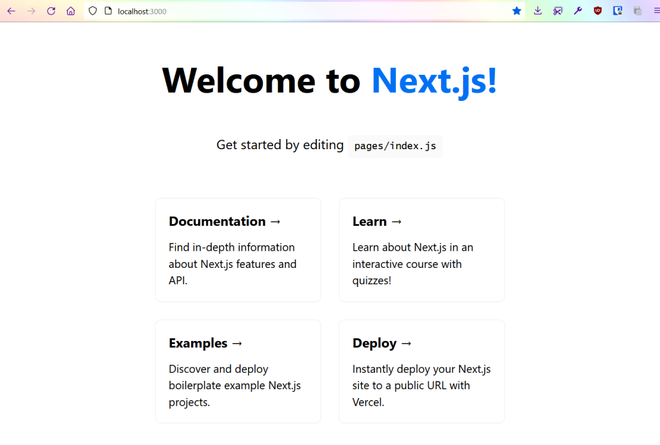
Now, navigate to https://localhost:3000 to preview
Project Structure: Also, your project folder should look like this,
index.js
We return an object from this function where we pass the `props` property with the data that you want to provide to the page component. When should we use getStaticProps?
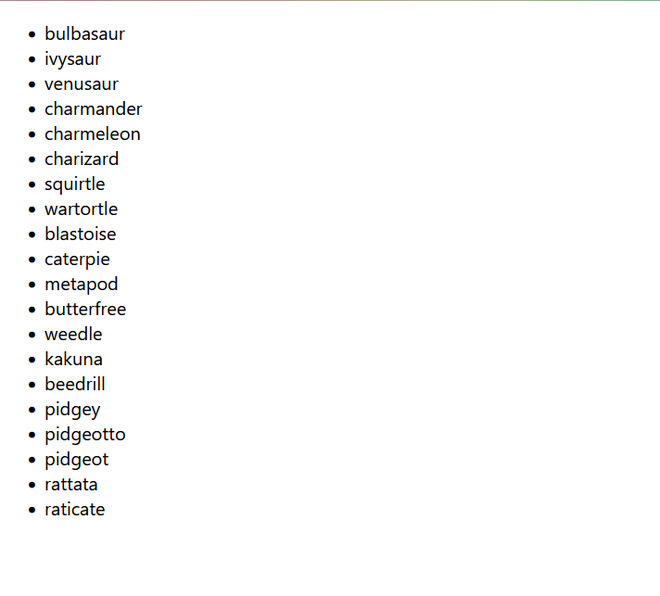
Let’s see how it works by fetching pokemon data from PokeAPI
Inside the pages folder of your project and in index.js, remove the previous line of code and create a page component and the getStaticProps function.
Output:
References: https://nextjs.org/docs/app/getting-started/fetching-data