|
VOOZH | about |
|
VOOZH | about |
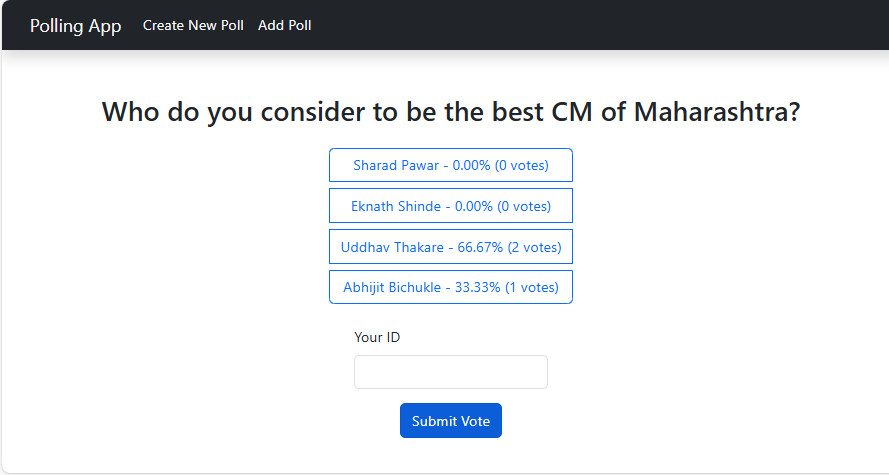
An Online Polling System allows users to create, vote, and track poll results efficiently. we'll build a simple polling app using NextJS, managing poll data with localStorage for persistent voting, and providing real-time vote updates. We'll also implement a clean UI with Bootstrap for an enhanced user experience.
Step 1: Initialized the Nextjs app and installing the required packages
npx create-next-app@latest polling-systemStep 2: It will ask you some questions, so choose as the following.
√ Would you like to use TypeScript? ... No
√ Would you like to use ESLint? ... No
√ Would you like to use Tailwind CSS? ... No
√ Would you like to use `src/` directory? ... Yes
√ Would you like to use App Router? (recommended) ... Yes
√ Would you like to customize the default import alias (@/*)? ... No
Step 3: Install the necessary package for your project using the following command.
npm i bootstrap"dependencies": {
"bootstrap": "^5.3.3",
"next": "14.2.5",
"react": "^18",
"react-dom": "^18"
}
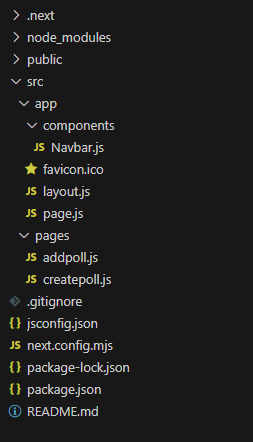
Example: Create the required files and write the following code.
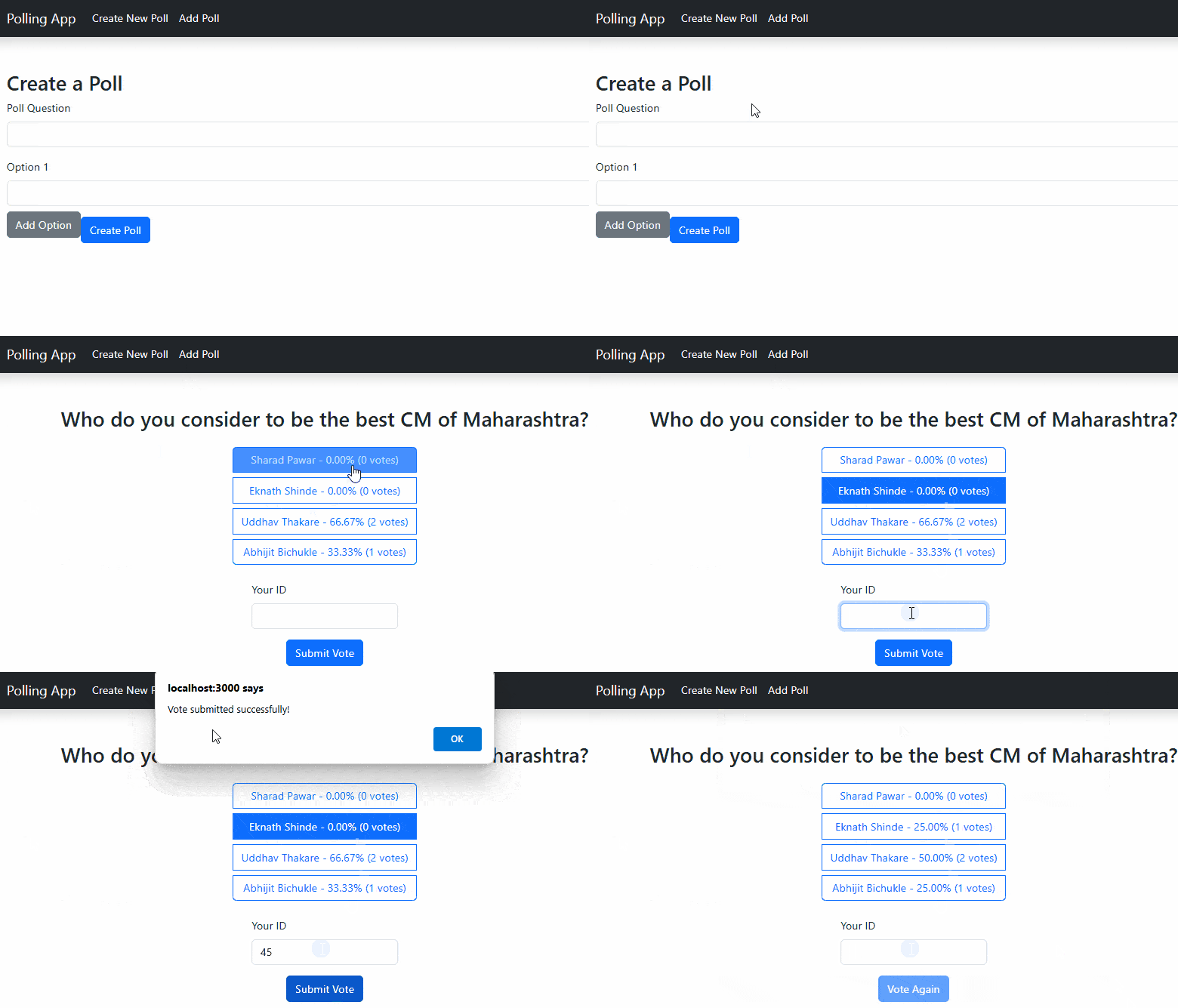
Start your application using the following command.
npm run devOutput: