|
VOOZH | about |
|
VOOZH | about |
Understanding the difference betweenfork and clone in GitHub is important for anyone looking to collaborate on open-source projects or manage their code efficiently. While both actions involve creating a copy of a repository, their purposes and implementations differ significantly. This article will learn these concepts, making it easier for you to navigate GitHub effectively.
GitHub is a platform for version control and collaboration, allowing multiple people to work on projects simultaneously. It leverages Git, a distributed version control system, enabling you to track changes in your code, revert to previous stages, and work on different branches independently.
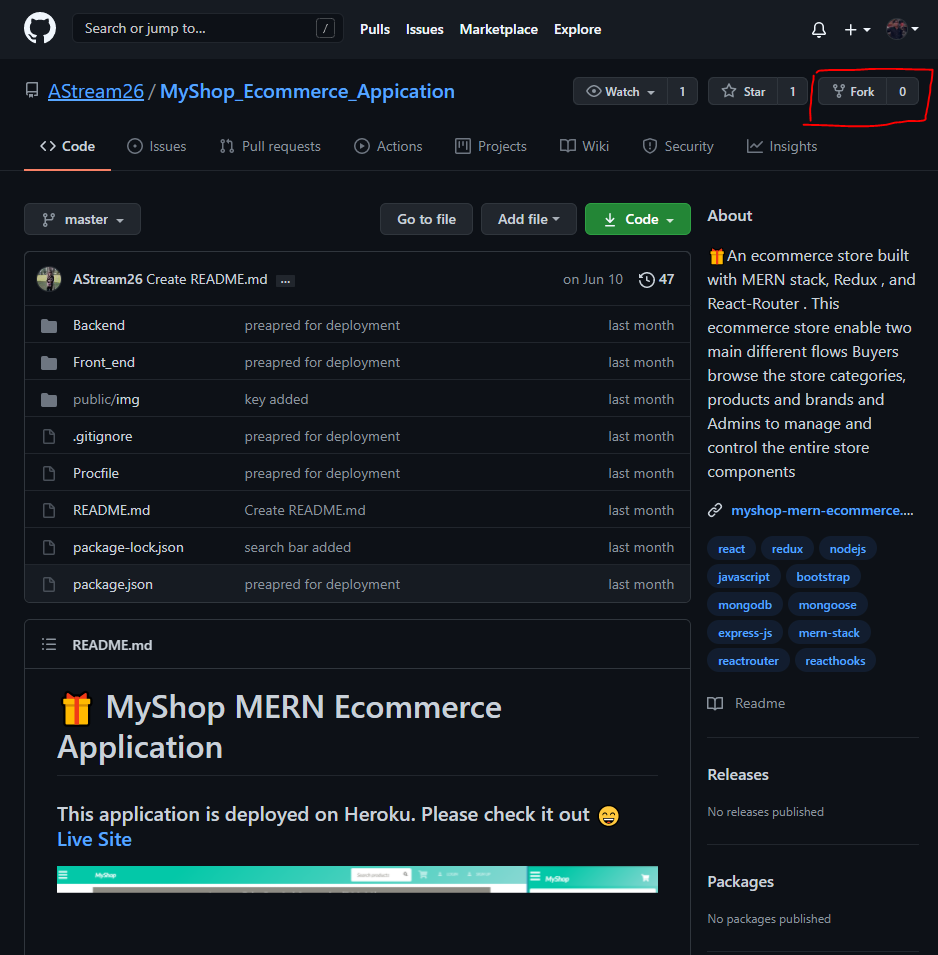
A fork is a personal copy of someone else's repository that lives on your GitHub account. Forking a repository allows you to freely experiment with changes without affecting the original project. This is particularly useful for contributing to open-source projects. Here's a breakdown of the key points:
Note: It will take some time and when the process is complete, the forked copy of the project will open. Now let us see what Clone stands for in developing projects or be it a smaller program.
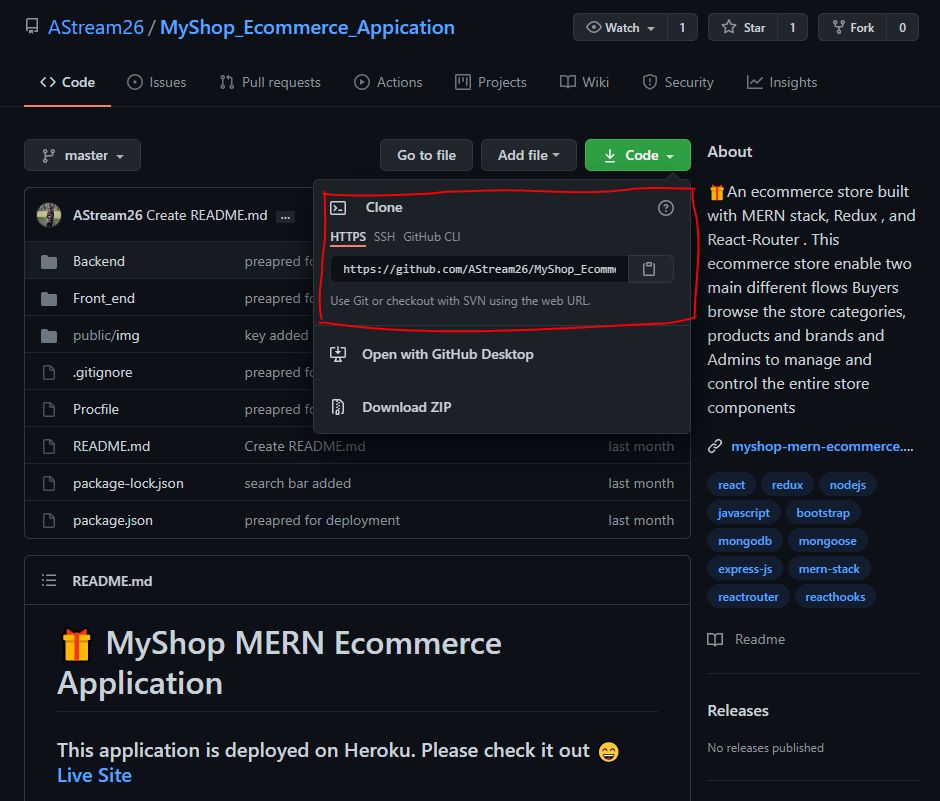
A clone is a copy of a repository that is created on your local machine. Cloning a repository allows you to work on a project offline and is the first step in most Git workflows. Here's what you need to know:
git pull and git push.git clone [repository URL]Now let us discuss the conclusive differences between Fork and Clone operation over a repository, been depicted below in a tabular format provided below as follows:
| Fork | Clone |
|---|---|
| Forking is done on the GitHub Account | Cloning is done using Git |
| Forking a repository creates a copy of the original repository on our GitHub account | Cloning a repository creates a copy of the original repository on our local machine |
| Changes made to the forked repository can be merged with the original repository via a pull request | Changes made to the cloned repository cannot be merged with the original repository unless you are the collaborator or the owner of the repository |
| Forking is a concept | Cloning is a process |
| Forking is just containing a separate copy of the repository and there is no command involved | Cloning is done through the command ‘git clone‘ and it is a process of receiving all the code files to the local machine |