VOOZH about

URL: https://www.geeksforgeeks.org/git/introduction-to-github/

⇱ Introduction to Github - GeeksforGeeks


  • Courses
  • Tutorials
  • Interview Prep

Introduction to Github

Last Updated : 28 Apr, 2026

GitHub is a web-based platform built around Git that enables version control, collaboration, and project management for software development teams.

  • Git performs version control by tracking and managing code changes.
  • GitHub hosts Git repositories and provides collaboration tools.
  • Supports team collaboration, code reviews, and remote contributions.
  • Offers free and paid plans for individuals and organizations.

Features of GitHub

The below are key features of GitHub:

1. Version Control

GitHub is a web-based platform that hosts Git repositories and supports collaborative software development.

  • Git handles version control by tracking code changes.
  • GitHub hosts repositories and enables team collaboration.
  • Branches allow parallel development without affecting the main branch.
  • Pull requests support code review and merging.

2. Repositories

In GitHub, a repository is a central place where a project’s code and related files are stored and managed.

  • Hosts project files and folders on GitHub.
  • Maintains the complete change history using Git.
  • Can be public or private.

3. Branches

Branches in GitHub allow developers to work on changes independently without affecting the main branch.

  • Support parallel work on features or fixes.
  • Keep the main branch stable.
  • Changes are merged after completion.

4. Pull Requests

Pull requests allow developers to propose and review changes before merging them into the main branch.

  • Used to propose changes to a repository.
  • Enable code review before merging.
  • Allow discussion and feedback on changes.
  • Help maintain code quality.

5. Issues and Project Management

GitHub Issues and project boards help manage tasks and track project progress.

  • Track bugs, features, and tasks using Issues.
  • Organize and monitor work with project boards.

6. Actions and Automation

GitHub Actions automate development workflows directly from a repository.

  • Automate tasks like testing, building, and deployment.
  • Improve productivity and workflow consistency.

Getting Started with GitHub

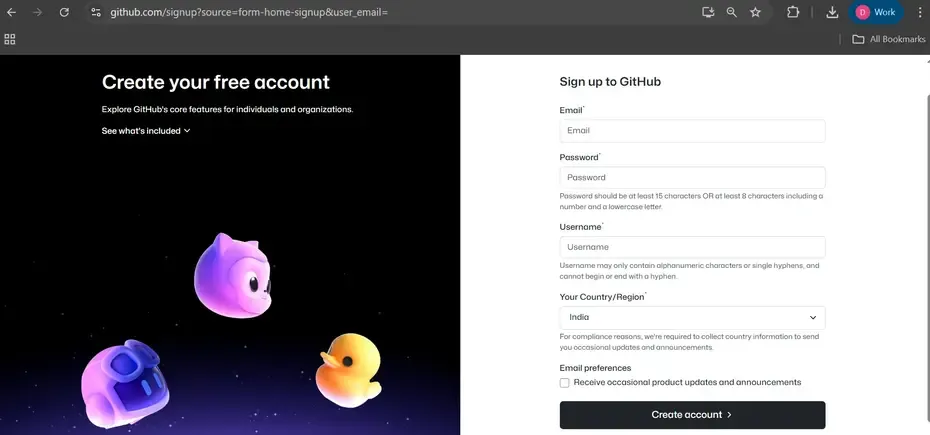
Step 1: Creating a GitHub Account

Go to github.com and enter the required user credentials asked on the site and then click on the SignUp for GitHub button.

👁 Github-Signup

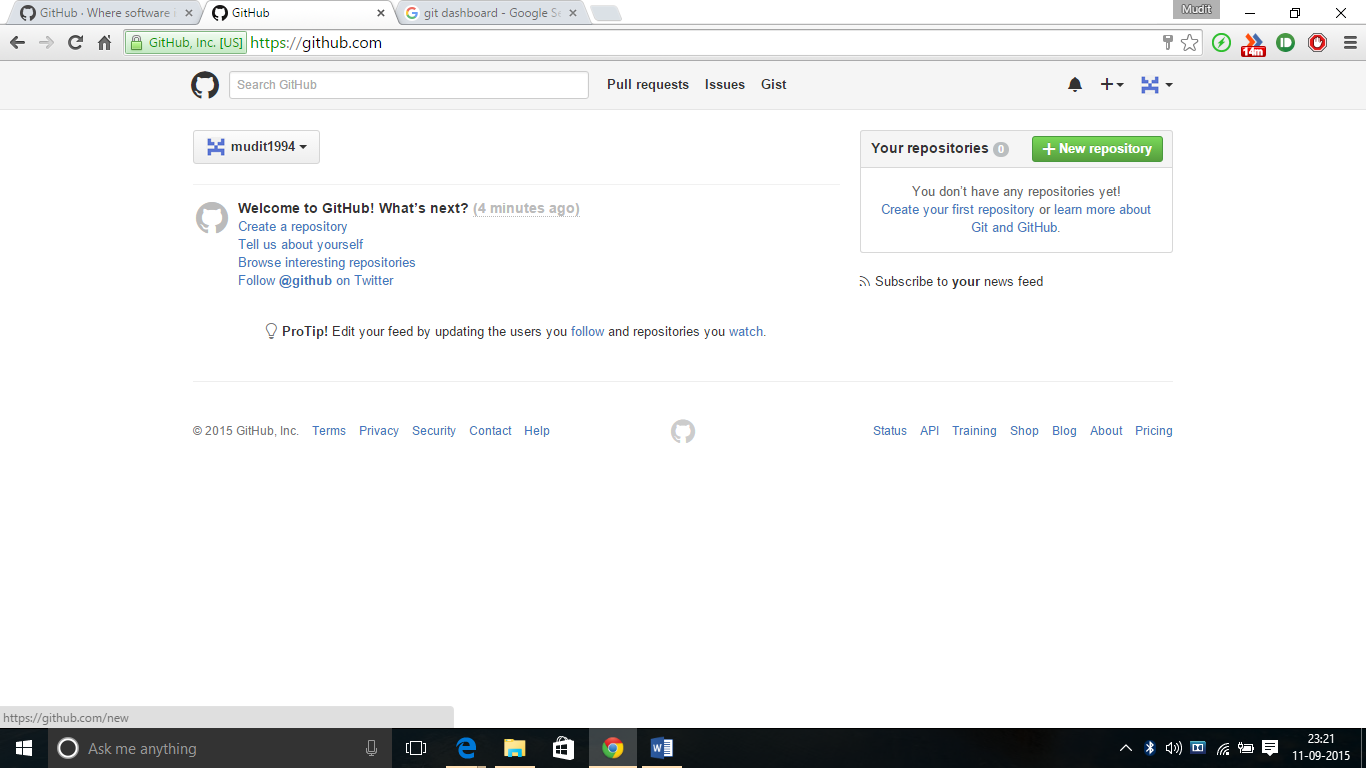
Step 2: Creating a Repository

To create a new repository on GitHub, follow these steps:

  1. Go to GitHub and log in.
  2. Click the "+" icon in the upper right corner and select "New repository."
  3. Enter a repository name and description.
  4. Choose whether the repository will be public or private.
  5. Click "Create repository."

👁 GitHub Creating Repository

Upload Existing Repository to GitHub

Upload a local Git repository to GitHub by connecting it to a remote repository and pushing the code.

  • Install Git and select “Run Git from Windows Command Prompt” (or use Git Bash)
  • Open Terminal (macOS) or Command Prompt (Windows/Linux)
  • Navigate to the project directory
  • Initialize the directory as a Git repository
git init 
  • A new .git folder is created in the directory which is by default hidden.
  • Add the files in your new local repository. This stages them for the first commit.
git add .

Commit the files that you've staged in your local repository.

git commit -m "First commit"

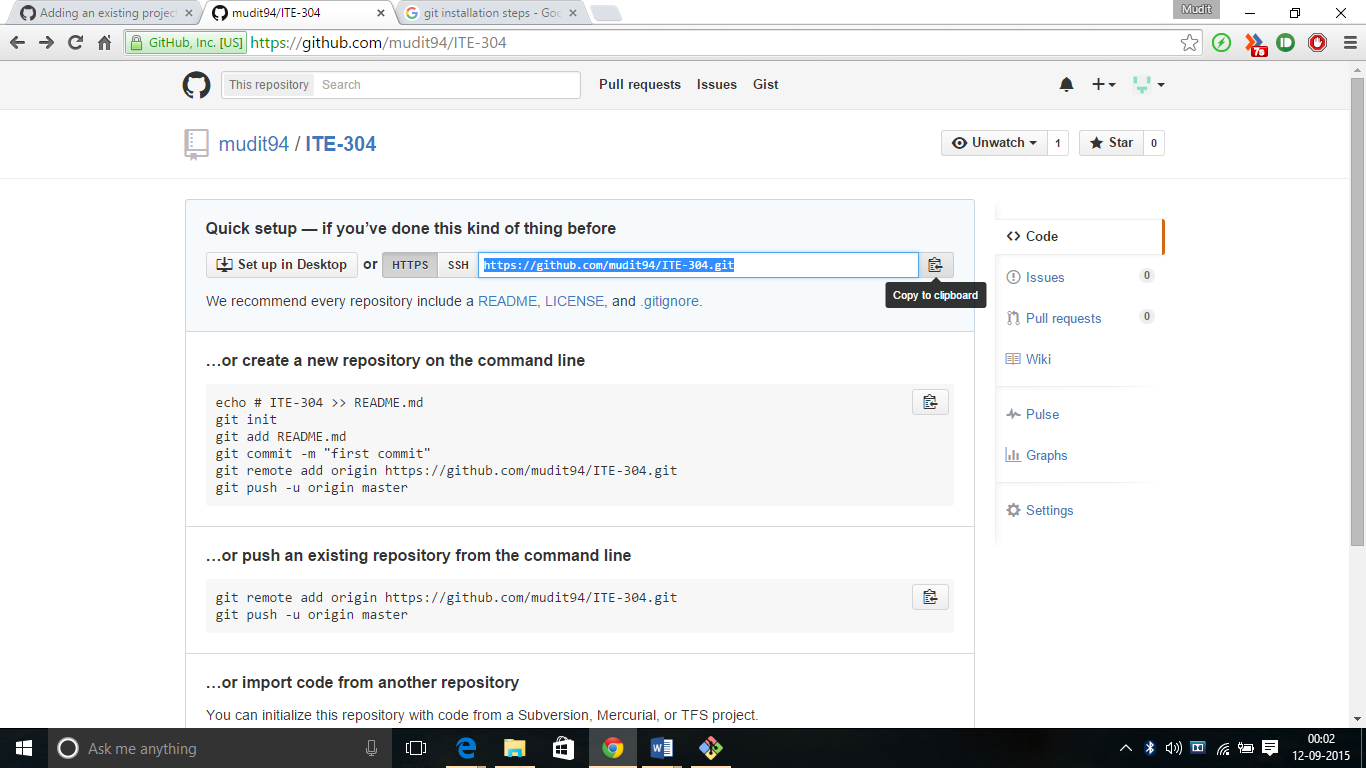
At the top of the GitHub repository's Quick Setup page, click on the icon shown and copy the remote repository URL. 

👁 Copy GitHub URL

Add the remote repository URL to link your local repository with GitHub:

git remote add origin <remote-repository-URL>

Verify the configured remote URL:

git remote -v

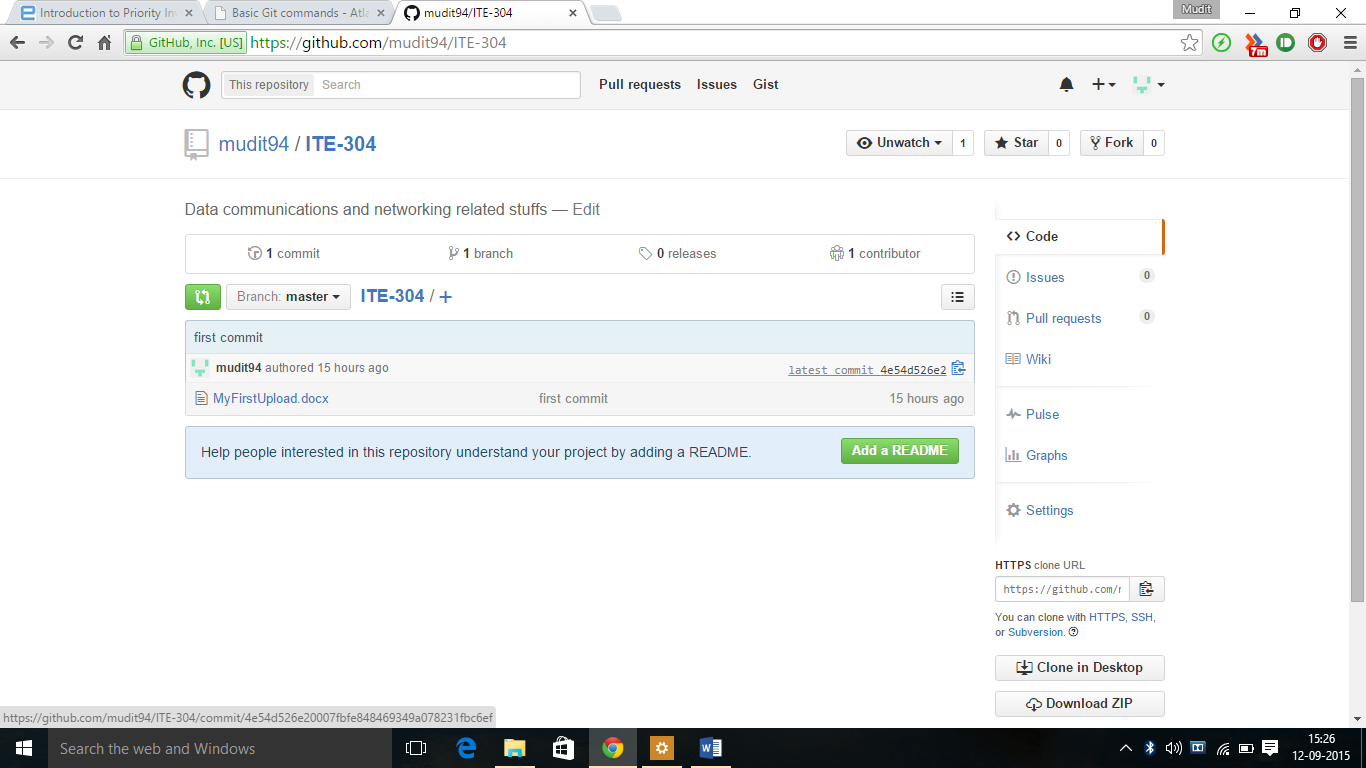
Push the local repository to GitHub:

git branch -M main
git push -u origin main  

👁 GitHub Repository

Download changes from a remote repository to your local repository using:

git pull

Difference between Git and GitHub

The below table helps you to understand the difference between Git and GitHub:

Git

GitHub

Git is a distributed version control system (DVCS).

GitHub is a web-based platform that hosts Git repositories

Tracks changes made to the code by developers.

Provides tools for issues, pull requests, and code reviews.

Works on the command-line interface (CLI).

Provides a web-based graphical interface.

Runs on a developer’s local machine.

Acts as a remote hosting service.

Allows committing changes, creating branches, and merging code locally.

Enables collaboration by allowing developers to pull and push code remotely.

Comment
Article Tags:
Article Tags:

Explore