|
VOOZH | about |
|
VOOZH | about |
Git is a powerful version control system that helps developers track code changes and collaborate efficiently on shared projects.
Before using Git, it must be installed on your system. Proceed with the installation steps specific to your operating system.
Before starting with any Git operations, it’s essential to check if Git is installed correctly on your system. The following command will show you the version of Git installed:
git --versionTo start tracking a project using Git, you need to initialize a new Git repository in your project directory. This can be done with the git init command.
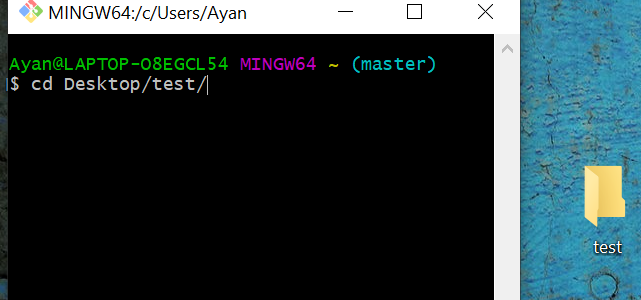
cd <file path> command👁 Imagegit initAfter that, configure your username and email:
git config --global user.name "your Name"
git config --global user.email "your.email@example.com"
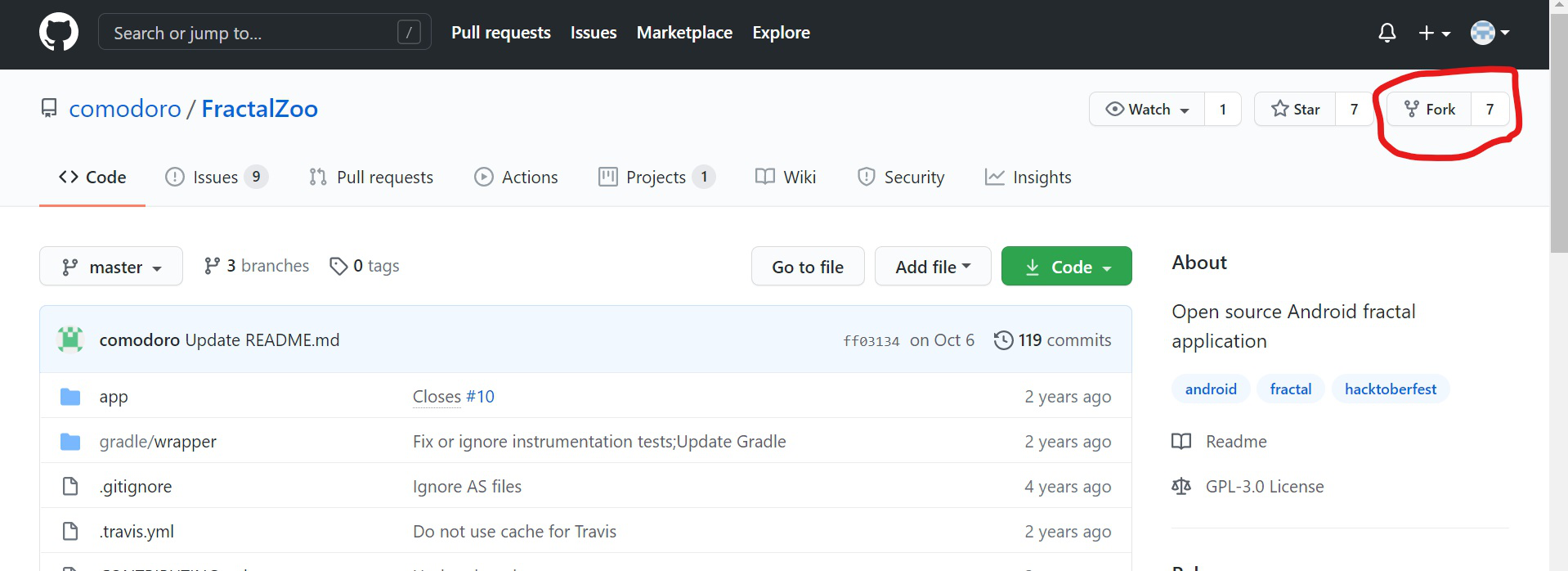
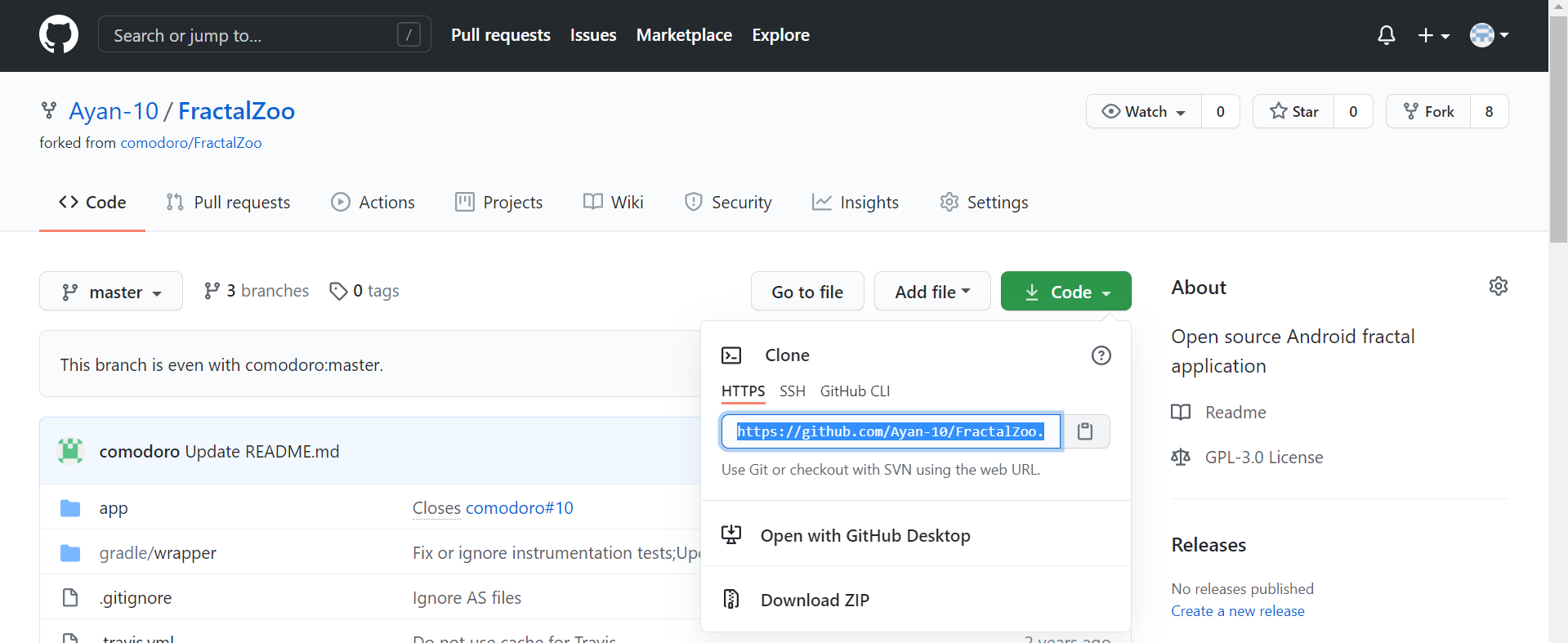
Forking a repository means creating a copy of an existing repository in your GitHub account so that you can make changes without affecting the original repository. After forking, a copy of the repository exists on GitHub under your account. You can then copy the repository URL and clone it to your local machine to start working on it.
Forking a Repository
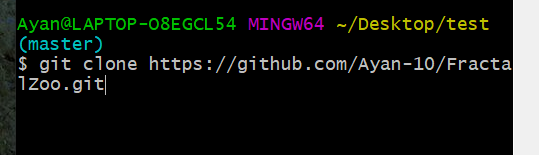
After forking, clone the repository to your local machine
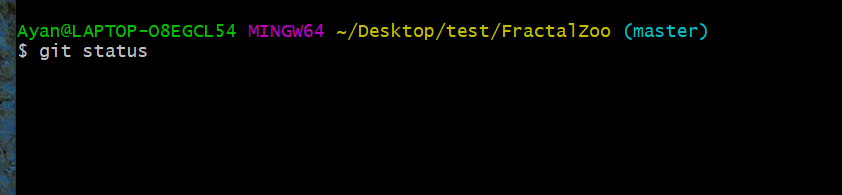
👁 Imagecd <file_directory>git clone <copied_url>After making code changes, check which files are not added using:
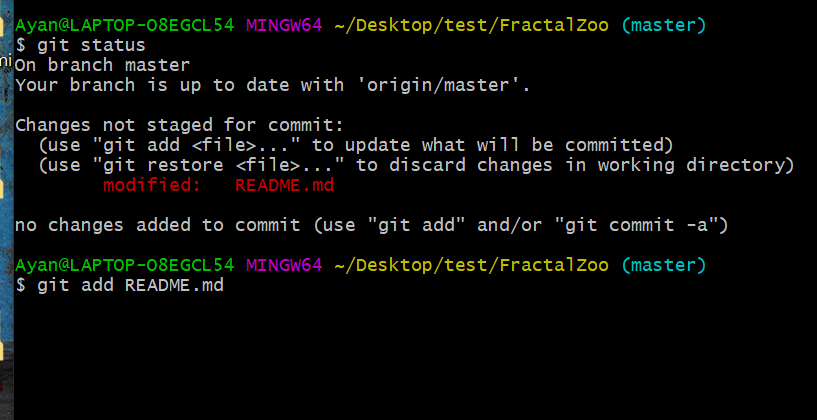
git statusWhen we get to know which files are not added by typing git status(red-colored files are not added).
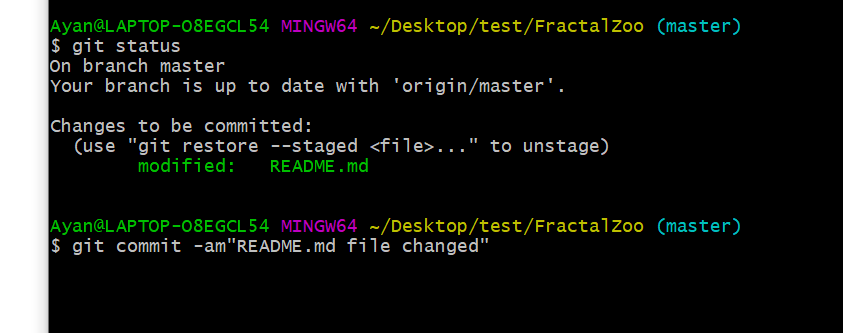
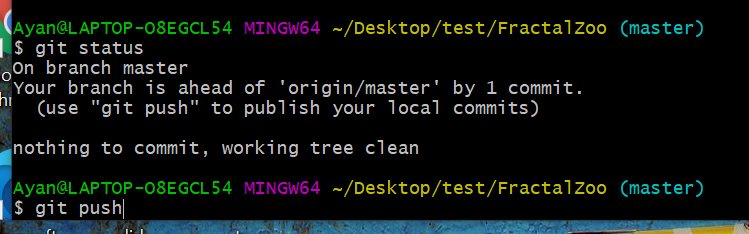
git add <file_name>git add .👁 Imagegit statusgit commit -m "Your commit message"👁 ImageTo upload commits to your forked repository
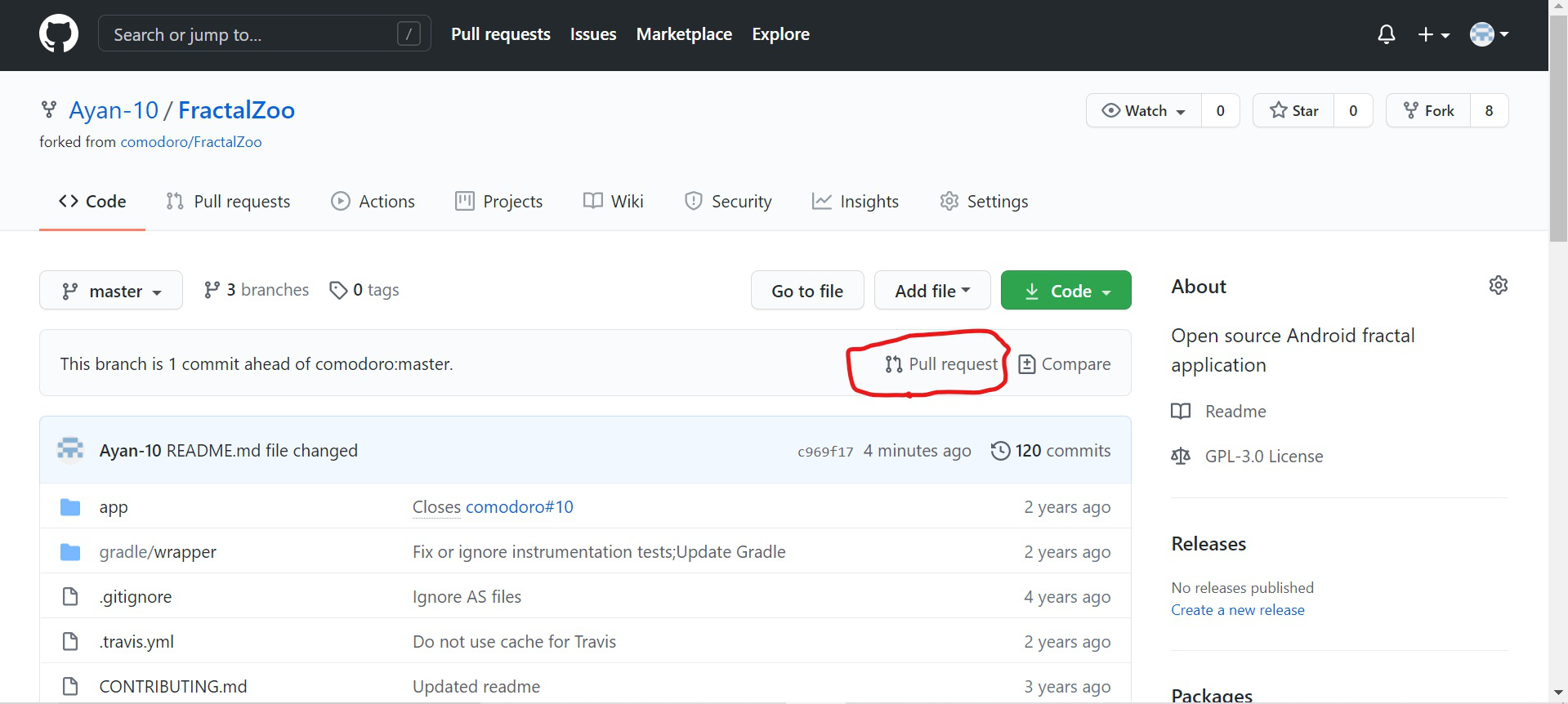
git push origin <branch_name>👁 ImageOnce your changes are pushed, you need to create a Pull Request (PR):
To merge a branch into the current branch:
git merge <branch_name>If there are conflicts, Git will prompt you to resolve them manually before completing the merge. Once resolved, commit the changes using:
git commit -m "Merged <branch_name> into <current_branch>"To abort a merge in case of issues:
git merge --abortTo delete a local branch:
git branch -d <branch_name>To force delete
git branch -D <branch_name>