|
VOOZH | about |
|
VOOZH | about |
git show is used to display detailed information about a specific commit or Git object, including its metadata and file changes.
We use Git in our daily coding activities, but many concepts are still unfamiliar to developers. One such command is git show.
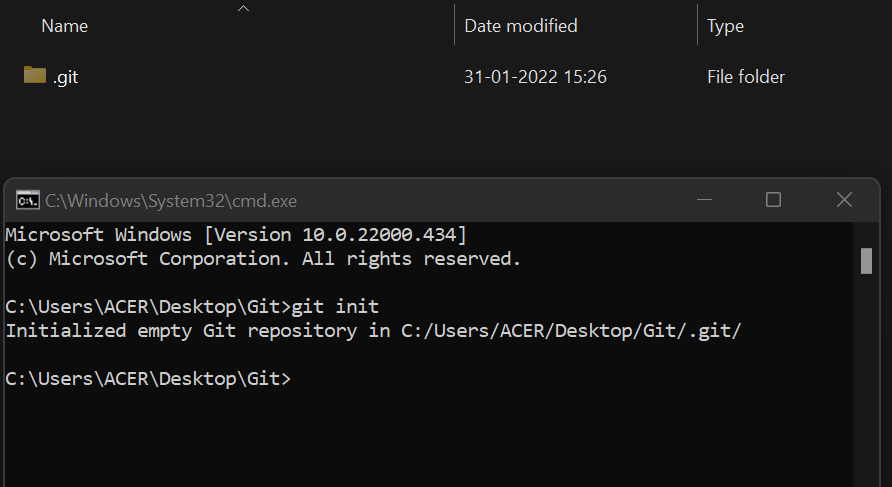
Before understanding git show, we first initialize a repository using:
git initThis creates a .git folder that contains several subdirectories.
👁 ImageInside .git/objects, Git stores different types of objects:
To view detailed information about these objects, we use the git show command.
Create demo.txt, add content, and commit the changes.
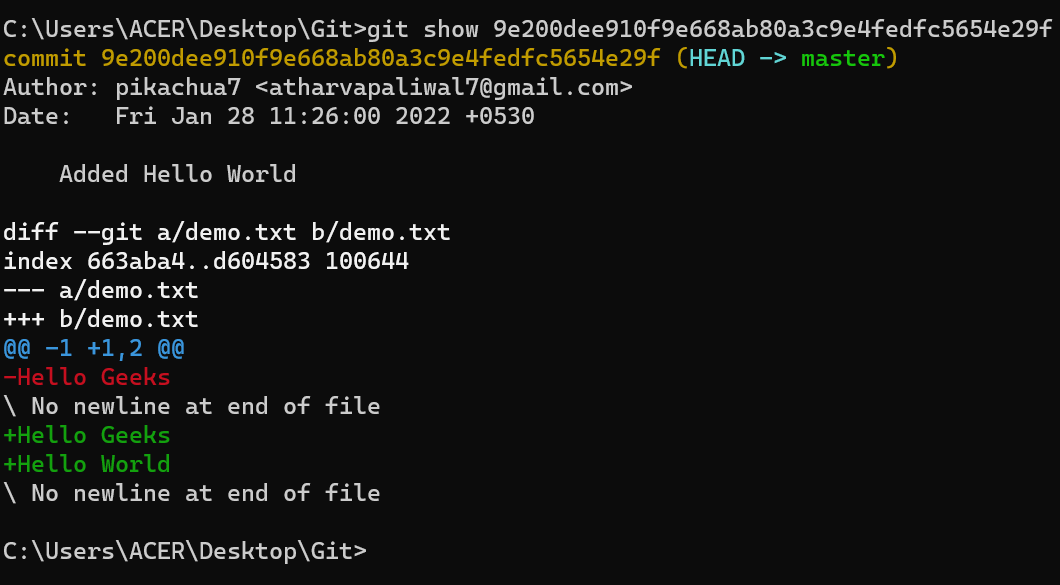
git show <commit id>This command displays detailed information about that commit.
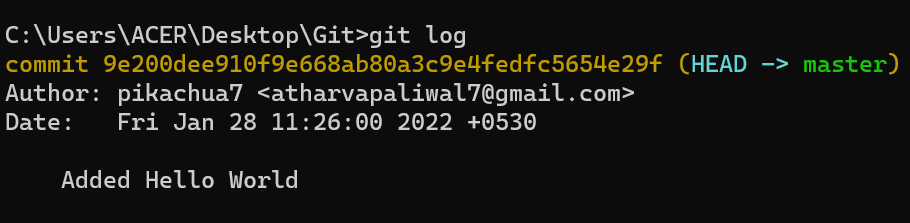
👁 ImageThe output is divided into two main parts:
Part 1: Commit Information
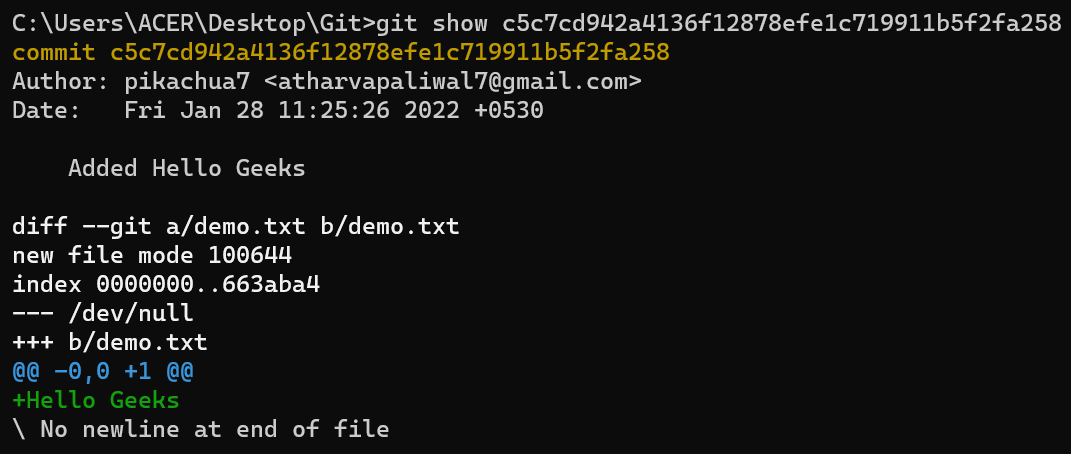
Since this commit had a pointer to the HEAD, let's see another example of git show where the commit doesn't have a pointer to the HEAD.
👁 ImageWe didn't get HEAD->master here as this commit is not pointing to the HEAD.
Note: If the commit is not pointed to by HEAD, you won’t see HEAD -> master.
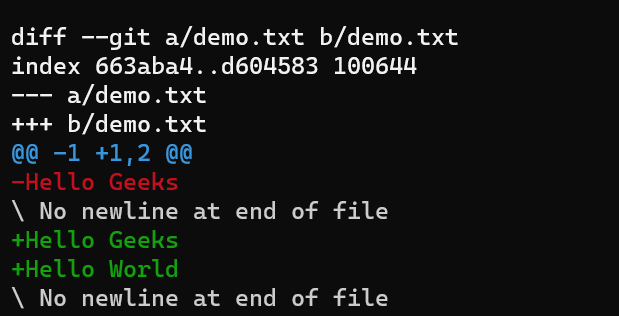
Part 2: File Changes (Diff Output)
This section starts with:
diff --git a/demo.txt b/demo.txtDisplays added, removed, and modified content.
👁 ImageBoth commands are used to view changes, but they differ in scope.
Note:git diff is used to show differences between file versions, including changes between the working directory, staging area, commits, and branches.