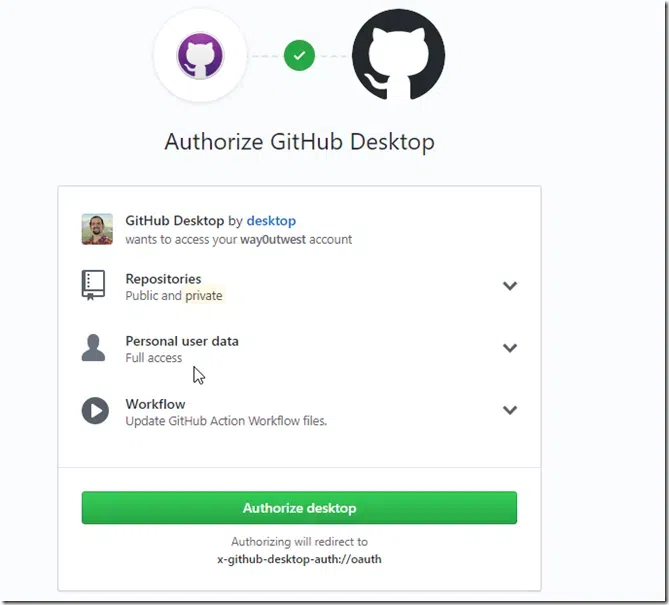
GitHub Desktop is a user-friendly application that simplifies the process of using Git and GitHub on your computer. It provides a graphical interface to manage your repositories, track changes, and collaborate with others without needing to use the command line.
In this article, we will walk you through downloading, installing, and getting started with GitHub Desktop.
GitHub Desktop is a free, open-source application that makes it easier to work with Git and GitHub. It provides a visual interface to manage repositories, track changes, commit updates, and collaborate with other developers, all without needing to interact with Git’s command line interface.
GitHub Desktop is ideal for both beginners and experienced developers who prefer a graphical interface for version control tasks.
Key Features of GitHub Desktop
Visual Interface: A user-friendly GUI that simplifies Git and GitHub workflows.
Easy Repository Management: Clone, create, and manage repositories directly from the app.
Branch Management: Create, switch, and merge branches with ease.
Integrated Conflict Resolution: Tools for resolving merge conflicts directly within the application.
Support for External Editors: Easily integrate with popular code editors like Visual Studio Code, Atom, and Sublime Text.
System Requirements
Windows: Windows 10 (64-bit) or later.
macOS: macOS 10.12 (Sierra) or later.
Internet Connection: Required for signing in and syncing with GitHub.