GitHub allows you to host websites for free using GitHub Pages. It’s an easy way to publish static websites, portfolios, or project demos directly from a GitHub repository. With GitHub Pages, your site gets a public URL, and you can update it anytime by pushing changes to the repository.
Steps for Hosting Website on GitHub
Here, we are going to discuss the step-by-step process of hosting a website on GitHub for free. So, you can also host your portfolio or your college project online with GitHub.
Step 1: Create a GitHub account
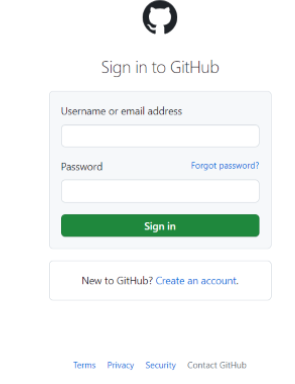
The first step is to create a GitHub Account if you don't have one already. You can create an account for free on the GitHub website.
If you already have one then do github login to your account.
Next, you need to create a new repository to host your website.
To create a new repository, click on the "Create repository" button on your left section after the new registration.
You can also do it by clicking on the "new" button on your GitHub Dashboard.
Give your repository a name that corresponds to your username. For example, if your website is called "username", name your repository "username.github.io".
After pushing your code to your repository, you need to enable GitHub Pages for your repository.
To do this, navigate to your repository on GitHub and click on the "Settings" tab.
Scroll down to the "Pages" section from the left section.
👁 GitHub pages Go to pages in the left section in the settings
Step 5: Visit your website
Once GitHub Pages are enabled for your repository, your website is now live! You can visit your website by navigating to https://your-username.github.io/ in your web browser.
It might take a few moments for the changes to propagate and for your website to be accessible.