|
VOOZH | about |
|
VOOZH | about |
Gitea Git Server setup on Azure Kubernetes Service (AKS) involves deploying a lightweight, self-hosted Git service using Helm on a managed Kubernetes cluster.
Steps to set up AKS, deploy Gitea, and configure a private Git server.
Ensure required providers are registered:
az provider show -n Microsoft.OperationsManagement -o table
az provider show -n Microsoft.OperationalInsights -o table
If not registered:
az provider register --namespace Microsoft.OperationsManagement
az provider register --namespace Microsoft.OperationalInsightsAll Azure resources must be placed in a resource group:
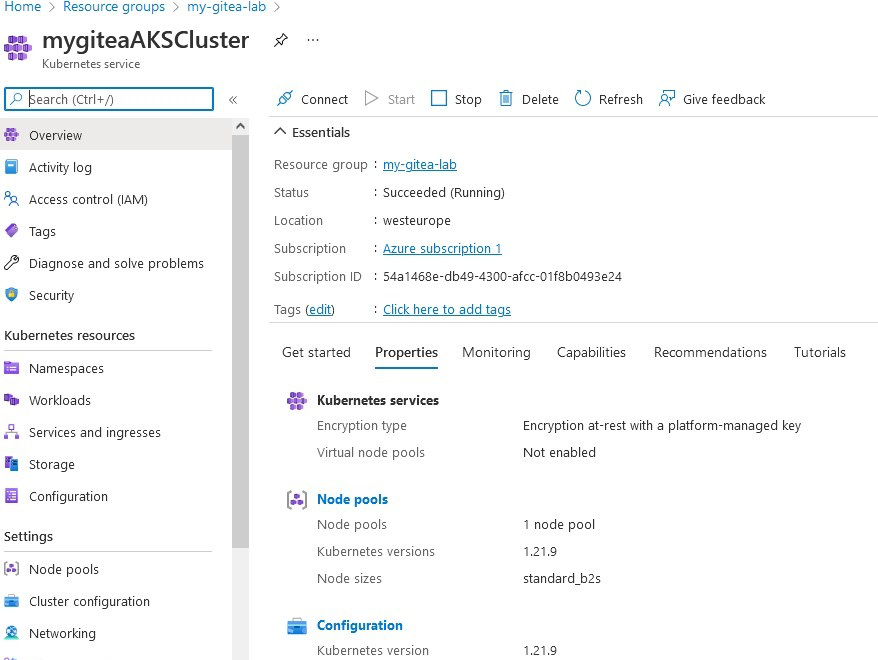
az group create --name my-gitea-lab --location westeuropeDeploy AKS cluster with SSH keys:
az aks create --resource-group my-gitea-lab --name mygiteaAKSCluster
--node-count 1 --node-vm-size standard_b2s --generate-ssh-keys
Get cluster credentials:
az aks get-credentials --resource-group my-gitea-lab --name mygiteaAKSClusterCheck Helm installation:
which helmAdd Gitea Helm repository:
helm repo add gitea-charts https://dl.gitea.com/charts/
helm repo updateCustomize using values.yml:
Let's continue by adding gitea-charts helm repository
helm repo add gitea-charts https://dl.gitea.com/charts/
helm repo update
To customize your Gitea deployment you need to download the file. You can play around with options of your Gitea setup and provide custom storageclass, expose Gitea through Loadbalancer\Ingress, or setup LDAP or Oauth2 integration. Here are a few examples:
helm install gitea gitea-charts/gitea --set service.http.type=LoadBalancerMonitor service:
kubectl get --namespace default svc -w gitea-httpGet service URL:
export SERVICE_IP=$(kubectl get svc --namespace default gitea-
http --template "{{ range (index .status.loadBalancer.ingress 0) }}{{.}}{{ end }}")
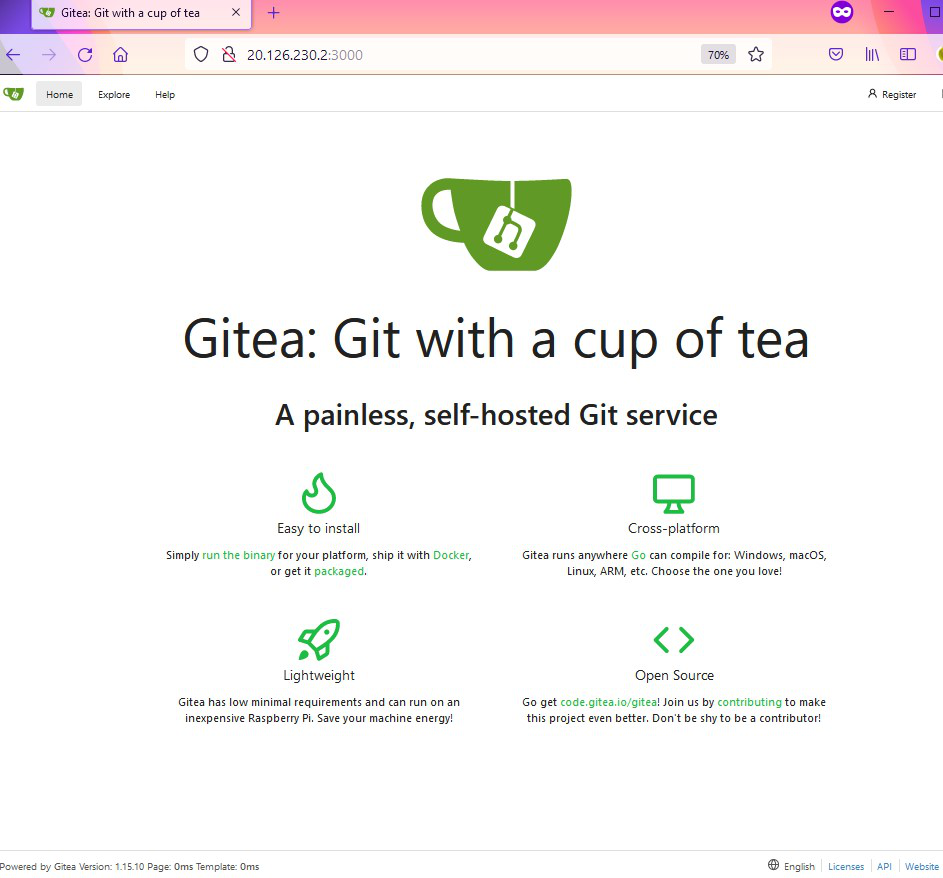
echo http://$SERVICE_IP:3000Default credentials (from values.yml):
Create a repository in Gitea by logging in, clicking New Repository, and configuring the settings.
There are plenty of parameters that you can setup during the repo creation process:
Initiate git repo in cloud shell, add Readme file and push code to our private Gitea server:
git init
echo "Hello from Gitea Repo!" > README.md
git add README.md
git commit -m "first commit"
git remote add origin http://<IP>:3000/gitea_admin/FirstRepo.git
git push -u origin masterNow we can see the first commit on the remote server!
Delete Gitea deployment:
helm delete giteaDelete resource group:
az group delete --name my-gitea-lab --yes --no-wait