Bitbucket is a Git-based repository hosting service used for version control, code management, and team collaboration.
Provides Git-based version control for managing source code.
Offers integration with tools like Jira and CI/CD pipelines.
Allows both private and public repositories.
Enables efficient team-based development workflows.
Features
Provides tools for efficient code management, collaboration, and project tracking.
Code Review System: Fast pull request reviews for developers and reviewers.
JIRA Integration: Easily integrates with JIRA for bug tracking.
In-line Discussion: Supports comments and threaded conversations in code.
Cloud & Server Options: Provides cloud for small teams and server for large teams.
Built-In Issue Tracker: Tracks issues with configurable fields like version and milestone.
User-Friendly Interface: Simple interface for easy navigation and search.
Create BitBucket account
Creating an account on BitBucket is very easy. One can start by following the given steps:
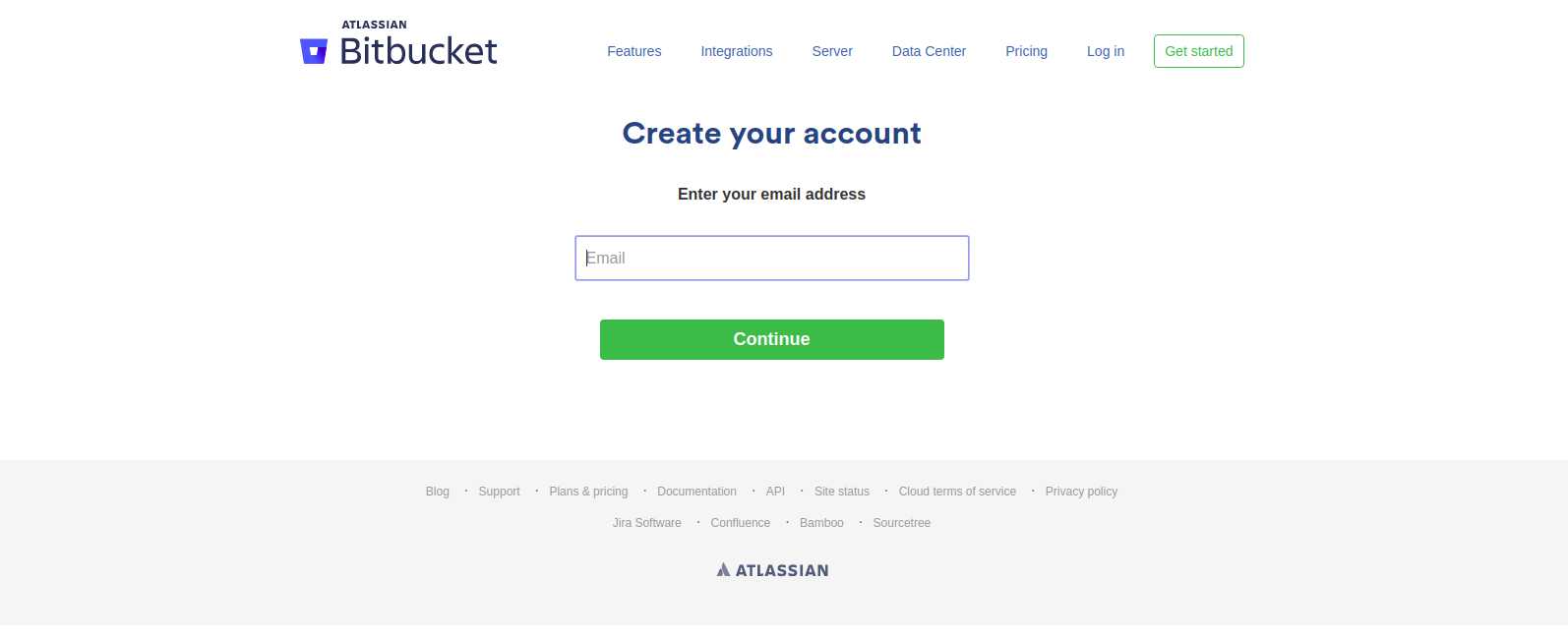
Step 1: Visit bitbucket.org and sign up. Enter your email account, name and password. Verify your email by clicking on the link given in your inbox.👁 Image Step 2: After completing the verification, you have to create a unique username for BitBucket Cloud.