|
VOOZH | about |
|
VOOZH | about |
Git on the command line allows developers to manage repositories, track changes, and collaborate efficiently through various Git commands.
Git is widely used in software development to manage code efficiently and maintain project history.
Open the terminal and run the following command to check whether Git is installed and to see its version:
git --versionTo configure your Git username globally, run:
git config --global user.name "FIRST_NAME LAST_NAME"To configure your Git email address, run:
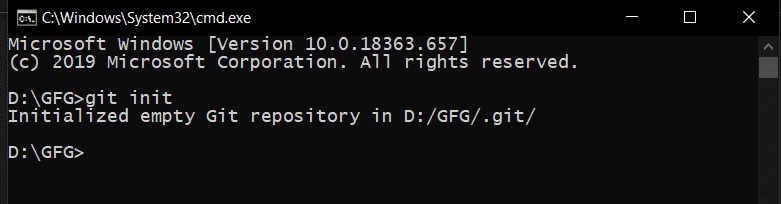
git config --global user.email "MY_NAME@example.com"To start tracking a project using Git, you first need to initialize a local repository.
Command:
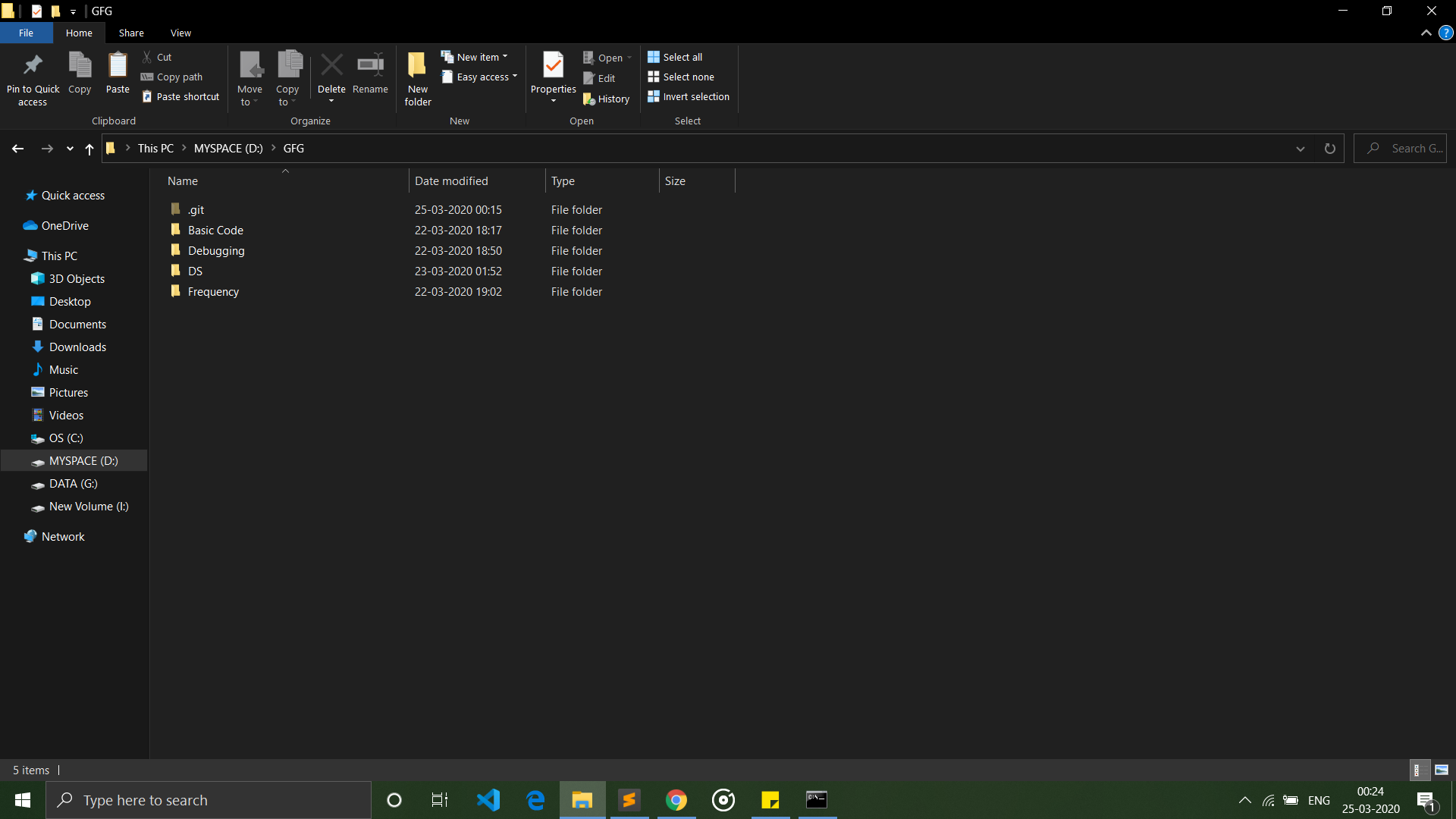
git initNow our repository is initialized we can add some code to our project
👁 added filesAfter running the git init command, a hidden .git folder is created in the project directory. This folder contains all the information required by Git to track changes in the repository.
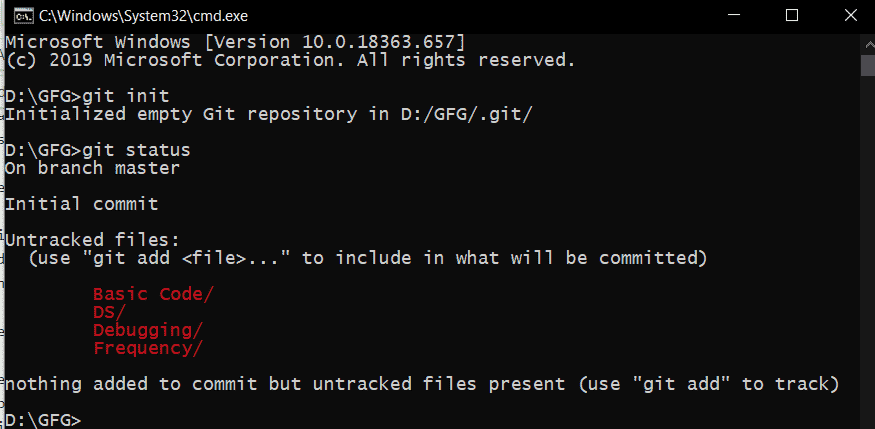
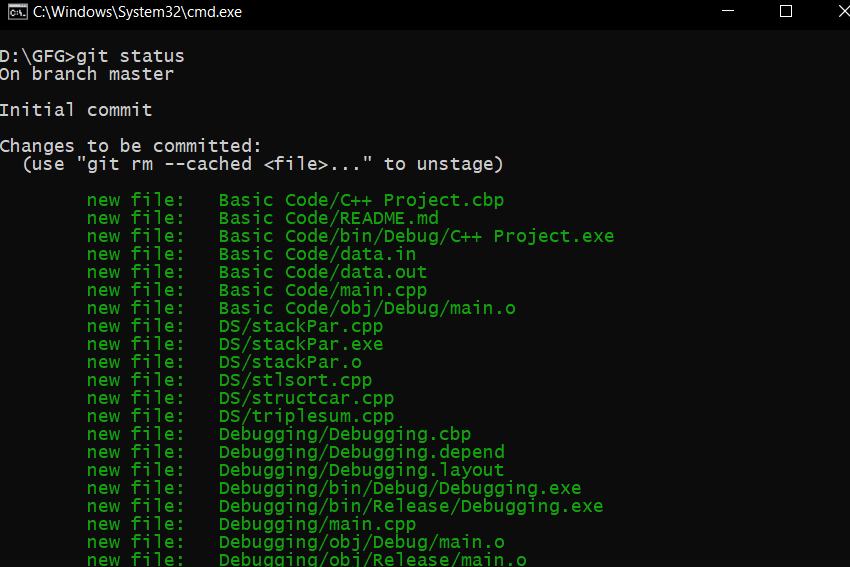
To check the current status of files in the repository, use the following command:
git statusThe git status command shows the current state of files in a repository.
Git has three main areas:
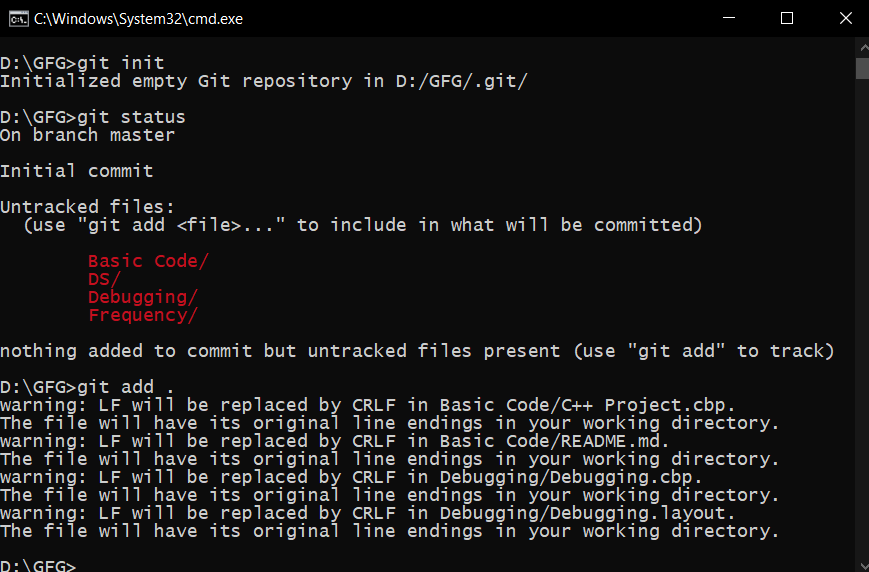
In the previous step, some files were untracked. These files can be added to the staging area using the git add command.
git add <file-name>git add .👁 git addAfter adding files to the staging area if git status is called again, then it will show files to be committed.
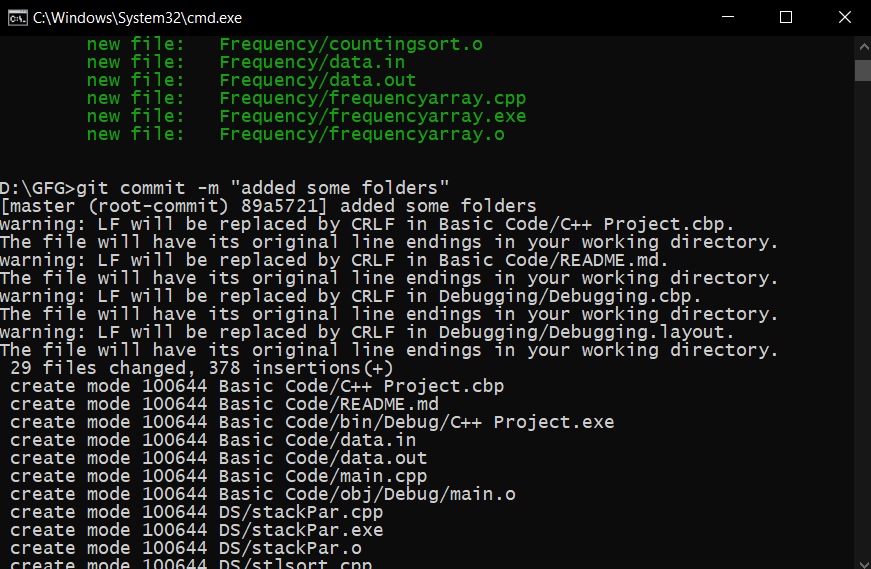
👁 git statusAfter adding files to the staging area, they are ready to be saved in the local repository using the git commit command.
git commit -m "your message"Each commit generates a unique SHA-256 commit ID used to identify that version of the project.
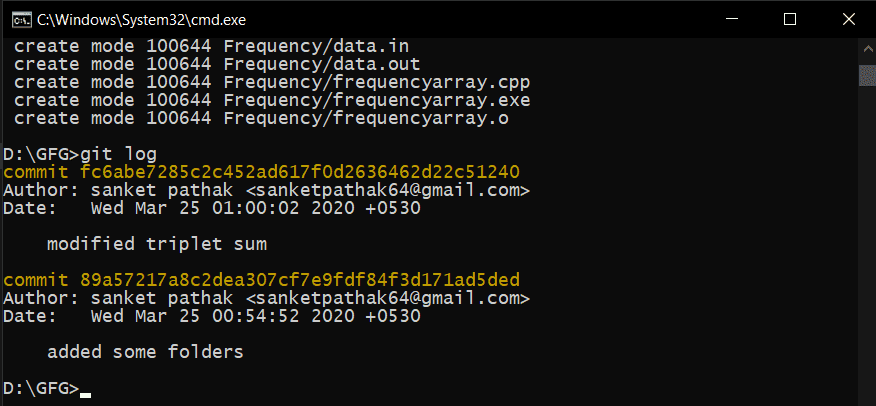
To view the commit history, use:
git logThis command shows all commits with their commit IDs and messages, allowing you to refer to previous versions.
These commands help perform advanced Git operations such as cloning repositories and managing branches for parallel development.
With the help of the git clone command, you can clone repositories from platforms like GitHub, GitLab, and Bitbucket to your local system.
git clone "Remote_repo_url"Example:
git clone "https://github.com/sanketpathak64/Kickstarter-Campaign"This command allows you to create a branch for the project. A branch is like an exact copy of the project.
git branch branch_nameThis command allows you to switch from one branch to another.
git checkout branch_nameThis command allows you to merge the code of two branches into one branch.
git merge branch_name