We’ll explore the process of building a Quiz App utilizing NextJS and Tailwind. The quiz app provides users with a series of multiple-choice questions with options. Users can select the option and move to the next question. At the end, the user will be able to see the analysis of the quiz.
Approach to Create Quiz App with Next JS and Tailwind:
Set up the Project by Creating a new Next JS project.
We will be using the useState hook to manage the quiz state, including the current question, selected answer, and quiz results.
We will utilize Tailwind to style our Quiz App.
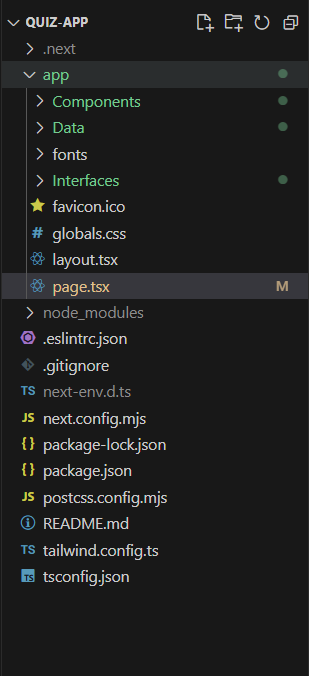
Create a new QuestionSet.ts file under the Data folder where we will define the questions along with options and answers.
We will be creating different components for code readability and reusability. Here we will be creating components such as Quiz to render the different questions and ScoreCard to display the result analysis.
We will be creating interfaces for code organization and type safety.
The quiz app will start by taking the user's name once we click on the start quiz button page component will render the Quiz component which is responsible for displaying the questions one by one.
After submitting the test ScoreCard component will be rendered which will display the result analysis including score, correct answers, wrong answers, percentage and status.
Steps to create the Quiz Application:
Step 1: Create a application of NextJS using the following command.