|
VOOZH | about |
|
VOOZH | about |
A free Git GUI that simplifies repository management through a visual and user-friendly interface.
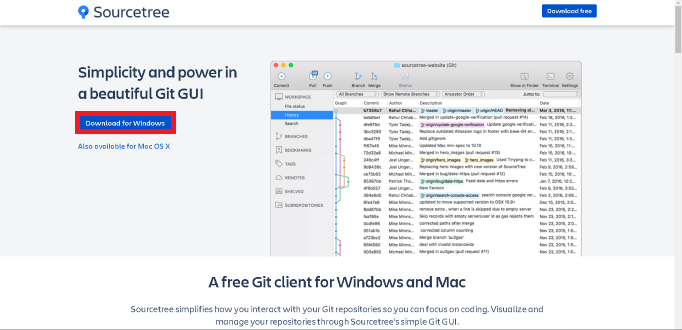
Sourcetree can be easily downloaded from the official website sourcetreeapp.com. Here are the steps to install it.
Step 1: Click on the download on the right side of the website.
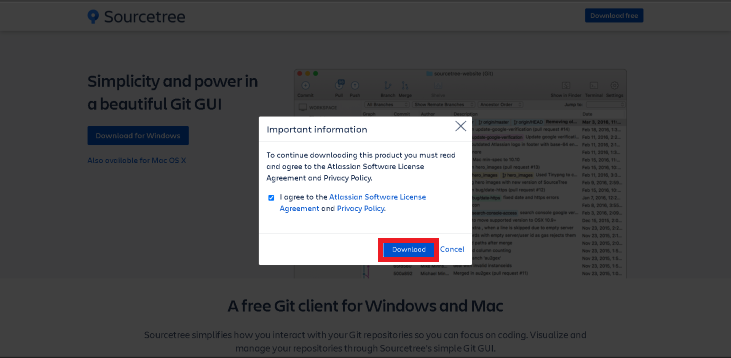
Step 2: Click on the Agreement box and then click on the Download Option.
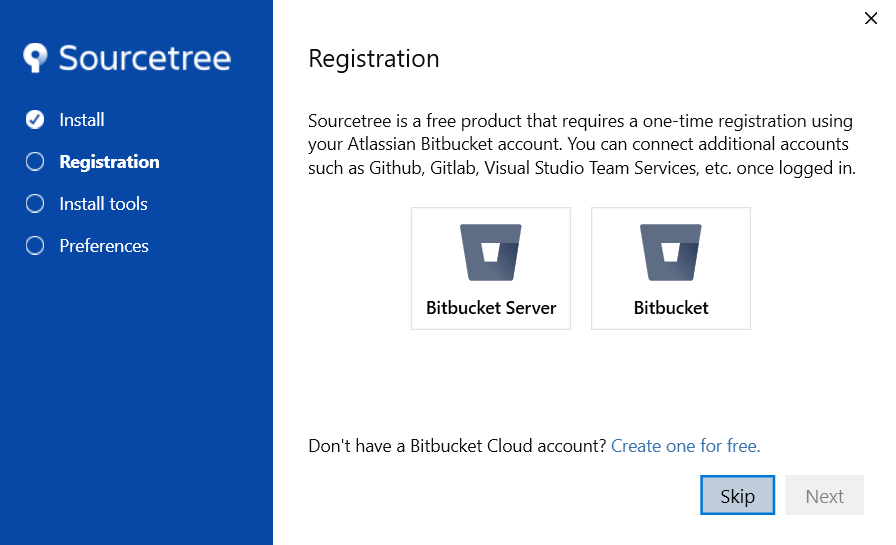
Step 3: Once the Setup is being downloaded. Click on the setup to install, If you want you can make Bitbucket Account but you can skip it by clicking on the skip button.
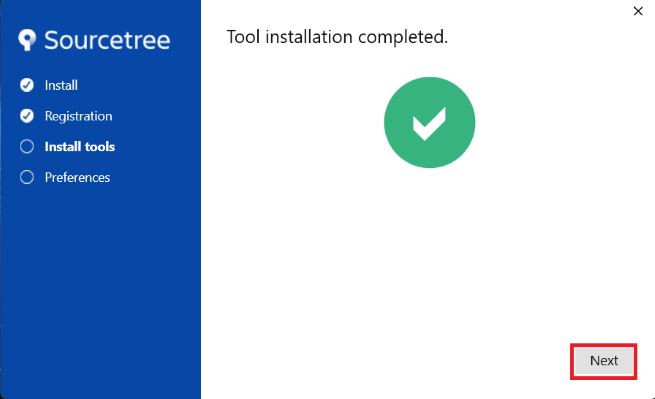
Step 5: Once the download and Installation are Complete, Click on the Next button to continue.
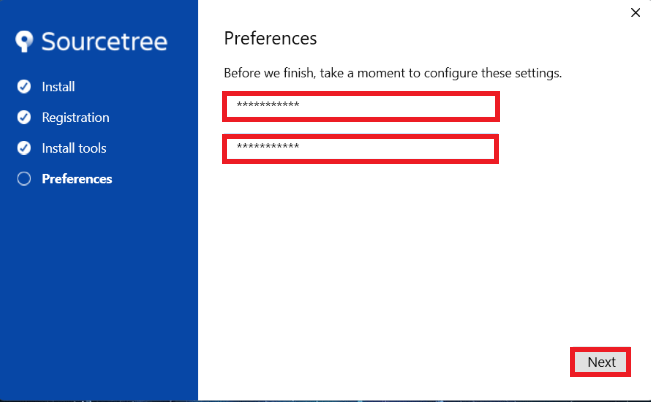
Step 6: Here you can Enter your name and email id as your preferences. Once you enter your Preferences, Click on the Next Option to Complete the Setup.
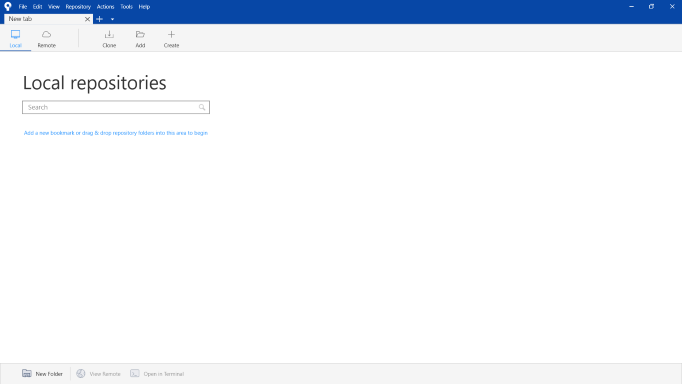
Step 7: After Completing the installation Sourcetree will open automatically.
Now Sourcetree is ready to use with Git and makes your workflow fast and efficient.
Note: If a Mercurial (Hg) option is visible during installation, it applies to legacy components only. Modern Sourcetree versions function as Git-only clients, and the option can be safely skipped.