|
VOOZH | about |
|
VOOZH | about |
A box plot (box-and-whisker plot) is a graphical tool used to summarize the distribution, central tendency and variability of a dataset. It helps quickly identify how data is spread and detect outliers.
We can plot a box plot in R using the ggplot2 library.
geom_boxplot(mapping = NULL, outlier.colour = NULL, outlier.shape = 19, outlier.size = 1.5, notch = FALSE)
Parameters:
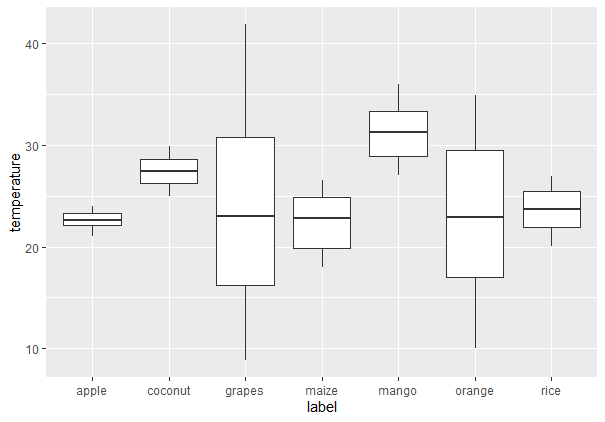
19 for solid circle).TRUE, adds a notch to the box to show a confidence interval around the median.To create a regular boxplot, we first have to import all the required libraries and datasets in use. Then put all the attributes to plot in ggplot() function along with geom_boxplot.
You can download the dataset from here: Crop_recommendation
Output:
To add the mean value on the box plot, we can make use of the stat_summary() function. It enables us to add summary statistics such as the mean, which will be included directly in the plot.
stat_summary( fun, geom)
Output:
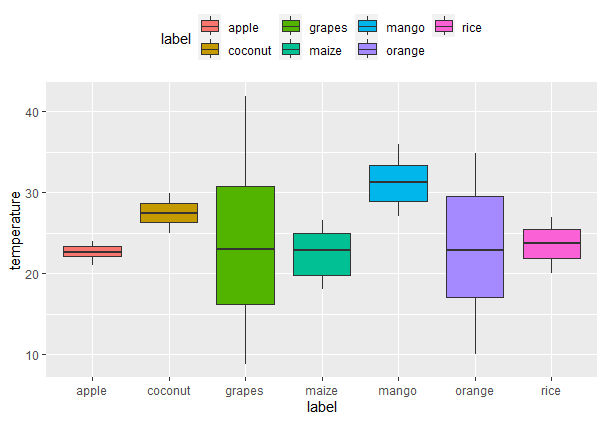
The position of the legend on the plot is easy to customize with the use of the theme() function. For instance, we can include the legend on top, at the bottom or suppress it altogether.
Output:
Explanation: This will put the legend in the top of the plot. The theme() function offers further customizations of plot titles, axes and background.
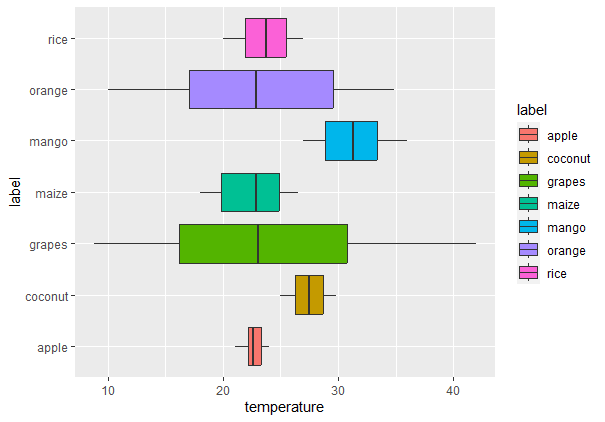
Box plots can also be placed horizontally using coord_flip() function. This function just switches the x and y-axis.
Output:
We can change the outline colors of box plots in different ways depending on how we want to represent the grouping variable.
We can reverse the outline color of the boxes according to a grouping variable. This can be achieved by mapping the color aesthetic onto a variable.
Output:
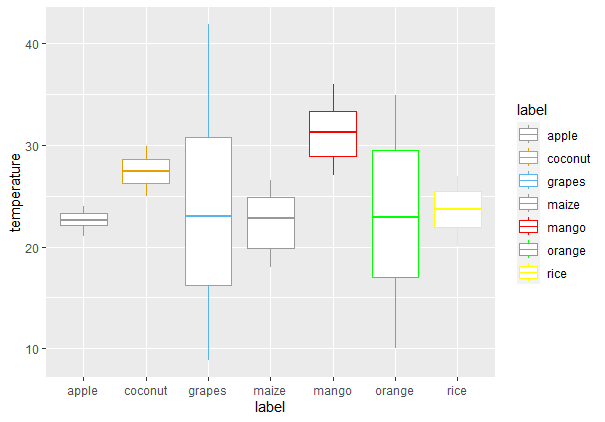
We will use the scale_color_manual() function to specify certain colors for each group to have greater control over the box outline colors.
Output:
We can change the outline color of the box plot with brewer color palettes. For doing so we just need to use the scale_color_brewer() function and set the palette argument within this function.
Output:
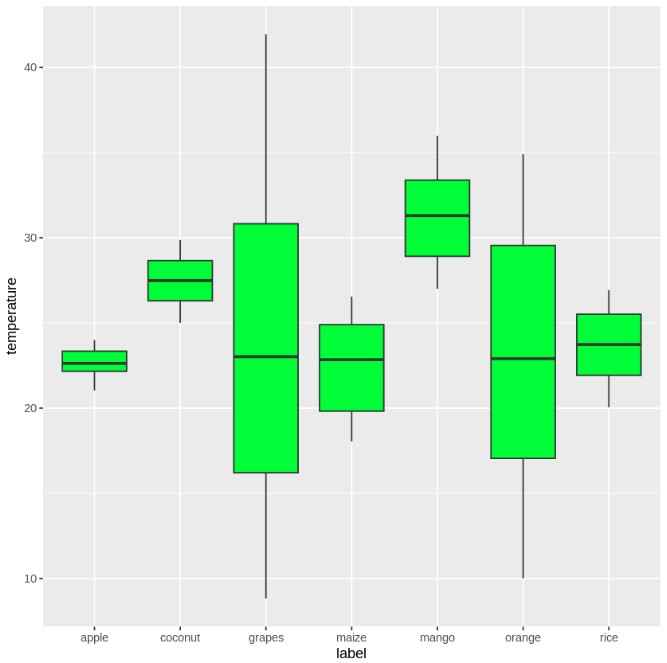
We can fill the interior of box plots using solid colors, grouped fills or custom palettes to improve visual clarity or aesthetics.
To fill the boxes with color, we can use the fill attribute inside the geom_boxplot() function.
Output:
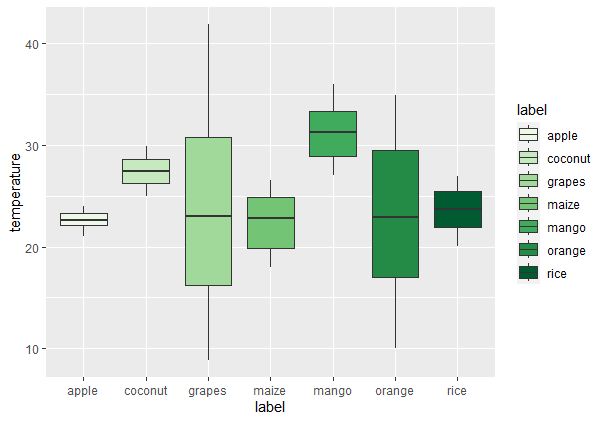
If we want to fill the boxes with different colors based on the label variable, we can map the fill aesthetic to this variable.
Output:
To manually specify colors for the fills, use scale_fill_manual().
Output:
Similar to the outline color, we can use scale_fill_brewer() to apply a color palette to the fill.
Output:
To fill color of box plots with grayscale use scale_fill_grey() with theme_classic().
Output:
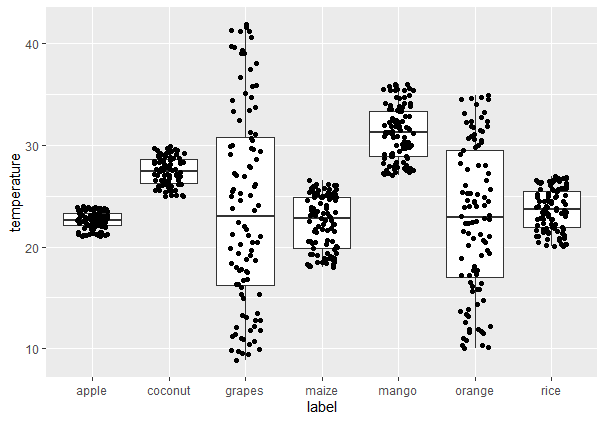
Jitters assist in minimizing over plotting when data points coincide. We can control the location of jittered points using the position_jitter() function.
Output:
A notched box plot gives the added information of emphasizing the confidence interval of the median. To plot a notched box plot, use the notch parameter as TRUE.
Output:
You can download the source code from here.