|
VOOZH | about |
|
VOOZH | about |
In R Programming Language, Comments are general English statements that are typically written in a program to describe what it does or what a piece of code is designed to perform. More precisely, information that should interest the coder and has nothing to do with the logic of the code. They are completely ignored by the compiler and are thus never reflected on the input.
There are generally three types of comments supported by languages :
Note: R doesn't support Multi-line and Documentation comments. It only supports single-line comments drafted by a '#' symbol.
Single-line comments are comments that require only one line. They are usually drafted to explain what a single line of code does or what it is supposed to produce so that it can help someone refer to the source code. Just like Python single-line comments, any statement starting with "#" is a comment in R.
Syntax:
# comment statement
Example 1:
The above code when executed will not produce any output, because R will consider the statement as a comment and hence the compiler will ignore the line.
Example 2:
Output:
[1] 13
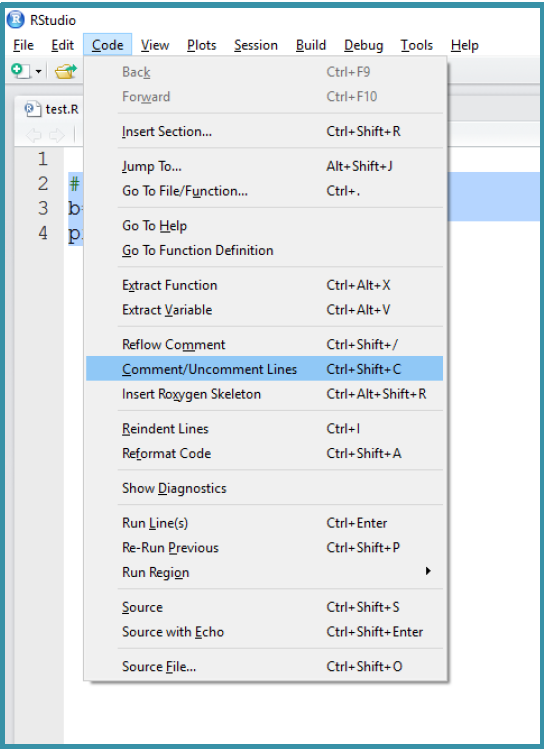
As stated earlier that R doesn't support multi-lined comments, but to make the commenting process easier, R allows commenting on multiple single lines at once. There are two ways to add multiple single-line comments in R Studio:
Output:
[1] 30
This makes the process of commenting a block of code easier and faster than adding # before each line one at a time.