|
VOOZH | about |
|
VOOZH | about |
R programming language provides many tools and packages to visualize the data points using interactive plots. ggpvis vs ggplot2 plots can be annotated or customized with different headings, titles, and color schemes to improve the readability of the data plotted.
Table of Content
The ggvis package in R is used for data visualization. It is also used to create interactive web graphics. It is also used to create interactive graphs and plots. It is an addition to the ggplot package. It provides the framework to build HTML graphs in the working space. The package can be downloaded and installed into the working space using the following command :
install.packages("ggvis")
Output
[1] "Data Frame"
col2 col3
1 1 A
2 2 B
3 3 C
4 4 D
5 5 E
6 6 F
7 7 G
8 8 H
The ggplot2 package is a powerful and widely used package for graphic visualization. It can be used to provide a lot of aesthetic mappings to the plotted graphs. This package is widely available in R. The package can be downloaded and installed into the working space using the following command :
install.packages("ggplot2")
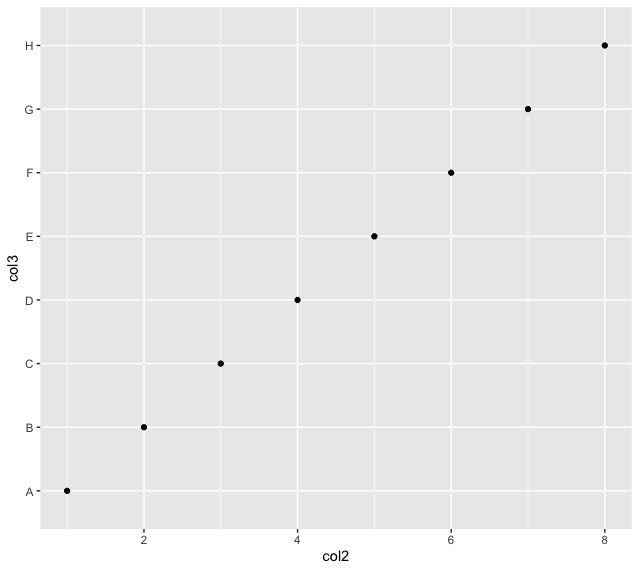
The ggplot method can be used to create a ggplot object. The graphical object is used to create plots by providing the data and its respective points. The data can be plotted using both points as well as lines.
ggplot(data, aes = )
Arguments :
Output
[1] "Data Frame"
 col2 col3
1 1 A
2 2 B
3 3 C
4 4 D
5 5 E
6 6 F
7 7 G
8 8 H
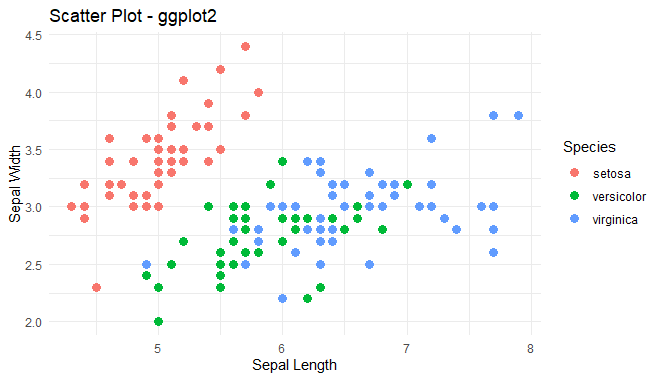
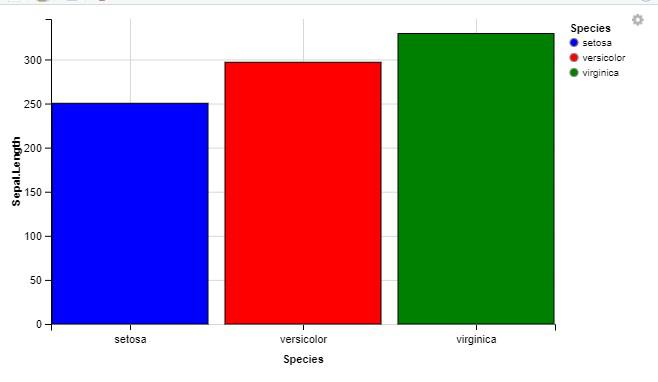
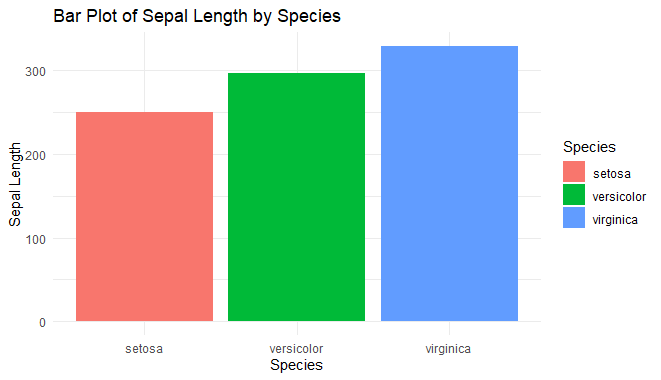
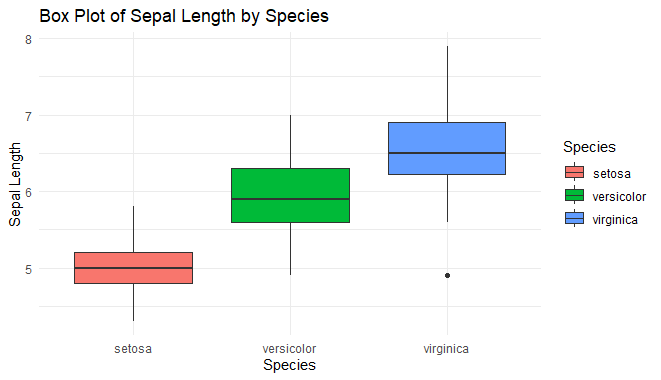
Now we perform some visualization on both the packages using Iris dataset.
Output:
Output:
Output:
Output:
Output:
Output:
The following table is used to illustrate the differences between both the packages :
| ggvis | ggplot |
|---|---|
| Can be used for constructing both static and interactive plots. | Can be used for constructing only static plots. |
| ggvis package is required | ggplot2 package is required |
| Faster | Slower |
| Simpler plots are constructed | Complex but elegant plots are constructed |
| It doesn't support a good annotation framework | It supports a good annotation framework |
| Doesn't easily output ordinary image files. | Quickly outputs ordinary image files. |