|
VOOZH | about |
|
VOOZH | about |
Image Arithmetic is performing arithmetic operations on two or more images. Here the operation is done in a pixel-by-pixel fashion which means that the value of the pixels of the output image depends only on the values of the corresponding pixels in the input images. Here the arithmetic operation is denoted as,
Where:
Image Arithmetic also has wide range of applications including computer vision, medical imaging, satellite imaging, and digital photography. In this article, we will implement image arithmetic in R Programming Language.
To perform any arithmetic operation on two or more images, the input images must be identical in size and its number of color channels. The two sample input images used are:
Image1:
Image2:
We will perform image arithmetic in R using imager package. We will install and load it into our R environment.
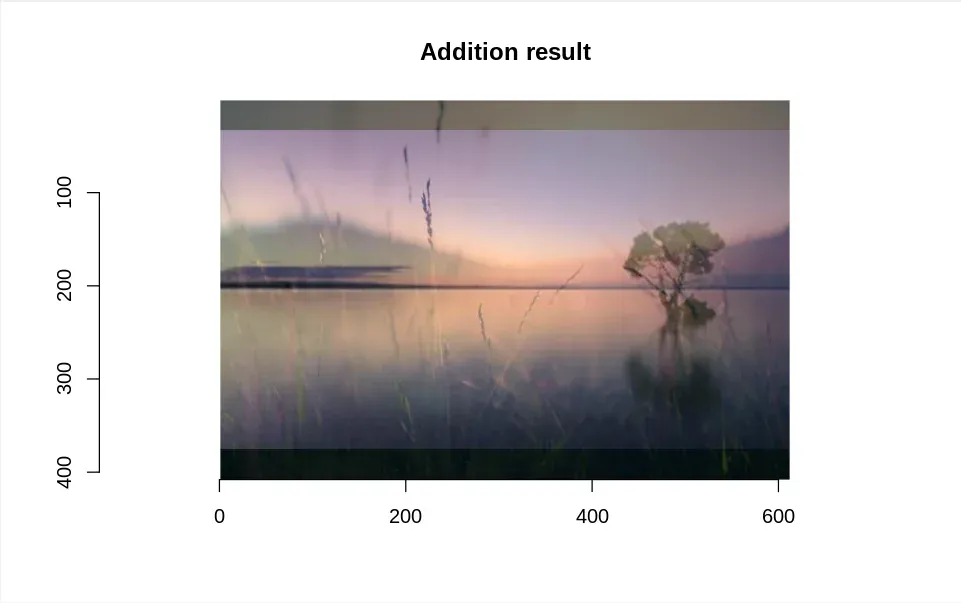
Operator used for addition of two images is '+', which takes two identical sized images as input operands and produces a third output image which is of same size. Here each pixel of output image is sum of values of corresponding pixels of each of two input images. The output pixel values are denoted by,
Or in other cases, addition operation can also be done by adding a constant value to each pixel of single input image.
We will see an example of an R script for the addition of two images
Output:
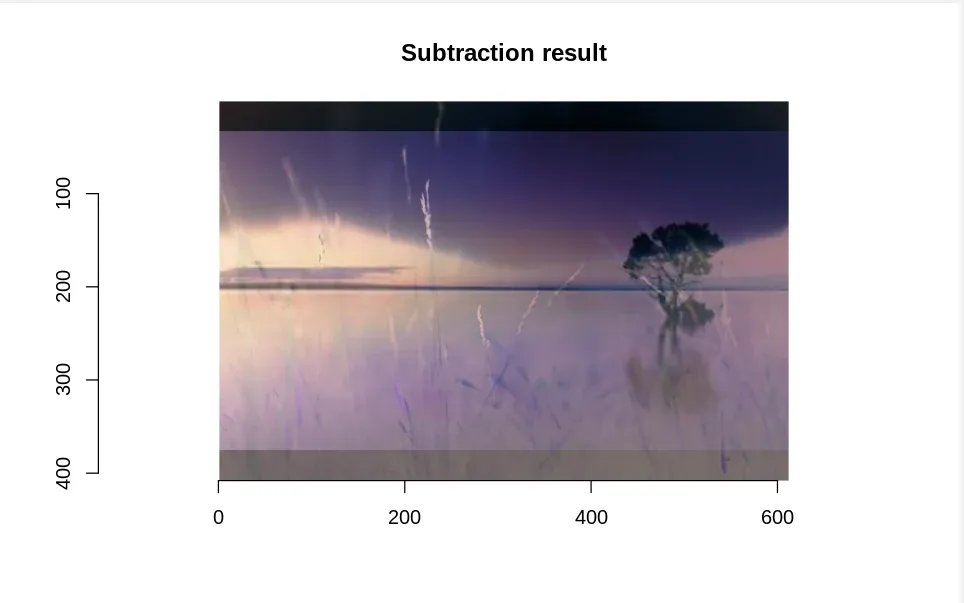
Operator used for subtraction of two images is '-', which takes two identical sized images as input operands and produces a third output image which is of same size. Here each pixel of output image is pixel of one image minus corresponding pixel of other input image. The pixels of output image are denoted by,
Or in other cases, subtraction can also be done by removing a constant value from each pixel of single input image.
We will see an example of an R script for subtraction of two images.
Output:
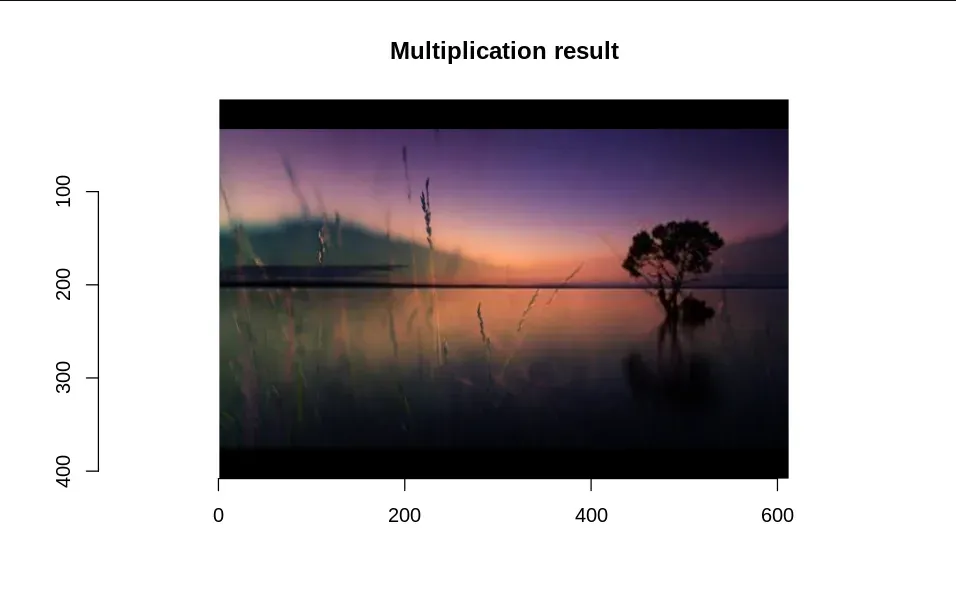
Operator used for multiplication of two images is '*' which takes two or more identical sized images and multiplies pixels of one input image with corresponding pixels of other image, giving an output image of same dimensions. Here pixels of output image are denoted by,
In other form, multiplication can also be done by multiplying a constant value for each pixel of single input image.
We will see an example of an R script for multiplication of two images.
Output:
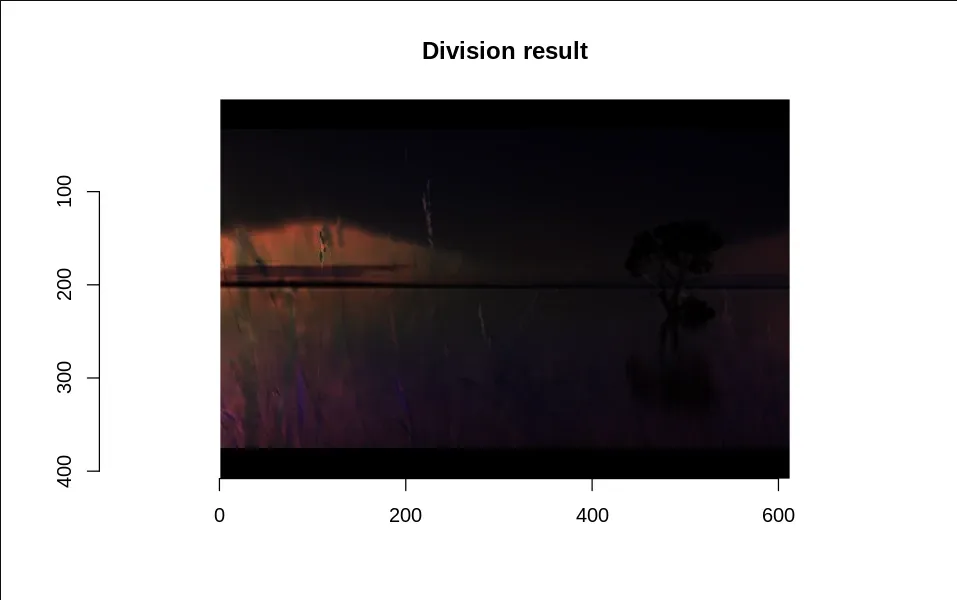
The operator used for the division of two images is /, which takes two or more identically sized images and divides the pixels of one input image by the corresponding pixels of another image, producing an output image of the same dimensions. Here, the pixels of the output image are denoted by:
In another form, division can also be performed by dividing each pixel of a single input image by a constant value :
We will see an example of an R script for the division of two images.
Output: