|
VOOZH | about |
|
VOOZH | about |
In this article, we will be looking at the approach to merge multiple CSV files in the R programming language.
In this approach to merge multiple CSV files, the user needs to install and import three different packages namely- dplyr,plyr, and readr in the R programming language console to call the functions which are list.files(), lapply(), and bind_rows() from these packages and pass the required parameters to these functions to merge the given multiple CSV files to a single data frame in the R programming language.
Syntax:
list.files(path = ".", pattern = NULL, all.files = FALSE,full.names = FALSE, recursive = FALSE, ignore.case = FALSE, include.dirs = FALSE, no.. = FALSE)
Syntax:
lapply(X, FUN, …)
Syntax:
bind_rows(..., .id = NULL)
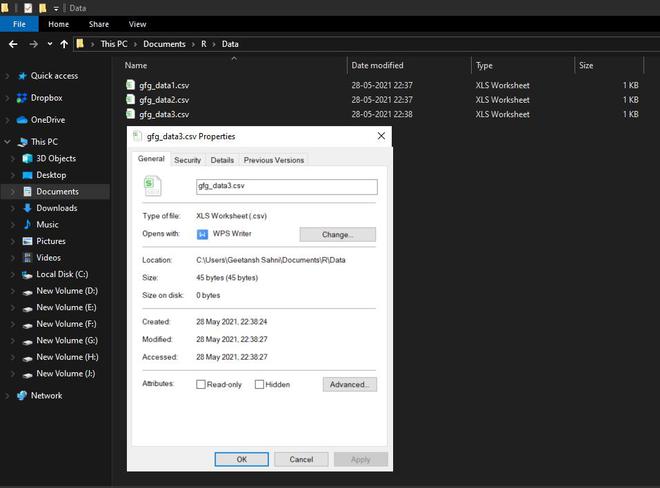
Folder in Use:
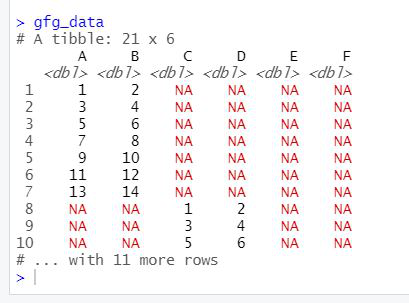
👁 ImageTo actually merge multiple CSV/Excel files as one dataframe first the required packages are imported and then list of files are read and joined together.
Example:
Output:
👁 Image