|
VOOZH | about |
|
VOOZH | about |
In this article, we will discuss how we plot data using Generic plots in R Programming Language using plot() Function.
plot() function in R Programming Language is defined as a generic function for plotting. It can be used to create basic graphs of a different type.
Syntax: plot(x, y, type)
Parameters
- x and y: coordinates of points to plot
- type: the type of graph to create
Returns: different type of plots
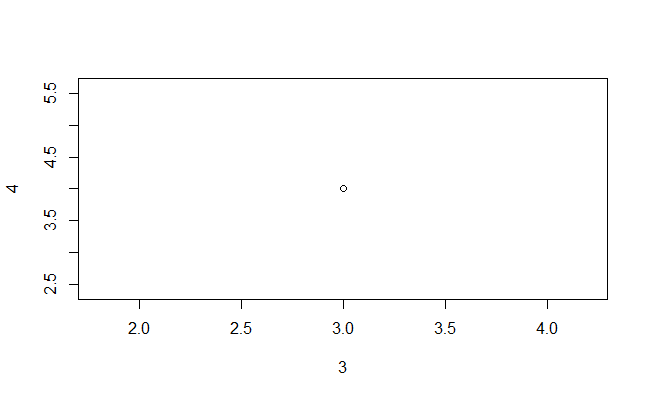
Output:
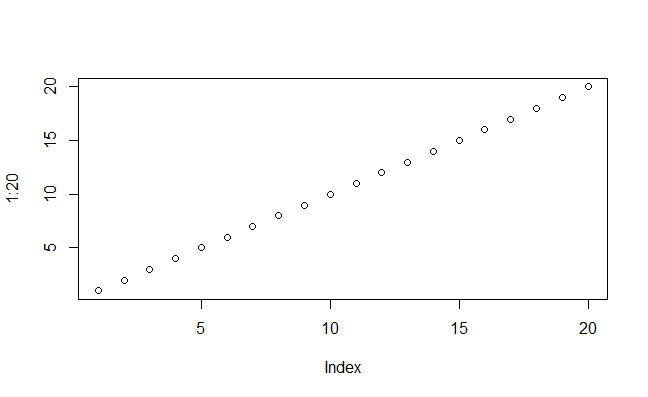
Output:
Output:
Output:
In this code we creates a line plot with labeled axes, a title, grid lines, and additional points.
col: Specifies the color of the line,lwd: Sets the line width,xlab and ylab: Label the x-axis and y-axis, respectively.main: Adds a title to the plot,grid(): Adds grid lines to the plot,points(): Adds points to the plot to highlight the data.legend(): Adds a legend to the plot.Output:
In this code we creates a quadratic function plot with blue points connected by dashed lines. It includes a title, axis labels, grid lines, red-highlighted data points, and a legend indicating the equation 2y=x2. The main title and subtitle have custom colors and font styles for improved visualization.
Output:
par(mfrow = c(2, 2)) is like setting up a grid of 2 rows and 2 columns for your plots. This means we can create four plots, and they will be arranged in a 2x2 grid.
plot function after setting up the grid, it adds a new plot to one of the grid positions. Each plot can have different data and visual styles.Output:
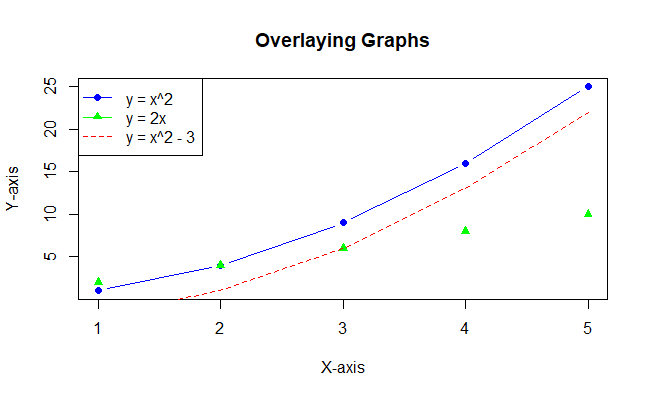
In this example the plot function is used to create the first graph. the points function overlays points from the second graph on the existing plot.
The lines function overlays a line from the third graph on the existing plot. legend adds a legend to distinguish between different datasets.