|
VOOZH | about |
|
VOOZH | about |
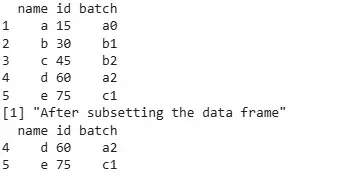
Subset Data Frames Using Logical Conditions in R programming language means selecting specific rows from a data frame where certain logical conditions are true, such as values being greater than, less than or equal to a given number.
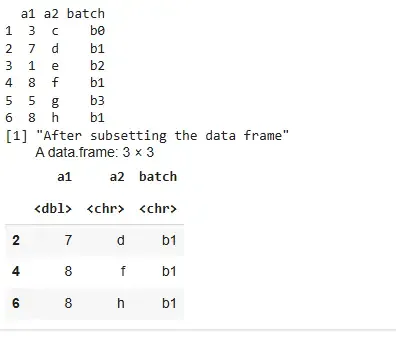
This method subsets rows where the column value is equal to a specific value.
Output:
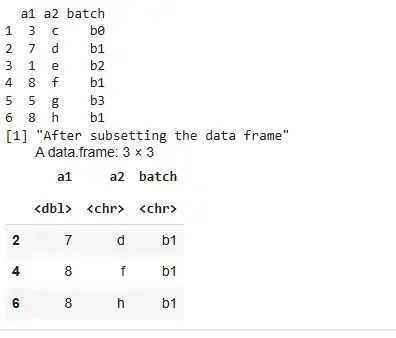
This method subsets rows where a column's value matches any value in a vector.
Output:
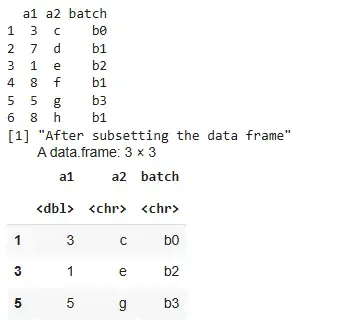
This method subsets rows where the column value is not equal to a specific value.
Output:
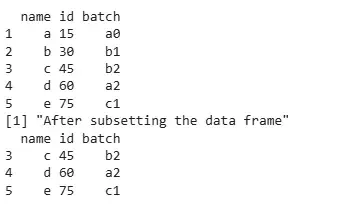
This is a base R approach to subset rows using logical conditions directly within square brackets.
Output:
The subset() function is a cleaner and more readable way to apply conditions on data frames.
Output:
We learned about how to perform subsetting by using logical conditions.