|
VOOZH | about |
|
VOOZH | about |
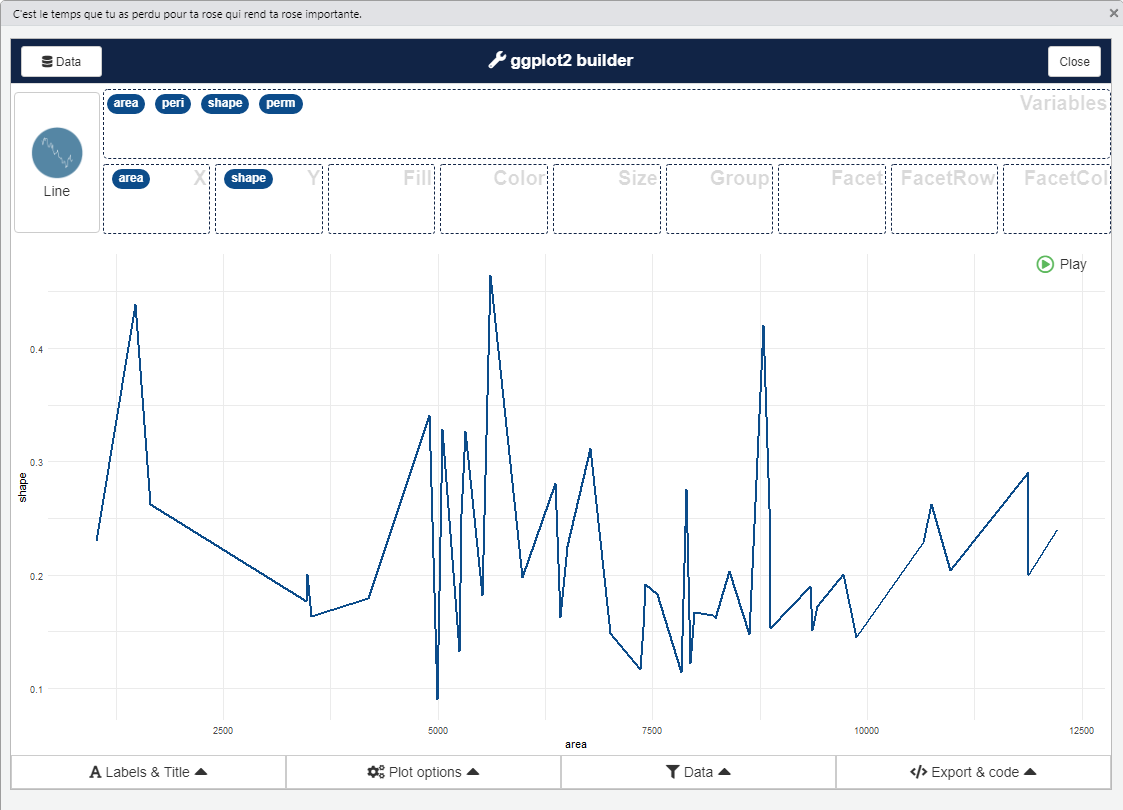
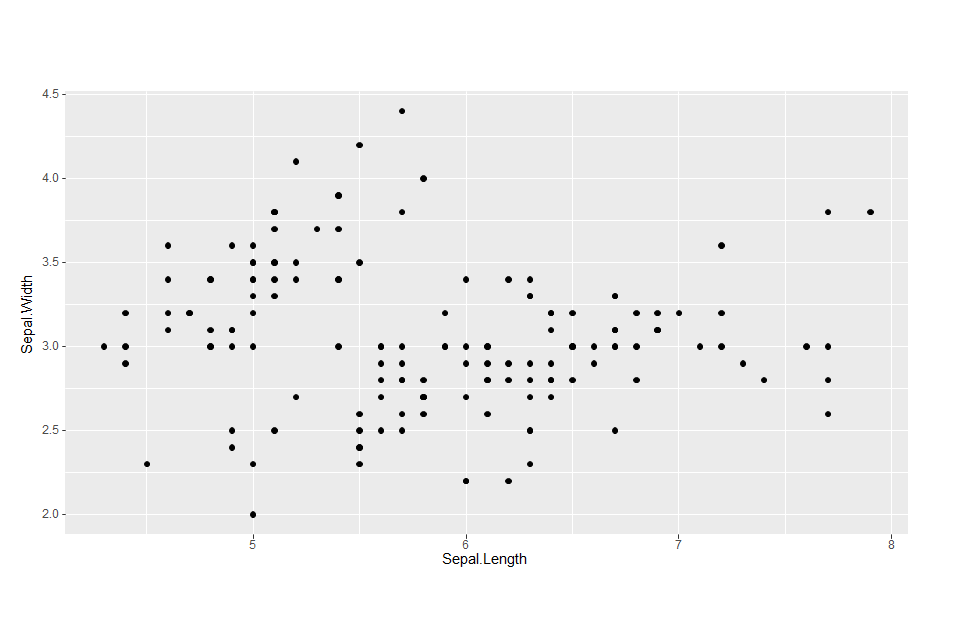
Packages in the R programming are a collection of R functions, compiled code, and sample data. They are stored under a directory called “library” in the R environment. By default, R installs a set of packages during installation. One of the most important packages in R is the Esquisse package. Esquisse package helps to explore and visualize your data interactively. It is a Shiny gadget to create ggplot charts interactively with drag-and-drop to map your variables. One can quickly visualize the data accordingly to their type, export to 'PNG' or 'PowerPoint', and retrieve the code to reproduce the chart.
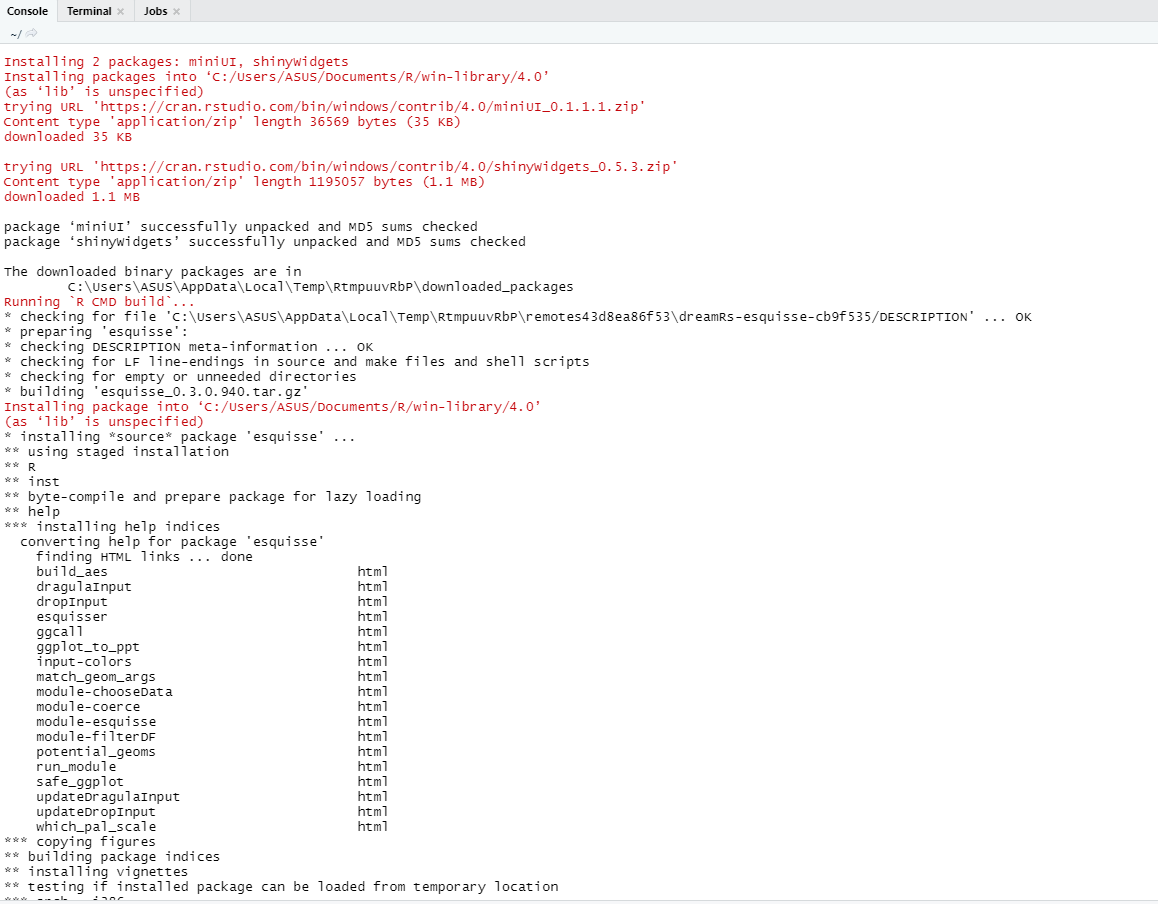
To use a package in R programming one must have to install the package first. This task can be done using the command install.packages(“packagename”).
source("https://install-github.me/dreamRs/esquisse")
install.packages("esquisse")
👁 InstallationTo install the development version from GitHub type this:
# or with devtools:
devtools::install_github("dreamRs/esquisse")Syntax:
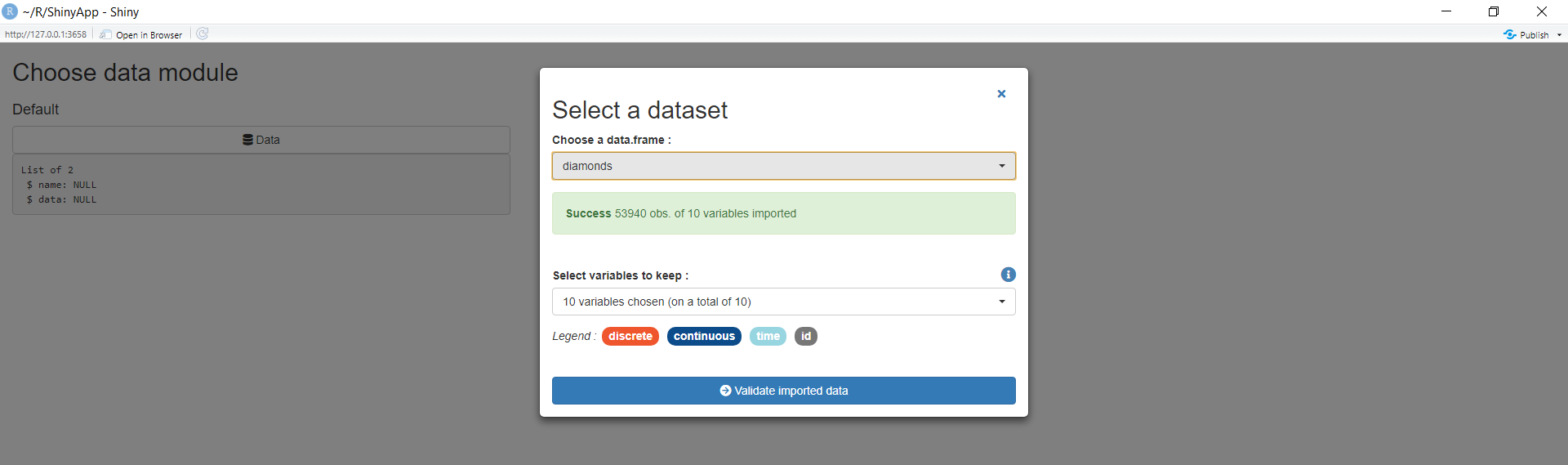
chooseDataUI(id)
chooseDataServer(input, output, session, data = NULL, name = NULL,
selectVars = TRUE, launchOnStart = TRUE, defaultData = NULL)
Parameter | Description |
|---|---|
| id | Module's id. |
| input | Standard shiny input. |
| output | Standard shiny output. |
| session | Standard shiny session. |
| data | data.frame to use by default. |
| name | The name of data. |
| selectVars | Logical (TRUE/FALSE), display menu to select vars to use in selected data.frame. |
| launchOnStart | Launch modal when application is launched. |
| defaultData |
A character vector of data.frames to choose along if there is no data.frames in Global environment. By default, data.frames from ggplot2 are used. |
Example:
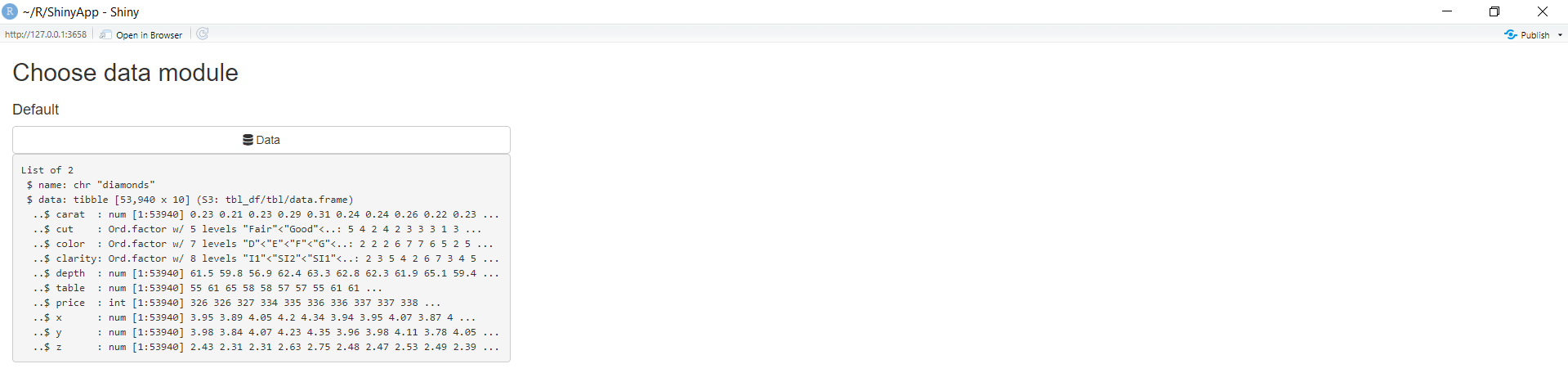
Output:
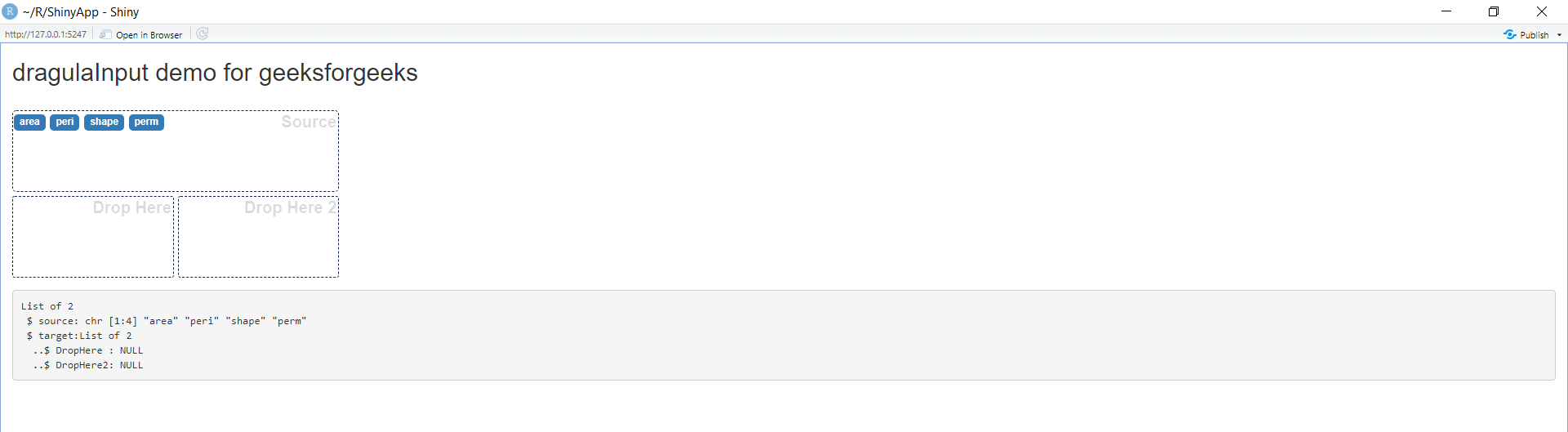
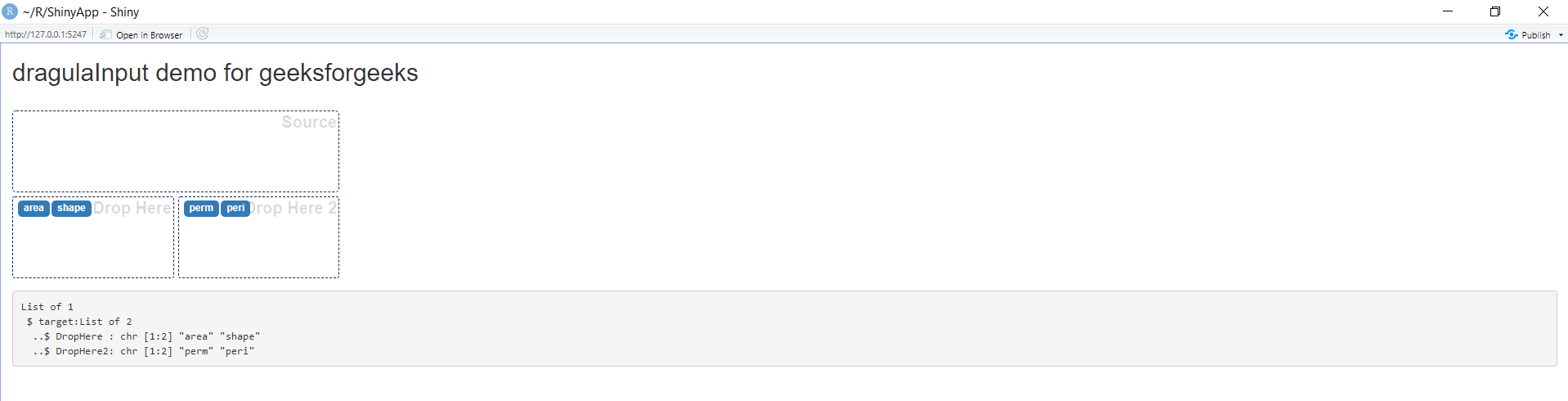
👁 chooseData-ModuleSyntax: dragulaInput(inputId, sourceLabel, targetsLabels, targetsIds = NULL,
choices = NULL, choiceNames = NULL, choiceValues = NULL,
status = "primary", replace = FALSE, badge = TRUE, width = NULL,
height = "200px")
Parameter | Description |
|---|---|
| inputId | The input slot that will be used to access the value. |
| sourceLabel | Label display in the source box. |
| targetsLabels | Labels for each target element. |
| targetsIds | Ids for retrieving values server-side. |
| choices |
List of values to select from. If this argument is provided, then choiceNames and choiceValues must not be provided, and vice-versa. |
| choiceNames |
List of names and values, respectively, that are displayed to the user in the app and correspond to the each choice (for this reason, choiceNames and choiceValues must have the same length). |
| choiceValues |
List of names and values, respectively, that are displayed to the user in the app and correspond to the each choice (for this reason, choiceNames and choiceValues must have the same length). |
| status |
If choices are displayed into a Bootstrap label, you can use Bootstrap status to color them, or NULL. |
| replace |
When a choice is dragged in a target container already containing a choice, does the later be replaced by the new one ?#' |
| badge | Displays choices inside a Bootstrap badge. |
| width | Width of the input. |
| height | Height of each boxes, the total input height is this parameter X 2. |
Example:
Output:
👁 dragulaInputSyntax: esquisser(data = NULL)
Parameter | Description |
|---|---|
| data | A data.frame. |
Example:
Output:
👁 esquisserSyntax: updateDragulaInput(session, inputId, choices = NULL, choiceNames = NULL,
choiceValues = NULL, badge = TRUE, status = "primary")
Parameter | Description |
|---|---|
| session | The session object passed to function given to shinyServer. |
| inputId | The id of the input object. |
| choice |
List of values to select from. If this argument is provided, then choiceNames and choiceValues must not be provided, and vice-versa |
|
choiceNames choiceValues |
List of names and values, respectively, that are displayed to the user in the app and correspond to the each choice (for this reason, choiceNames and choiceValues must have the same length). If either of these arguments is provided, then the other must be provided and choices must not be provided. |
| badge | Displays choices inside a Bootstrap badge. |
| status | If choices are displayed into a Bootstrap badge, you can use Bootstrap status to color them, or NULL. |
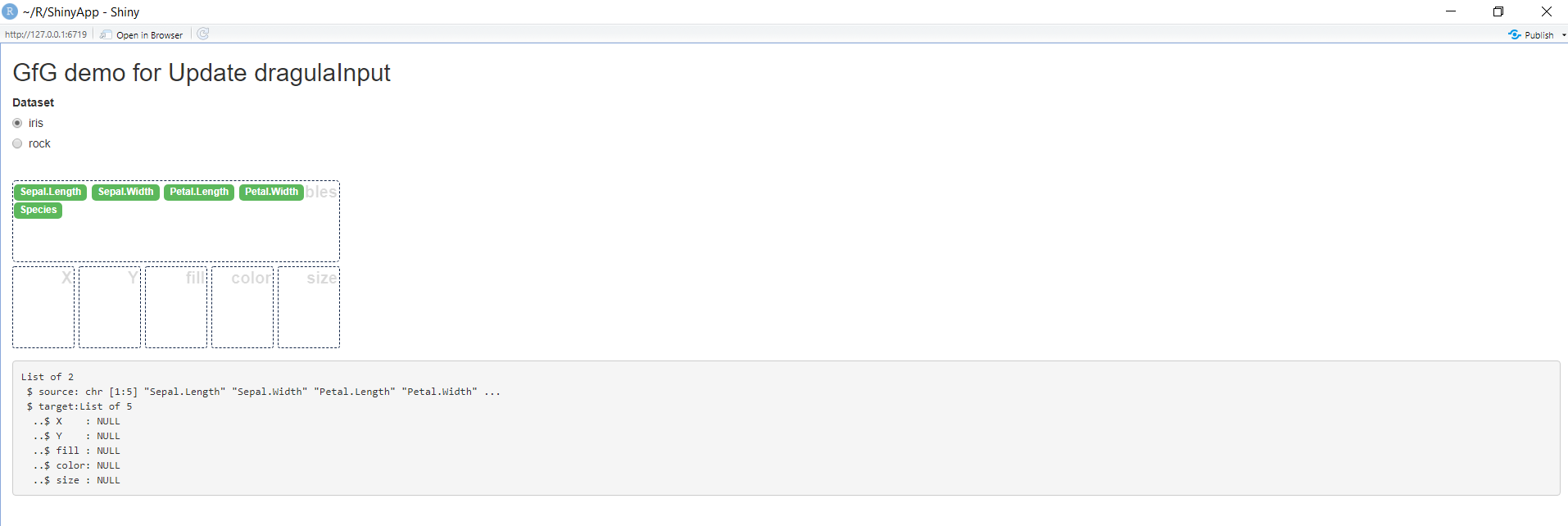
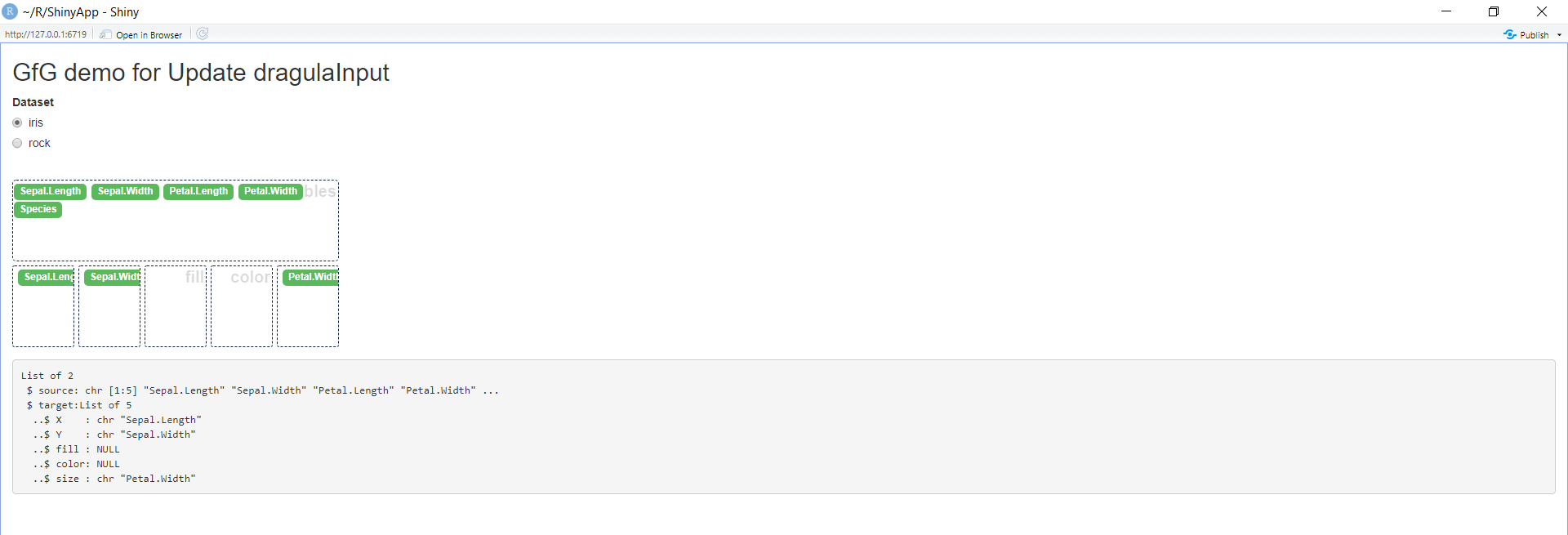
Example:
Output:
👁 update dragulainputSyntax: ggplot_to_ppt(gg = NULL)
Parameter | Description |
|---|---|
| gg | character. Name(s) of ggplot object(s), if NULL, launch the Shiny gadget. |
Example:
Output:
👁 ggplot_to_pptThe code displays the output in a ppt format. Output to the above piece of code can be seen via this link.