Creating and Deploying an Atlas Cluster in MongoDB
Last Updated : 5 May, 2026
MongoDB Atlas is a fully managed cloud database service that lets you deploy, manage, and scale MongoDB clusters on major cloud platforms without handling infrastructure.
Fully Managed Service: MongoDB handles provisioning, scaling, backups, and maintenance.
Cloud Providers: Supports AWS, Google Cloud, and Microsoft Azure.
Developer-Friendly: Lets teams focus on building apps instead of managing servers.
There are two types of Clusters
1. Replica Sets: A set of duplicate MongoDB nodes maintaining copies of the same data to ensure high availability and redundancy.
2. Sharded Clusters: Data is distributed across several MongoDB servers to improve performance and handle larger datasets.
Setup of Atlas Cluster in MongoDB
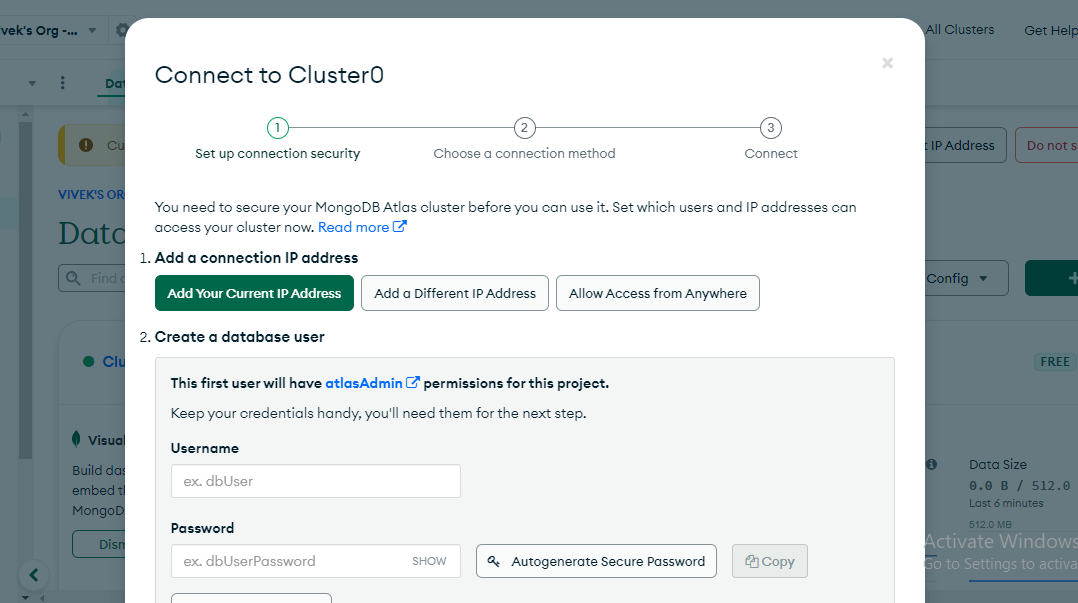
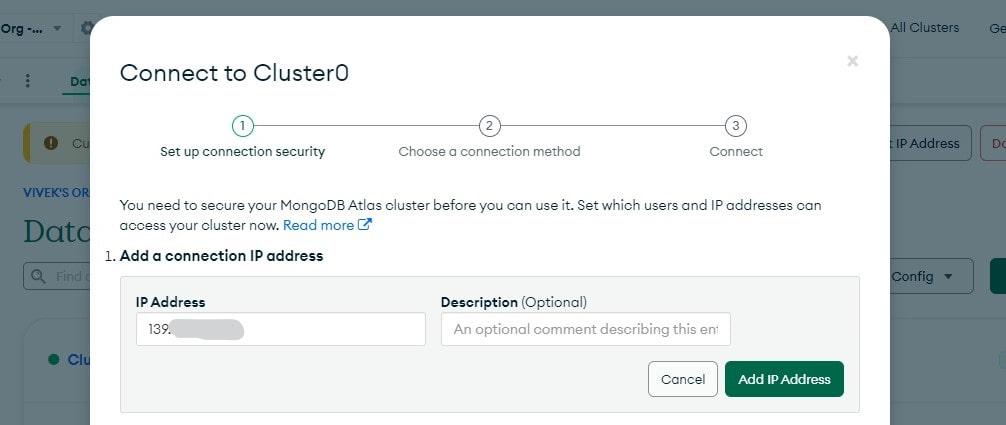
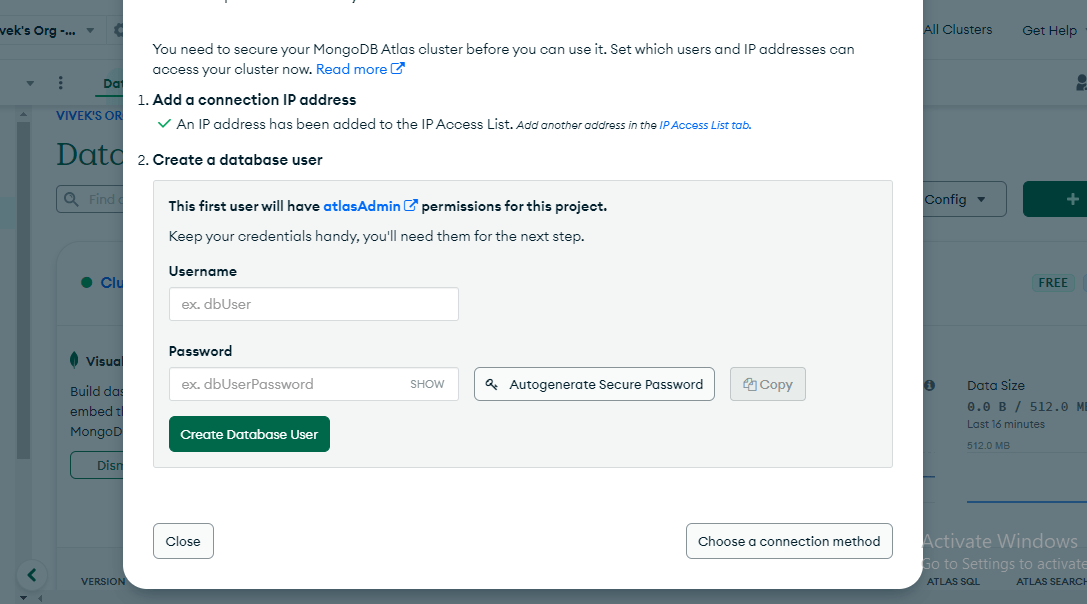
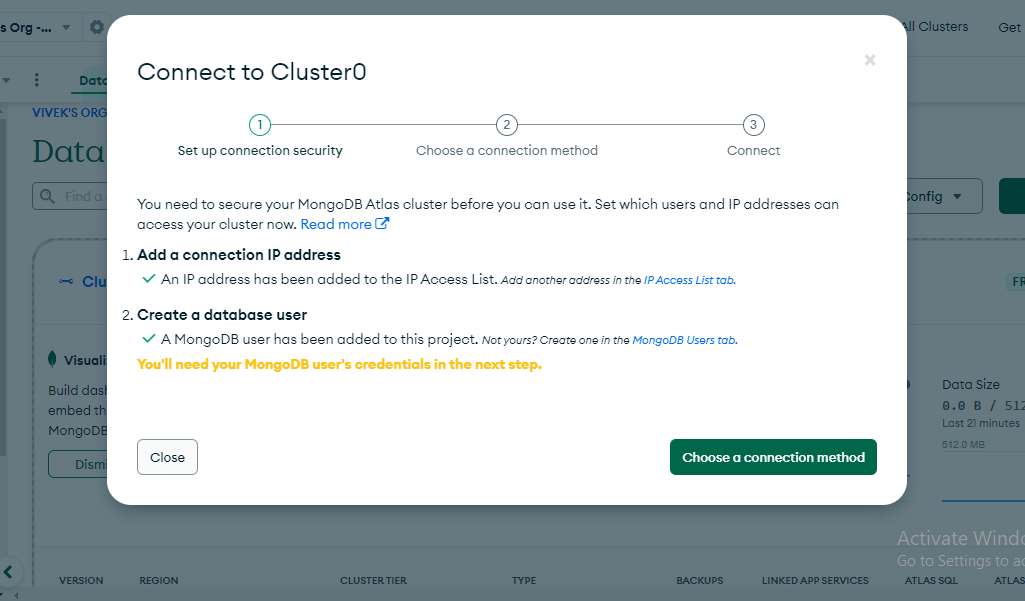
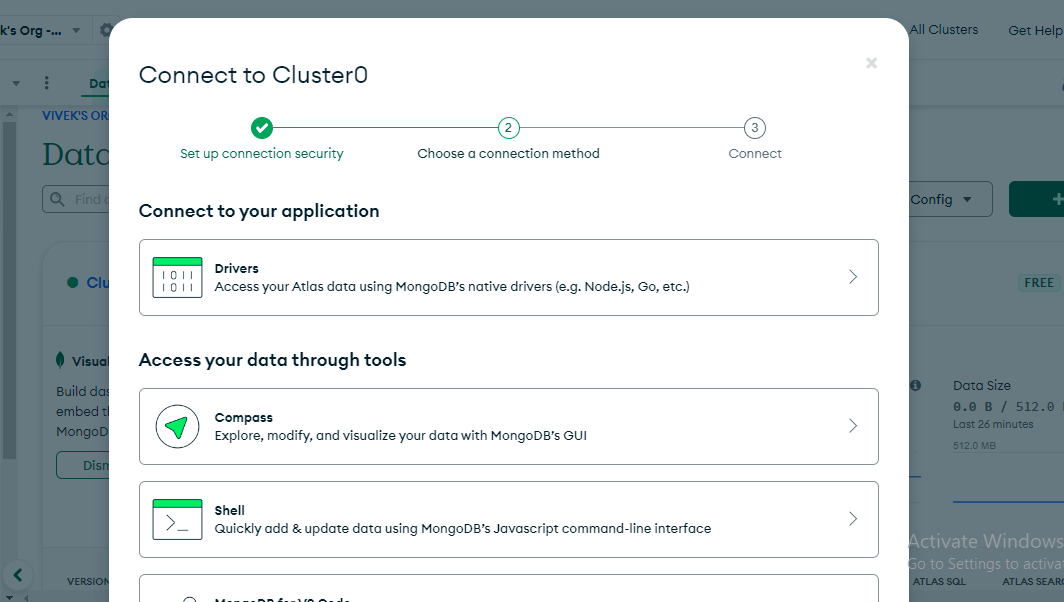
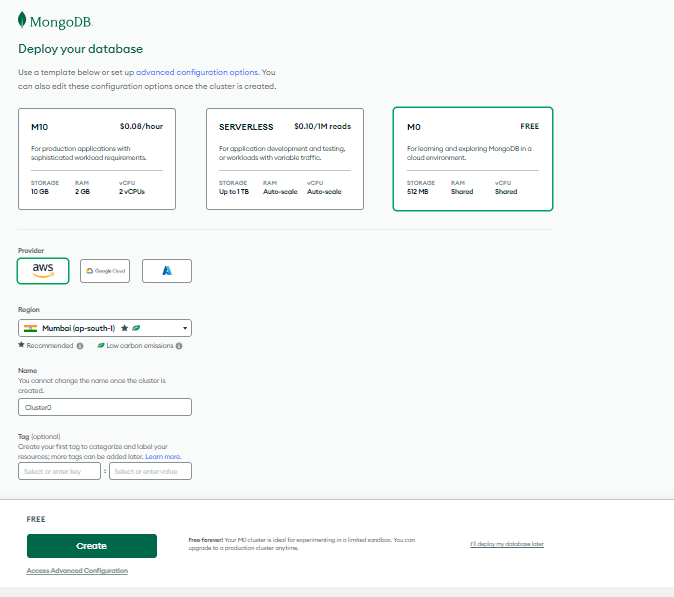
Create an Atlas cluster, whitelist network access, add database users, and connect applications using the connection URI for scalable, highly available cloud hosting.
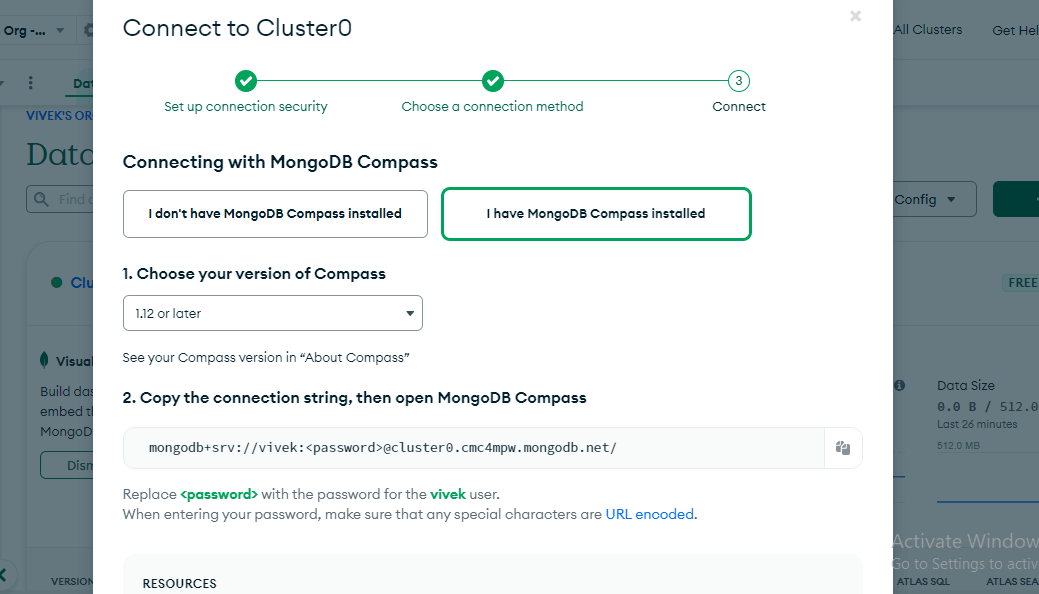
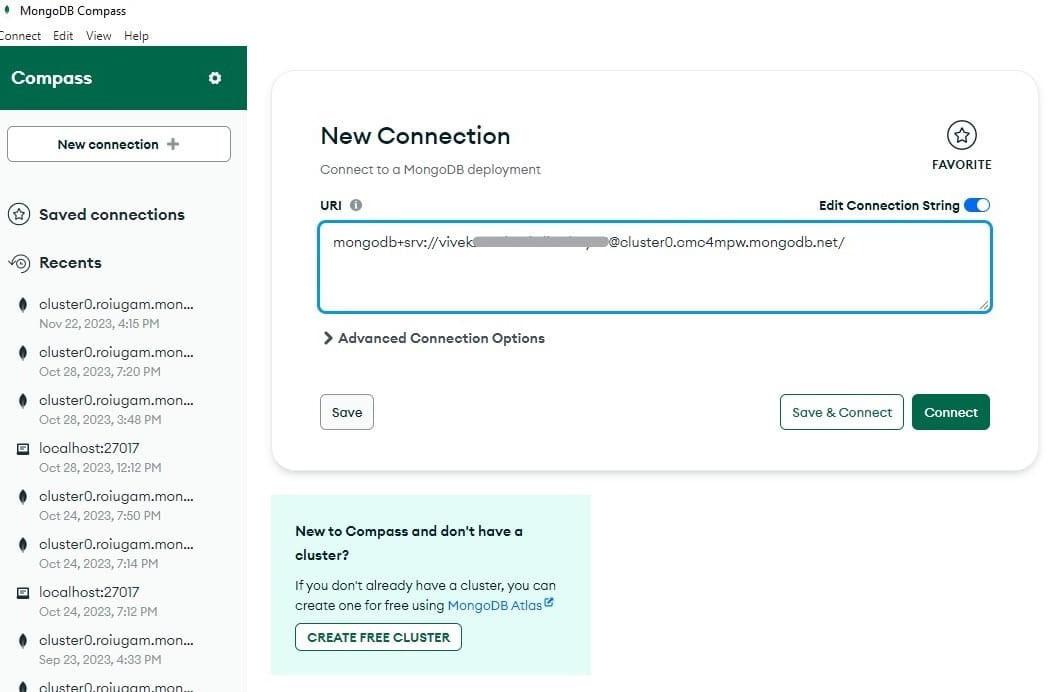
After that click on "I have MongoDB Compass Installed" copy the connection string and replace the password with the password you have created for the database user in step 3.
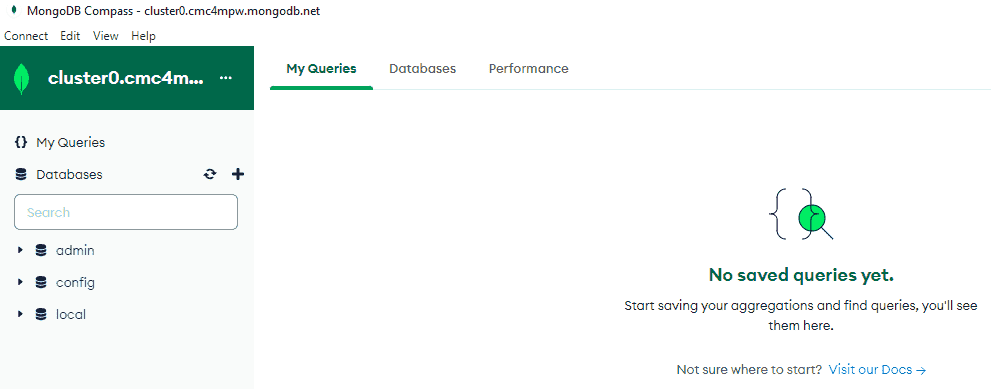
You have successfully connected your Database with MongoDB Atlas Cluster and If you want to know more about MongoDB you can visit their official site and read the documentation.


-min.jpg)