|
VOOZH | about |
|
VOOZH | about |
The positional $ operator in MongoDB updates the first matched element in an array without specifying its exact index, enabling efficient in-place updates, including within embedded documents.
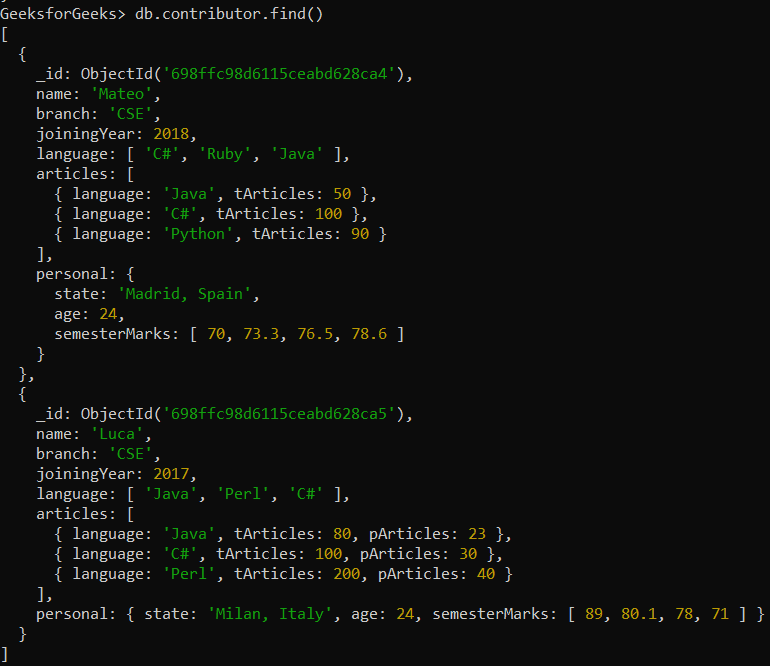
{ "<array>.$" : value }In the following examples, we are working with contributor which contains various information in terms of documents as shown below:
Database: GeeksforGeeks
Collection: contributor
Document: Two documents that contain the details of the contributor in the form of field-value pairs
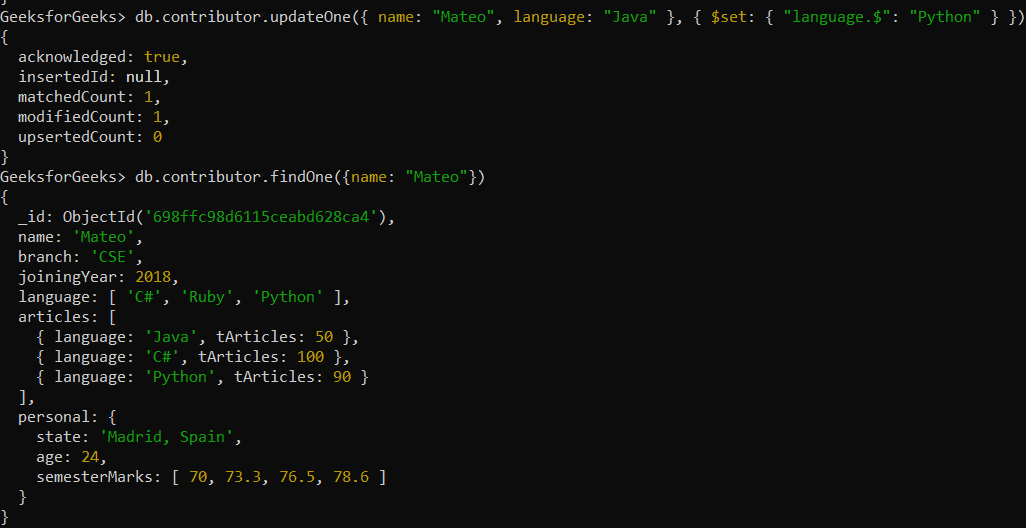
Updating the first item whose value is "Java" to "Python" in the language field with the help of $ operator, because we don't know the position of the item in the array.
db.contributor.updateOne(
 { name: "Mateo", language: "Java" },
 { $set: { "language.$": "Python" } }
)
Output:
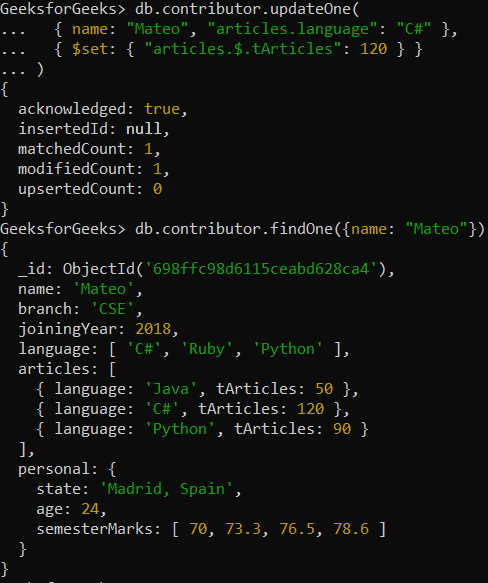
Updating an array that contains embedded documents with the help of $ operator and to access embedded document fields we use dot notation. Or in other words, we are updating the value of tArticle field from 60 to 100.
db.contributor.updateOne(
 { name: "Mateo", "articles.language": "C#" },
 { $set: { "articles.$.tArticles": 120 } }
)
Output:
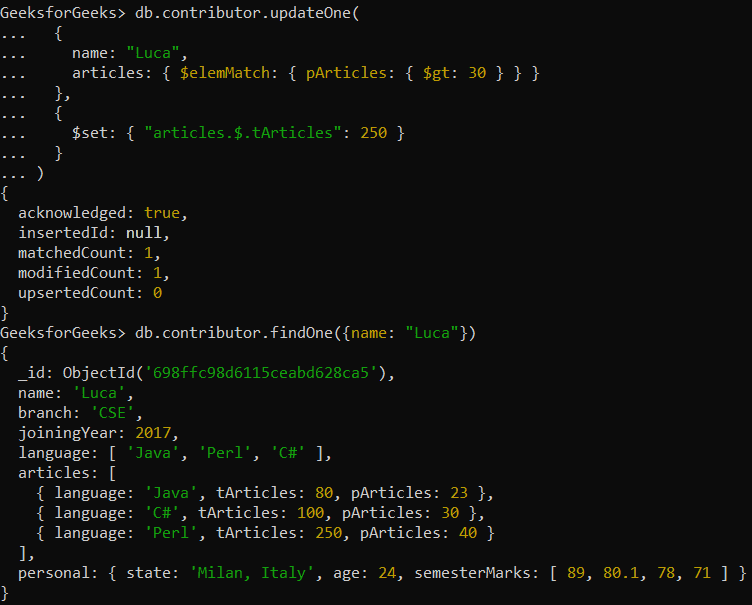
Updating the value of the tArticles field in the first embedded document that has a pArticles field with a value greater than 30.
db.contributor.updateOne(
 {
 name: "Luca",
 articles: { $elemMatch: { pArticles: { $gt: 30 } } }
 },
 {
 $set: { "articles.$.tArticles": 250 }
 }
)
Output: