|
VOOZH | about |
|
VOOZH | about |
Spinner is a widget that is used to select an item from a list of items. When the user tap on a spinner a drop-down menu is visible to the user. In this article, we will learn how to add custom spinner in the app.
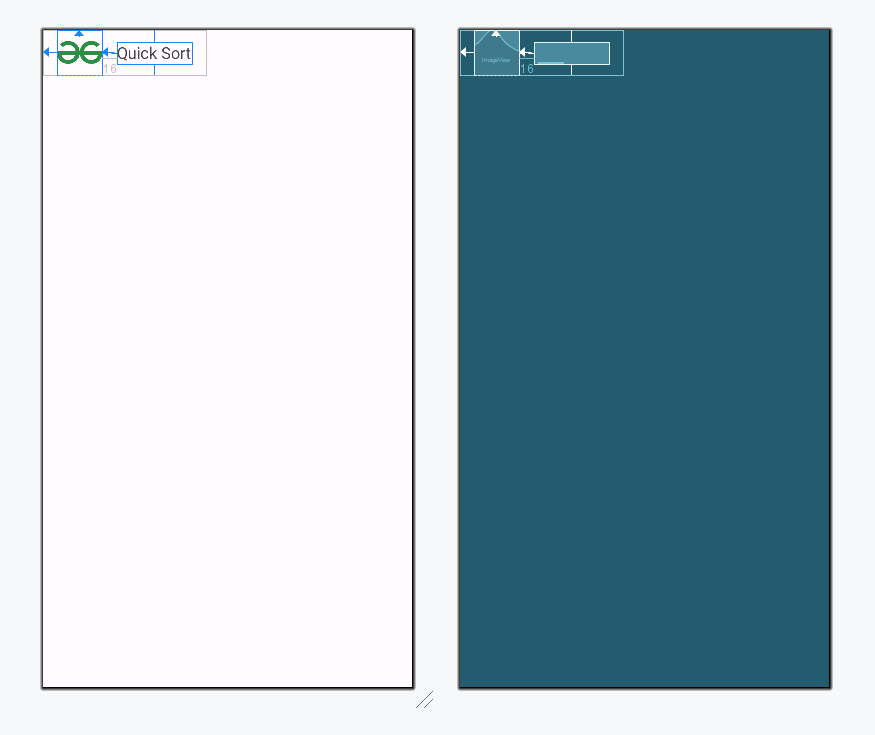
Create a new file item_spinner.xml and add the following code. Each item in spinner will have this layout, an image view and a textview.
Create a new file Item.kt and add the below following code. This is the model class which is used to get the name when the user clicks on any item. Here we define a constructor and a getName method in case of java which returns the name of the object.
Create a new file Adapter and add the following code. Here we define our own Adapter class. It maps the item with its view, providing access to the item`s data in the list of spinner.
Add the following code in activity_main.xml file. Here we add our spinner on the layout. This will add a textview and a spinner.
Now add the following code in the MainActivity.kt file. Here Adapter class object is made and it acts as an adapter for the spinner and add onItemSelectedListener to our spinner. When the user tap on any item of the spinner, it gets invoked. It shows a toast with the name of the item that user selected from the list.