|
VOOZH | about |
|
VOOZH | about |
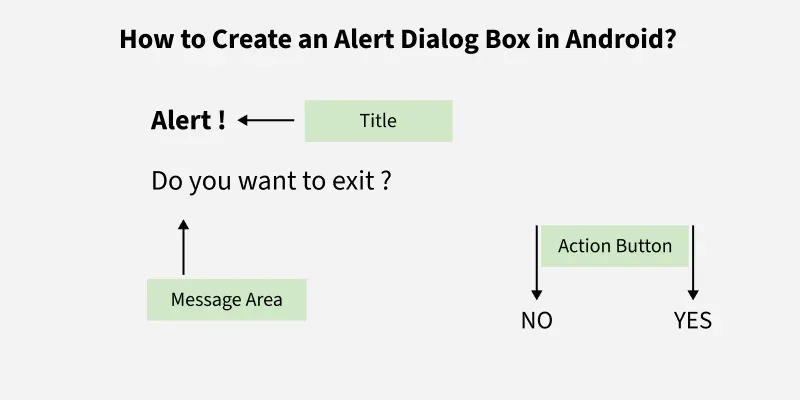
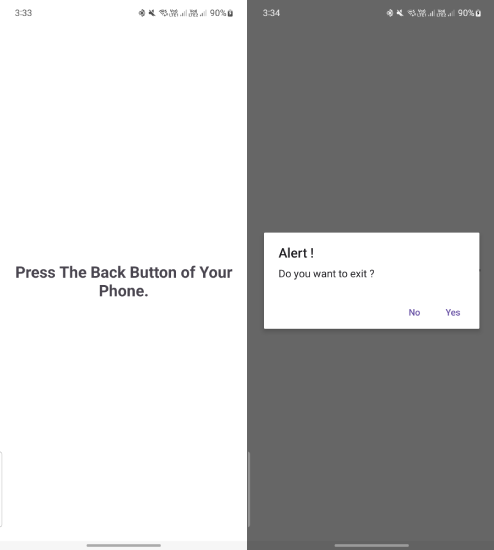
An Android Alert Dialog is a UI element that displays a warning or notification message and asks the user to respond with options such as Yes or No. Based on the user's response, appropriate actions are executed. Android Alert Dialog is built with the use of three fields: Title, Message area, and Action Button.
Then we add the two Buttons, setPositiveButton and setNegativeButton to our Alert Dialog Box as shown below.
To create a new project in Android Studio please refer to How to Create/Start a New Project in Android Studio.
The code for that has been given in both Java and Kotlin Programming Language for Android.
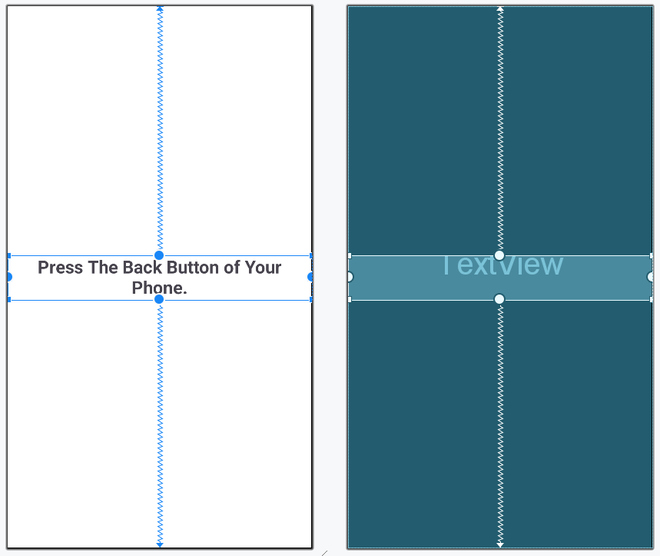
Next, go to the activity_main.xml file, which represents the UI of the project. Below is the code for the activity_main.xml file. Comments are added inside the code to understand the code in more detail.
Go to the MainActivity File and refer to the following code. Below is the code for the MainActivity File. Comments are added inside the code to understand the code in more detail.