|
VOOZH | about |
|
VOOZH | about |
In some cases for the AlertDialog, there is a need to get input from the user or customize it according to our requirements. That's where custom AlertDialogs comes in handy. In this article we are going to discuss on how to customize the AlertDialogs and take user input.
Add the below code in custom_layout.xml. This code defines the alert dialog box dimensions and adds an edit text to it.
custom_layout.xml:
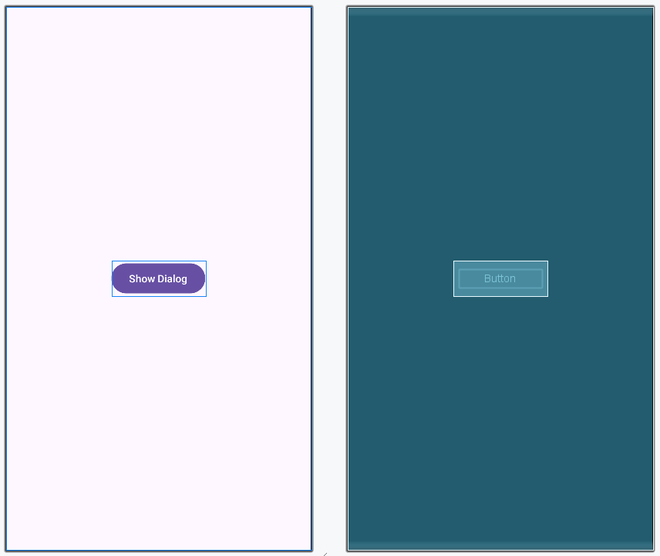
The button when clicked will show the AlertDialog box.
activity_main.xml:
Add custom_layout.xml in that activity in which you want to show a custom alert dialog here it is added in MainActivity.
MainActivity File: