|
VOOZH | about |
|
VOOZH | about |
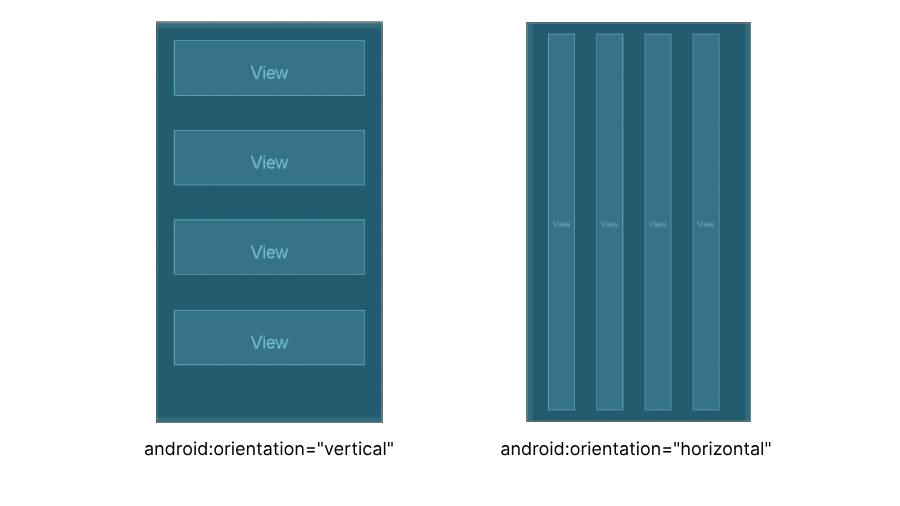
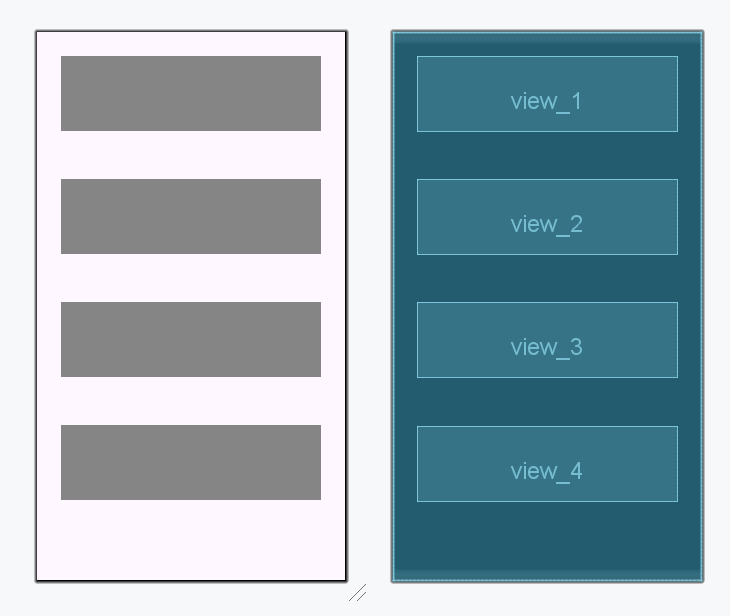
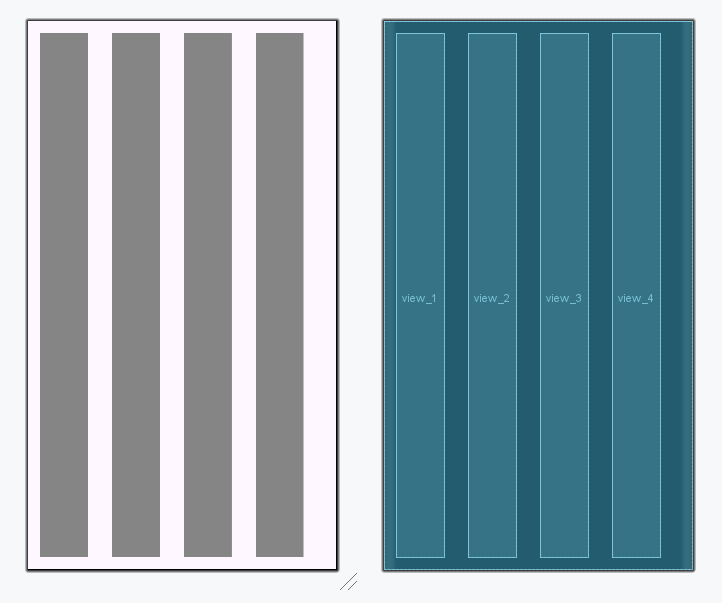
LinearLayout is one of the most basic layouts in android studio, that arranges multiple sub-views (UI elements) sequentially in a single direction i.e. horizontal or vertical manner by specifying the android:orientation attribute. If one applies android:orientation="vertical" then elements will be arranged one after another in a vertical manner (i.e. top to bottom) and If you apply android:orientation="horizontal" then elements will be arranged one after another in a horizontal manner (i.e. left to right).
Attributes | Description |
|---|---|
android:id | Assigns a unique id to the layout. |
android:orientation | Defines the arrangements of sub-views in the layout. It is either "horizontal" or "vertical". |
android:layout_width | Sets the width of the layout |
android:layout_height | Sets the height of the layout |
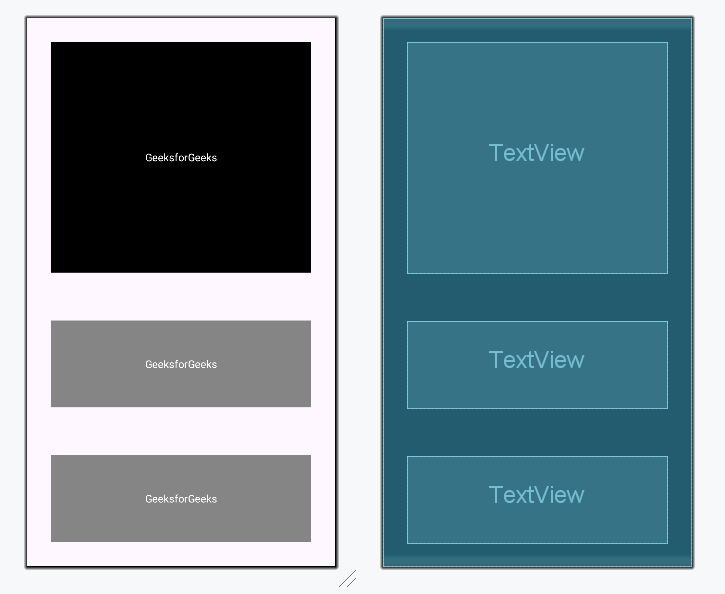
| android:layout_weight | Assigned individually to the sub-views, it specifies how the parent layout divides the remaining space amongst the sub-views. |
| android:weightSum | Defined in the layout, it sets the total weight sum of all the sub-view inside the layout. |
| android:layout_gravity | Assigned to the sub-views, it sets the gravity of the view or layout relative to its parent. Possible values are - center, center_vertical, center_horizontal, fill, top, bottom, start, end, etc. |
| android:baselineAligned | Assigns a Boolean value, which prevents the layout from aligning its children's baselines. |