|
VOOZH | about |
|
VOOZH | about |
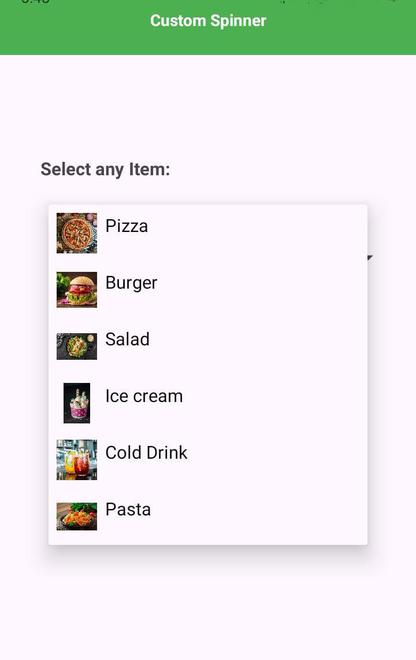
In Android development, a Spinner allows users to select an item from a dropdown menu. While the default ArrayAdapter provides basic functionality, customizing a Spinner can enhance its appearance and usability. This article will guide you through creating a custom Spinner using Kotlin. You'll learn how to design a unique item layout, implement a custom adapter, and integrate it into your activity. By following these steps, you'll be able to replace the standard ArrayAdapter with your custom adapter to display both images and text in your Spinner items.
We need a layout file that defines how each item in the spinner will look. This layout includes an ImageView and a TextView.
Define a Kotlin data class to represent each item in the spinner. This class will hold the data such as the icon resource ID and the algorithm name.
Implement a custom adapter that binds data to the spinner using the custom layout. This adapter will map each item to its corresponding view.
Add a Spinner to your activity layout file where you want the spinner to appear.
Set up the spinner in your activity by creating an instance of the custom adapter and attaching it to the spinner. Handle item selections to display a toast message.