|
VOOZH | about |
|
VOOZH | about |
An Absolute Layout allows you to specify the exact location i.e. X and Y coordinates of its children with respect to the origin at the top left corner of the layout. The absolute layout is less flexible and harder to maintain for varying sizes of screens that's why it is not recommended. Although Absolute Layout is deprecated now.
👁 Absolute Layout in AndroidSome of the important Absolute Layout attributes are the following:
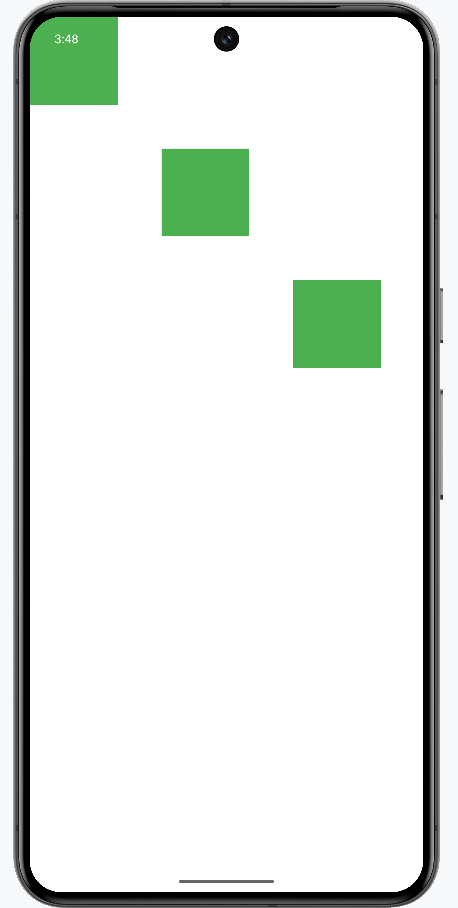
Example: In this example, we are going to create a basic application with Absolute Layout that is having two sample views with a background.
Note that we are going to implement this project using the Java language.
Let us follow the steps to demonstrate the Absolute Layout in Android.
To create a new project in Android Studio please refer to How to Create/Start a New Project in Android Studio.
For this go to app > res > layout > activity_main.xml file and change the Constraint Layout to Absolute Layout and add 3 sample views. Below is the code snippet for the activity_main.xml file.
activity_main.xml:
Output: You will see that views are having fixed X and Y Coordinates.