|
VOOZH | about |
|
VOOZH | about |
Below are the steps for Creating a Simple Android Application to Add Two Numbers
Note: Similarly, Android App to subtract, multiply and divide numbers can be made by making minor changes in the Java and XML code.
To create a new project in Android Studio please refer to How to Create/Start a New Project in Android Studio.
Note: Select Java as the programming language.
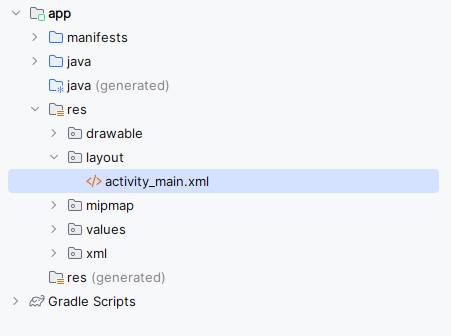
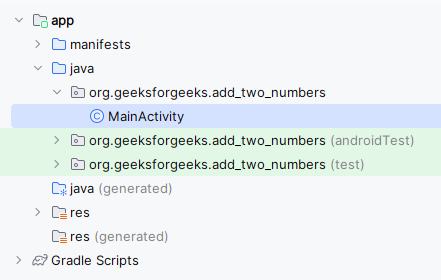
By default, there will be two files activity_main.xml and MainActivity.java.
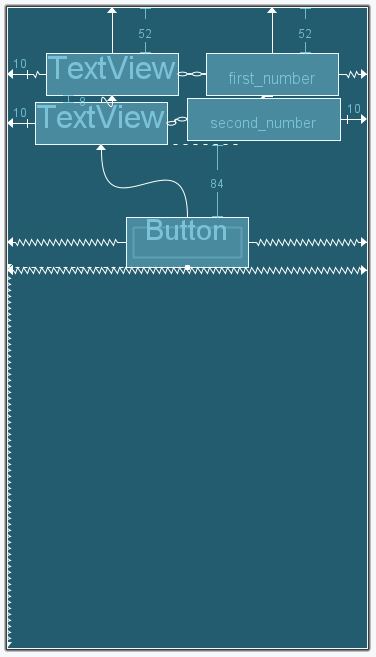
Here, we are using constrainLayout in our application where we will be using Constraints and Chaining concepts.
Complete code of layout xml file is mentioned below:
After Complete layout xml file it will be shown as given below :
Note: The Layout of Android Application differ for all. Although the elements will be same for all.
Step 4: Changes are done in Java MainActivity file
Complete code of layout xml file and java file is given below.
👁 Output_of_sum_of_two_numbers
Note : To access the full android application check this repository: Add Two Numbers Application