|
VOOZH | about |
|
VOOZH | about |
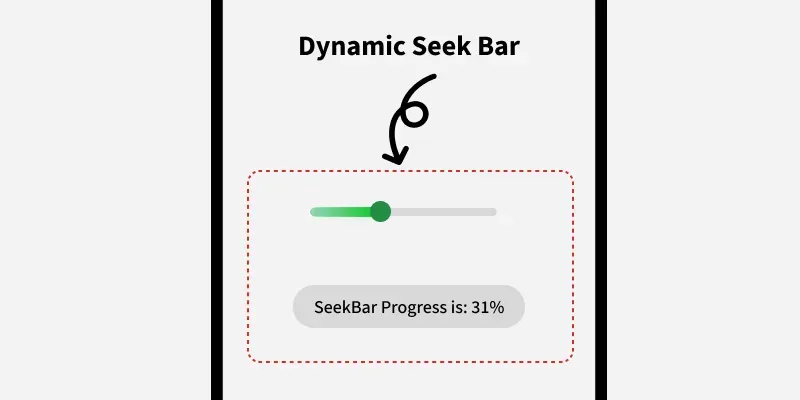
Android SeekBar is a type of ProgressBar. On touching the thumb on seekbar and dragging it to the right or left, the current value of the progress changes. SeekBar is used for forwarding or backwarding the songs, Video etc. In the setOnSeekBarChangeListener interface is used which provides three methods.
To create a new project in Android Studio please refer to How to Create/Start a New Project in Android Studio.
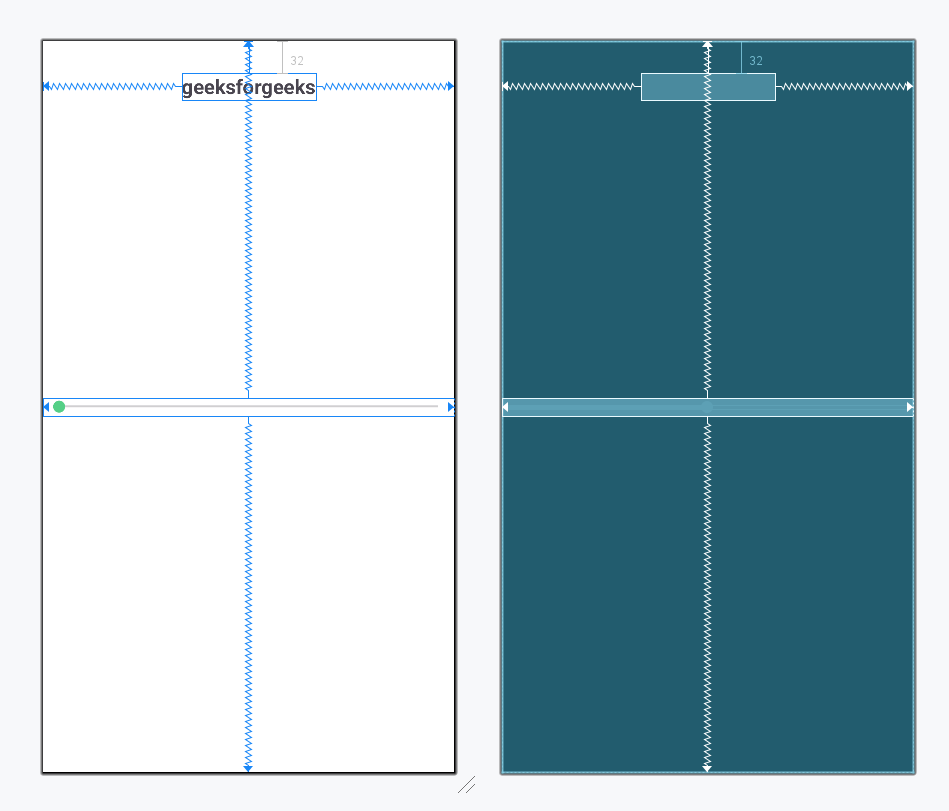
Open your xml file and add a SeekBar and TextView for message as shown below, max attribute in SeekBar define the maximum it can take. Assign ID to SeekBar And TextView.
activity_main.xml:
Design UI:
Now, open up the activity file and then define the SeekBar and TextView variable, use findViewById() to get the SeekBar and TextView. Performs seek bar change listener event which is used for getting the progress value. By using this event listener we get the value of Progress, and the progress is displayed by using a TextView, which will increase the size.