|
VOOZH | about |
|
VOOZH | about |
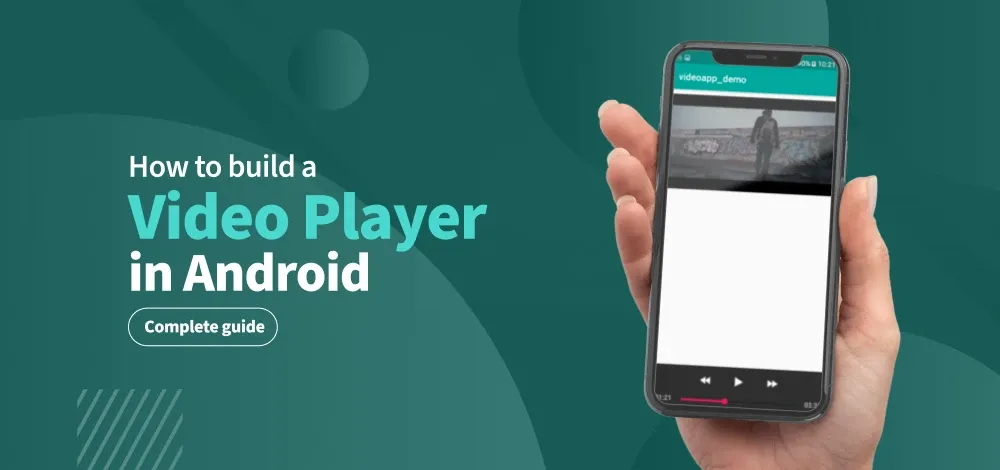
This article explains the stepwise process as to how to build a Video Player using Android Studio. For viewing videos in android, there is a special class called "Exoplayer". In this article, we will be having 2 videos which are connected by the "Dialog box", i.e. a dialog box will come after completion of the first video which will ask the user whether he wants to replay or play next video.
To create a new project in the Android Studio, please refer to How to Create/Start a New Project in Android Studio?
Navigate to Gradle Scripts > build.gradle.kts (Module :app) and add the following dependencies in the dependencies {} section.
dependencies {
 ...
 val exoplayerVersion = "1.6.1"
 // Core ExoPlayer library
 implementation("androidx.media3:media3-exoplayer:$exoplayerVersion")
 // Common utilities (recommended)
 implementation("androidx.media3:media3-common:$exoplayerVersion")
 // UI components
 implementation("androidx.media3:media3-ui:$exoplayerVersion")
 // DASH support
 implementation("androidx.media3:media3-exoplayer-dash:$exoplayerVersion")
 // HLS support
 implementation("androidx.media3:media3-exoplayer-hls:$exoplayerVersion")
 // Smooth Streaming support
 implementation("androidx.media3:media3-exoplayer-smoothstreaming:$exoplayerVersion")
 // Optional: Extractor (for progressive formats like MP4, MP3)
 implementation("androidx.media3:media3-exoplayer-rtsp:$exoplayerVersion")
}
Navigate to app > manifests > AndroidManifest.xml and add the following permission
<uses-permission android:name="android.permission.INTERNET" />Navigate to app > res > layout > activity_main.xml and add the following code. In here, we will adding the Media3 playerview where we will display the videos.
activity_main.xml:
Navigate to app > java > {package-name} > MainActivity.kt/.java and add the following code. Comments are added for better understanding.