|
VOOZH | about |
|
VOOZH | about |
Notes app is used for making short text notes, updating when you need them, and trashing when you are done. It can be used for various functions as you can add your to-do list in this app, some important notes for future reference, etc. The app is very useful in some cases like when you want quick access to the notes. Likewise, here let’s create an Android App to learn how to create a simple Notes App. So in this article let's build a Notes App in which the user can add any data, remove any data as well as open any data.
Note that we are going to implement this project using both Java and Kotlin language.
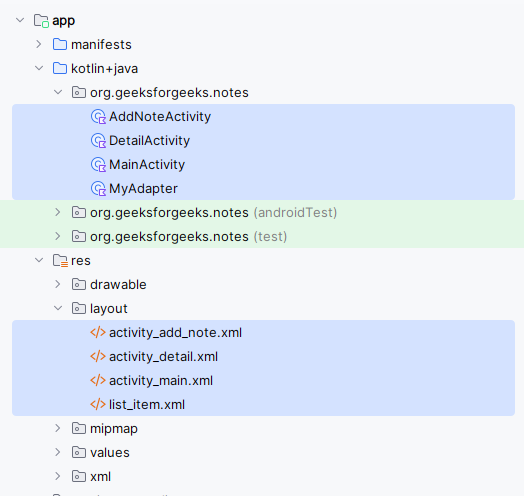
In this Application, we will be using Activities and Simple Java/Kotlin Code:
Layouts Used in this Application:
To create a new project in Android Studio please refer to How to Create/Start a New Project in Android Studio.
Note: Select Java/Kotlin as the programming language.
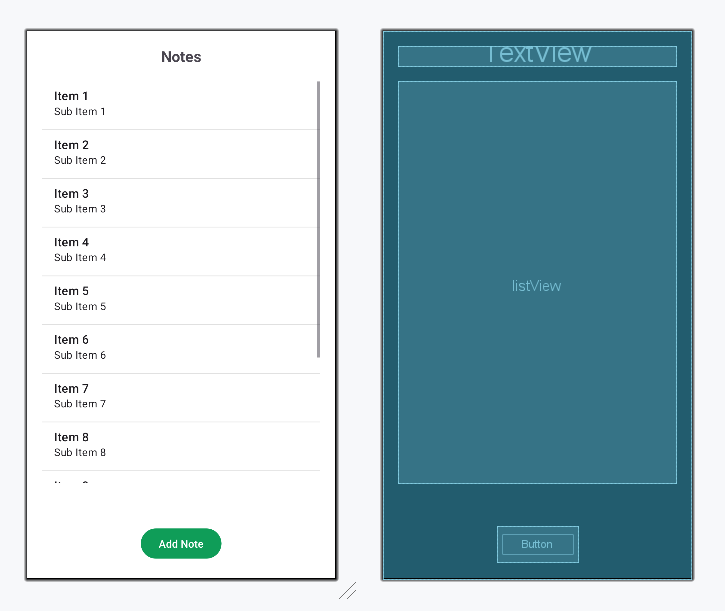
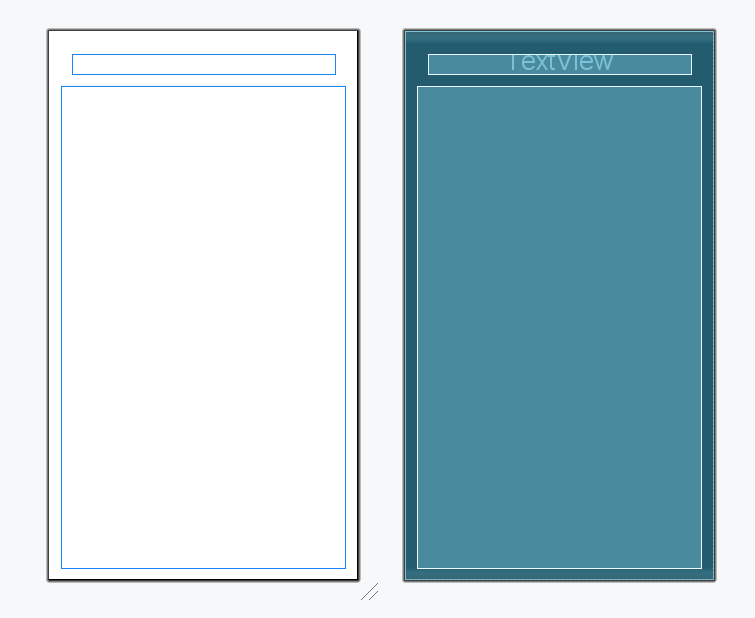
In the activity_main.xml file the main page we will only display the Notes with Add , Open and Delete Button.
Design UI:
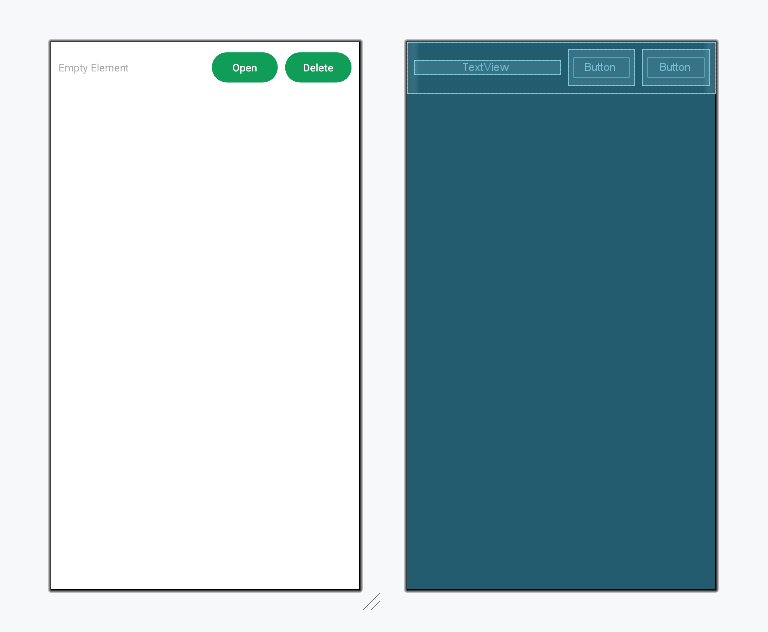
Apart from this we will need a Layout template for every List Item. So, we will be creating a new Layout File. Also, we need a Program to Support the MainAcitivity for adding the functionalities to ListView Items i.e. Add Button and Delete Button. Create MyAdapter Class containing the Functionalities. Create New Java/Kotlin Class MyAdapter file in the main src project in the same repo as MainActivity file:
File Name: list_item.xml and MyAdapter.kt/.java
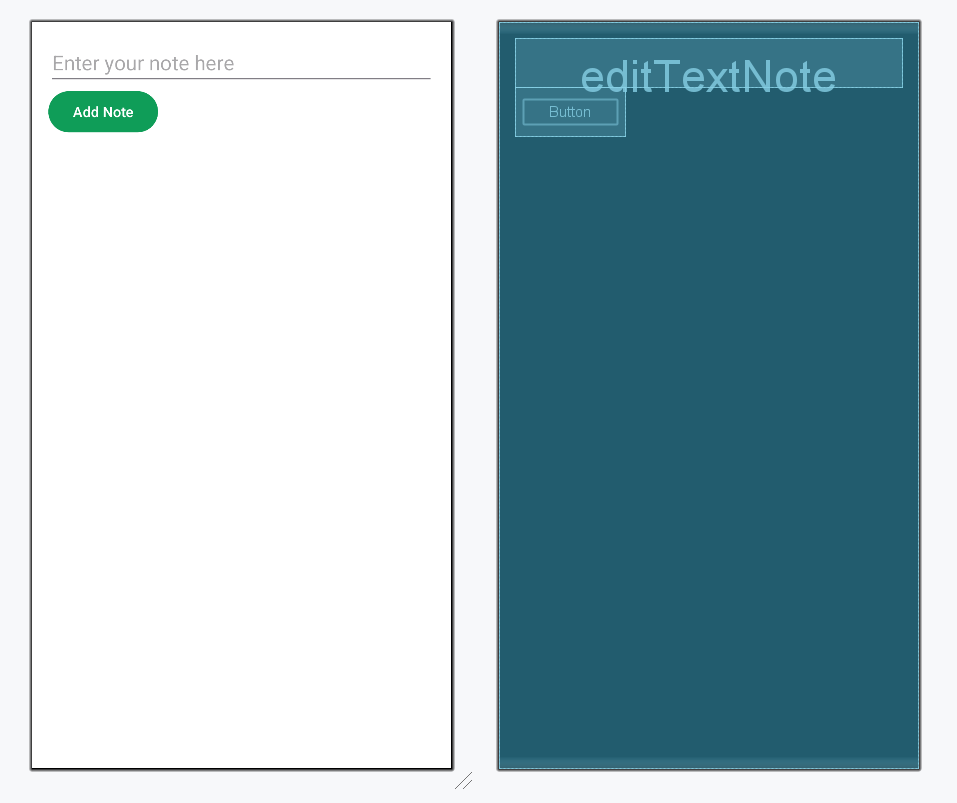
Go to app > java/kotlin > right-click > New > Activity > Empty Activity and name it as AddNoteActivity.
Note: Similarly Create DetailActivity.
Resource File Created :
Note: The Application we have created is like a template for your Notes Application you can make changes in it as you want.The GitHub Link for the Application is : Click Here to access the Complete Code to create a Simple Notes Application