|
VOOZH | about |
|
VOOZH | about |
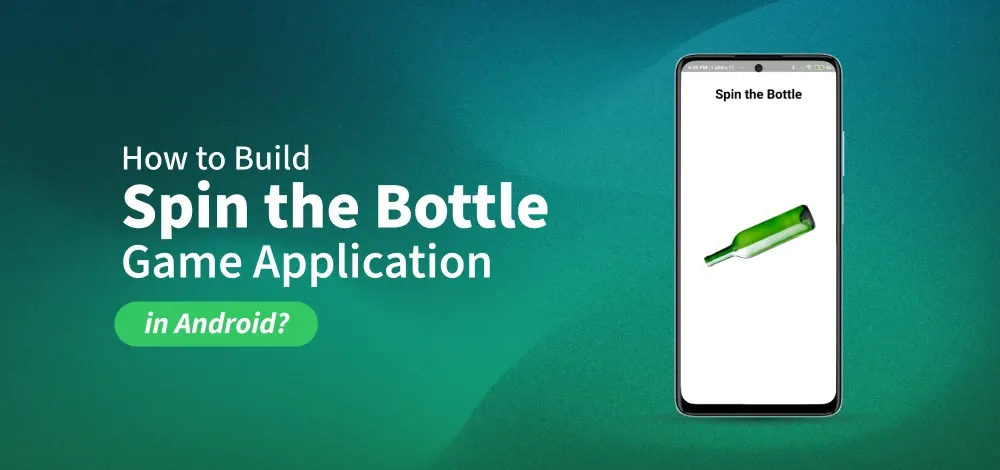
In this article, we will be building a Spin the Bottle Game Project using Java/Kotlin and XML in Android. The application is based on a multiplayer game. One player spins the bottle and the direction in which the bottle spins will determine the player who gets selected for a task or any other stuff. There will be a single activity in this application.
To create a new project in Android Studio please refer to How to Create/Start a New Project in Android Studio.
Go to app > res > drawable and add this bottle image.
The XML codes are used to build the structure of the activity as well as its styling part. It contains a TextView at the very top of the activity to show the title. Then it contains an ImageView of the bottle in the center of the activity. Below is the code for the activity_main.xml file.
activity_main.xml:
We will set an onClickListener on the bottle to rotate the bottle when the bottle in tapped. Then, we will create a spinBottle() function to write the code for spinning the bottle. Inside this function, we will generate a random number from 5-10 that will be the number of the times the bottle spins. For this, we will be using the Random function. We will use ObjectAnimator to spin the image. We can set a duration of the animation. We will also use DecelerateInterpolator() to slow down the bottle naturally.
MainActivity File: