|
VOOZH | about |
|
VOOZH | about |
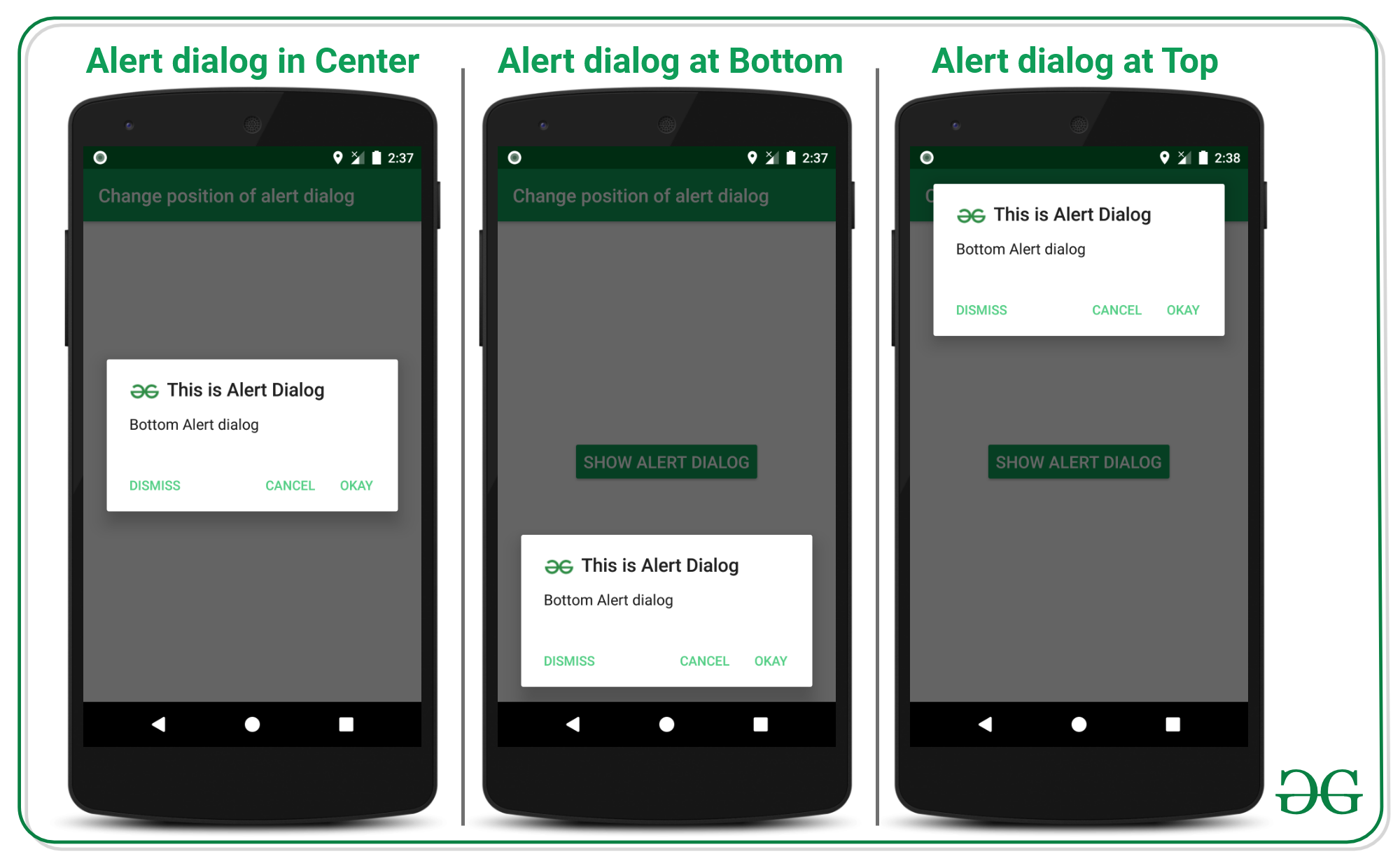
AlertDialog in android is one of the UI widgets which immediately pops up to confirm the user interaction or to confirm the action which is done by the user. In most of the applications, the position of the alert dialog is in the center. In this article, it's been discussed how to change the position of the alert dialog in android. Have a look at the following image to differentiate the normal alert dialog with the center position and the alert dialog with the changed position.
Note that we are going to implement this project using both the language Java and Kotlin.
👁 Change the Position of AlertDialog in Android
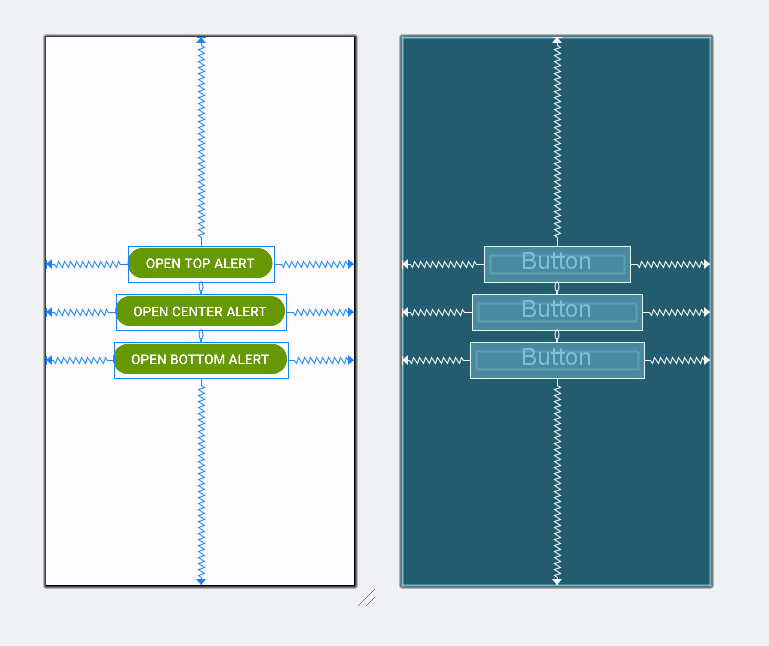
activity_main.xml:
For changing the alert dialog position at the top of the Android window, invoke the following code to implement. Comments are added for better understanding.
MainActivity File: