|
VOOZH | about |
|
VOOZH | about |
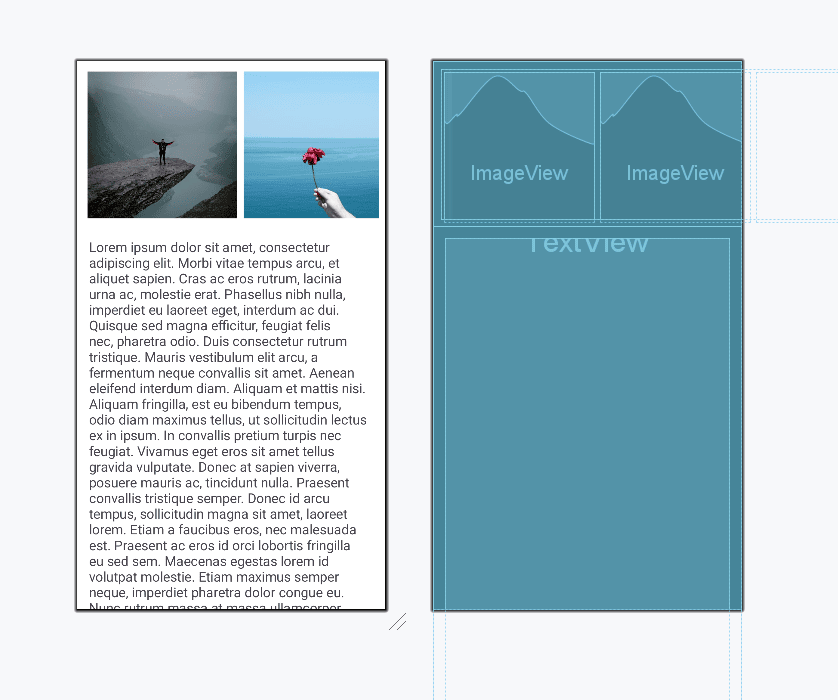
NestedScrollView is an advanced version of ScrollView, that supports nested scrolling operations allowing it to act as both a parent and child. NestedScrollView is used when there is a need for a scrolling view insidee which view to scroll. Let's discuss a NestedScrollView in Android by taking an example. another scrolling view. You have seen this in many apps for example when we open a pdf file and when we reached the end of the PDF there is an Ad below the pdf file. This is where NestedScrollView comes in. Normally this would be difficult to accomplish since the system would be unable to decide.
To create a new project in Android Studio please refer to How to Create/Start a New Project in Android Studio.
The code for that has been given in both Java and Kotlin Programming Language for Android.
Go to the app > res > values > strings.xml and a long text string file to display those strings in the activity_main.xml file. Also in the app > res > drawable folder add a few images for the HorizontalScrollView.
In the activity_main.xml file, add the NestedScrollView as the parent layout and inside it add a ConstraintLayout and inside it add a HorizontalScrollView and a regular ScrollView to be nested.
Note: One can create only one direct child such as a layout or view inside the NestedScrollView.
Here is the code for the activity_main.xml file.
Go to the MainActivity File and refer to the following code. Since there is no change in MainActivity File, so we can use the file attached below.